Why You're Seeing "BRITBOX*" on Your Bank Statement
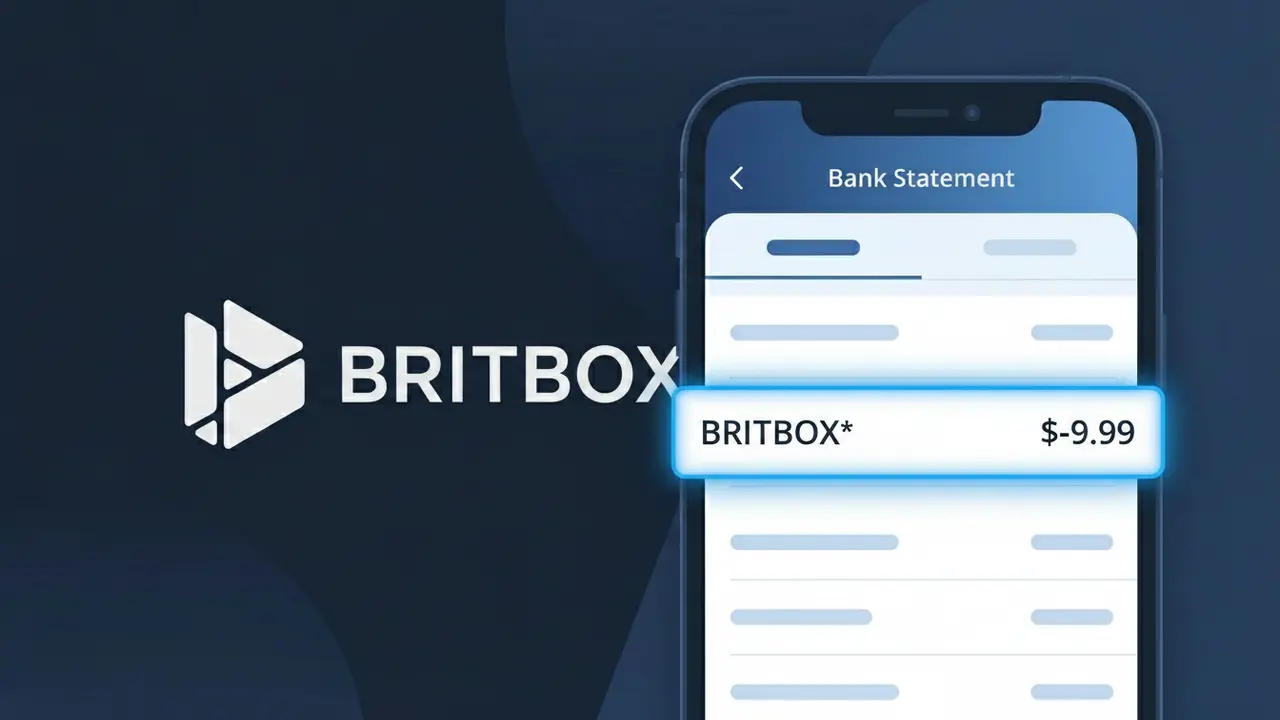
What Is "BRITBOX*" on My Bank Statement?
A BRITBOX* charge on your bank statement comes from BritBox, a popular streaming service dedicated to British television content. BritBox offers a vast library of classic and contemporary British shows, including content from the BBC, ITV, Channel 4, and Channel 5. This charge typically appears when you have an active BritBox subscription, a free trial that has converted to a paid plan, or when your annual or monthly subscription renews automatically. If you see BRITBOX* on your statement, it is almost certainly your recurring streaming membership fee.
The descriptor BRITBOX* appears on your bank statement because payment processors often use a shortened or coded version of a company's name to identify transactions, and the asterisk following the name is commonly used to indicate a subscription-based or recurring billing arrangement. BritBox processes its subscription payments using this truncated format, which is standard practice among many streaming platforms to fit within the character limits imposed by banking systems. If you subscribed directly through the BritBox website or app, this is the exact descriptor your bank will display rather than the full company name.
ℹ️ Note
In most cases, seeing "BRITBOX*" on your statement is completely normal. Before assuming fraud, check your recent purchases — most mystery charges have a simple explanation.
Is the BRITBOX* Charge Legitimate or Fraud?
If you see BRITBOX* on your bank or credit card statement, this charge is almost certainly legitimate and comes from BritBox, the British streaming service co-owned by the BBC and ITV. BritBox offers a subscription service featuring classic and contemporary British TV shows, dramas, and documentaries for a monthly or annual fee.
- BritBox bills subscribers monthly or annually, and the charge appears as BRITBOX* on bank statements
- The asterisk in BRITBOX* is standard billing shorthand used by streaming services to identify recurring subscription charges
- BritBox offers a free trial period, and BRITBOX* charges begin automatically once the trial ends if not cancelled
- If you do not recognise the charge, a family member or household member may have signed up using your payment method
How to Verify the BRITBOX* Charge
- 1
Log into your BritBox account
Visit BritBox.com and sign in. Navigate to your account settings and check your billing history to confirm the BRITBOX* charge matches your subscription plan.
- 2
Search your email inbox
Search for emails from BritBox or noreply@britbox.com. BritBox sends confirmation emails when you subscribe and receipts for each BRITBOX* billing cycle.
- 3
Check with household members
Ask family members or others in your household if they signed up for a BritBox subscription using your credit or debit card details.
- 4
Review your subscription apps
If you subscribed to BritBox through Apple TV, Amazon Prime Video Channels, or Roku, check those platforms for active BRITBOX* subscriptions in their billing sections.
- 5
Contact your bank
If you still cannot identify the BRITBOX* charge, call the number on the back of your card and ask your bank to provide the transaction's merchant details for further clarification.
How to Dispute a BRITBOX* Charge
- 1
Act within 60 days
Contact your bank or card issuer as soon as possible. Most dispute windows for unauthorised BRITBOX* charges are 60 days from the date the charge appears on your statement.
- 2
Contact BritBox customer support first
Reach out to BritBox directly at help.britbox.com or via their support email. BritBox may issue a refund for unintended charges, especially if a free trial converted to a paid subscription unexpectedly.
- 3
File a chargeback with your bank
If BritBox does not resolve the issue, contact your bank or credit card company to formally dispute the BRITBOX* charge and request a chargeback for the unauthorised transaction.
- 4
Request a new card number
If you suspect your payment details were used fraudulently to create a BritBox account you did not authorise, ask your bank to issue a new card to prevent further BRITBOX* charges.
Tips for Managing BRITBOX* Charges
Set a calendar reminder before your BritBox free trial ends to avoid an unexpected BRITBOX* charge on your statement.
Keep your BritBox subscription confirmation email so you can cross-reference the amount against future BRITBOX* charges.
Use a unique password for your BritBox account to prevent unauthorised access that could lead to unexpected BRITBOX* billing changes.
Note your BritBox billing date each month so you can anticipate when the BRITBOX* charge will appear and flag anomalies quickly.
Use a virtual or prepaid card for your BritBox subscription to limit exposure if your payment details are ever compromised.
Use WhatIsThisCharge.net to identify related charges that may appear alongside BRITBOX* on your statement.
Frequently Asked Questions About the BRITBOX* Charge
🔍 Decode this charge instantly
Search our database for BRITBOX* and similar charges.
Decode BRITBOX* →Was this article helpful?