Why You're Seeing "BSNL*" on Your Bank Statement
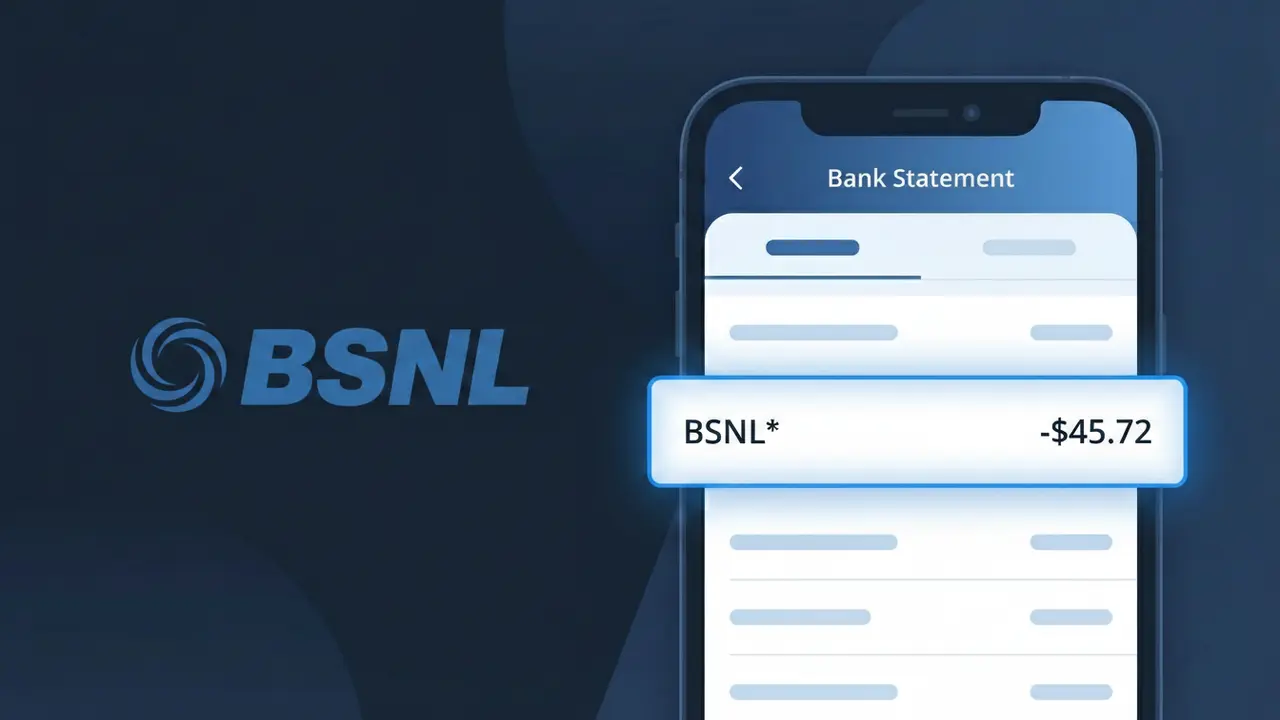
What Is "BSNL*" on My Bank Statement?
A charge showing BSNL* on your bank statement comes from Bharat Sanchar Nigam Limited (BSNL), India's government-owned telecommunications company. This charge typically represents a payment for BSNL broadband internet service, mobile postpaid bills, or landline telephone plans. The asterisk following BSNL* is commonly used in payment processing systems to indicate a merchant transaction prefix. If you have an active BSNL mobile, broadband, or landline connection, this charge is almost certainly your monthly service bill.
The descriptor BSNL* appears on your bank statement because payment processing networks truncate or abbreviate merchant names to fit standardized transaction fields. BSNL processes billing payments through electronic payment gateways that register the company's short code followed by an asterisk, which is a common formatting convention used by Indian payment processors. This shortened format is how the transaction is relayed from BSNL's billing system to your bank, which is why you may not see the full company name 'Bharat Sanchar Nigam Limited' on your statement.
ℹ️ Note
In most cases, seeing "BSNL*" on your statement is completely normal. Before assuming fraud, check your recent purchases — most mystery charges have a simple explanation.
Is BSNL* Legitimate or Fraud?
If you see BSNL* on your bank or credit card statement, this charge is most likely legitimate and originates from BSNL (Bharat Sanchar Nigam Limited), India's government-owned telecommunications company. BSNL provides broadband internet, landline, mobile, and fiber optic services across India, and the BSNL* descriptor is commonly used for recurring billing of these services.
- BSNL* charges typically reflect monthly broadband or fiber (FTTH) plan renewals
- Mobile prepaid or postpaid bill payments processed online often appear as BSNL*
- Annual or quarterly landline rental payments from BSNL can trigger this descriptor
- Charges may appear if a family member paid a BSNL bill using your linked payment method
If you do not have any active BSNL service and do not recognize the BSNL* charge, it is worth investigating further as it could indicate unauthorized use of your payment details.
How to Verify the BSNL* Charge
- 1
Log into your BSNL account
Visit the official BSNL self-care portal at selfcare.bsnl.co.in or the BSNL app and review your billing history. Match the charge amount and date with your recent invoices or plan renewals.
- 2
Search your email for BSNL receipts
Search your inbox for emails from BSNL or noreply@bsnl.co.in. BSNL typically sends payment confirmation emails that will match the BSNL* transaction on your statement.
- 3
Check with household members
Ask family members whether they used your card to pay a BSNL broadband, landline, or mobile bill. Shared households in India commonly use one card for multiple BSNL connections.
- 4
Review any linked auto-pay settings
Check if your bank card is registered for BSNL's auto-pay or ECS (Electronic Clearing Service) mandate. BSNL auto-renewals will generate recurring BSNL* charges each billing cycle.
- 5
Contact your bank for transaction details
Ask your bank for the full merchant descriptor and transaction ID tied to the BSNL* charge. This can help confirm whether the payment was processed through BSNL's official payment gateway.
How to Dispute a BSNL* Charge
- 1
Act within 60 days of the charge
Most banks allow disputes within 60 days of the statement date. Identify the BSNL* charge on your statement and initiate a dispute promptly to stay within your bank's chargeback window.
- 2
Contact BSNL customer support first
Call BSNL's helpline at 1800-345-1500 (toll-free) or visit your nearest BSNL customer service center. Explain the unauthorized or incorrect BSNL* charge and request a refund or clarification directly.
- 3
File a chargeback with your bank
If BSNL does not resolve the issue, contact your bank or card issuer to file a formal chargeback. Provide the BSNL* transaction details, amount, date, and any communication with BSNL as supporting evidence.
- 4
Request a new card if fraud is suspected
If you believe the BSNL* charge is the result of fraud or unauthorized access to your card details, ask your bank to cancel your current card and issue a replacement to prevent further unauthorized charges.
Tips for Managing BSNL* Charges
Enable SMS and email alerts for your bank account to get notified instantly when a BSNL* charge is processed.
Keep a record of your active BSNL plans and renewal dates so you can cross-check every BSNL* transaction easily.
Secure your BSNL self-care account with a strong password and two-factor authentication to prevent unauthorized billing changes.
Note your BSNL billing cycle date — most broadband plans renew monthly, so expect the BSNL* charge around the same date each month.
Avoid saving your card details on third-party recharge sites; always pay BSNL bills through the official BSNL portal or app.
Use WhatIsThisCharge.net to identify related charges that may appear alongside BSNL* on your statement.
Frequently Asked Questions About BSNL*
Was this article helpful?