Why You're Seeing "BUFFER*" on Your Bank Statement
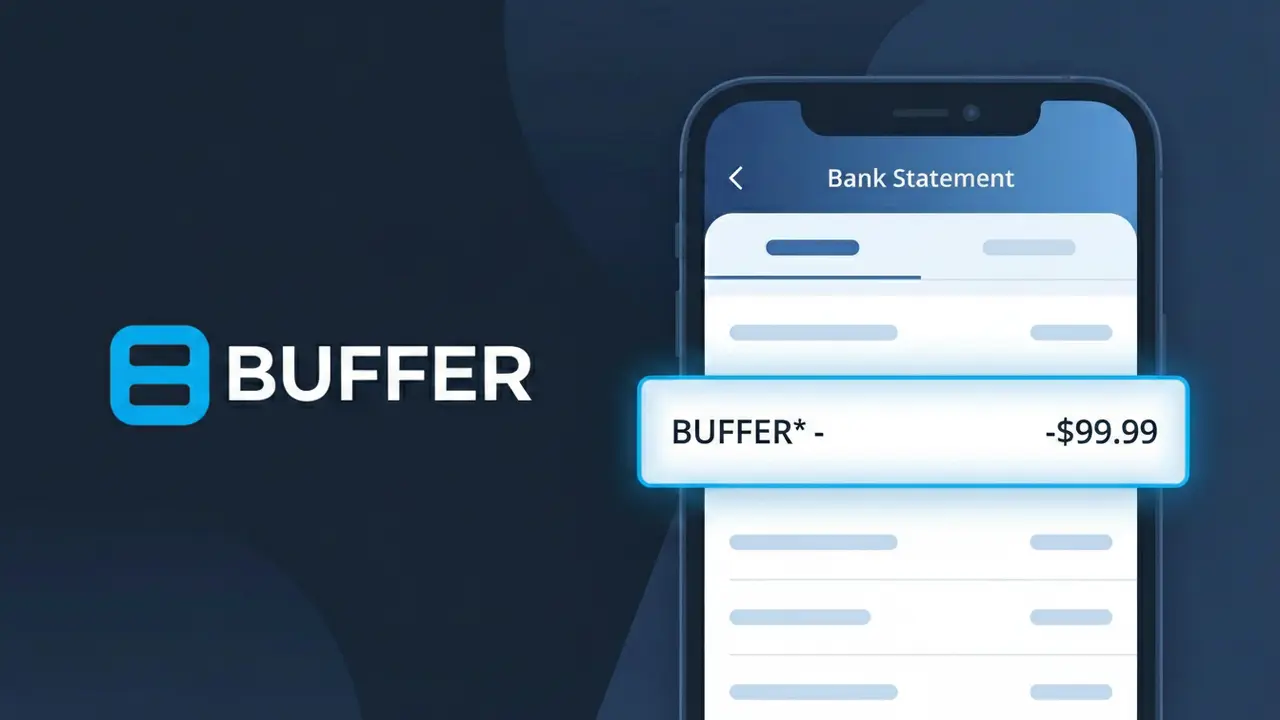
What Is "BUFFER*" on My Bank Statement?
A charge showing BUFFER* on your bank statement comes from Buffer, a popular social media management platform based in the United States. This charge represents a subscription fee for Buffer's SaaS tools, which allow individuals, businesses, and marketing teams to schedule posts, analyze performance, and manage multiple social media accounts from a single dashboard. The asterisk following BUFFER* typically indicates a recurring subscription billing event. If you or someone with access to your payment method signed up for a Buffer plan, this is the charge you'll see on your statement each billing cycle.
The descriptor BUFFER* appears on your bank statement because payment processors often use a shortened or abbreviated version of a company's name combined with a special character to identify recurring software subscriptions. Buffer uses this format to distinguish their billing transactions within the payment processing system. The asterisk is a common convention used by SaaS companies to signal that the charge is part of an ongoing subscription rather than a one-time purchase.
ℹ️ Note
In most cases, seeing "BUFFER*" on your statement is completely normal. Before assuming fraud, check your recent purchases — most mystery charges have a simple explanation.
Is the BUFFER* Charge Legitimate or Fraud?
If you see BUFFER* on your bank or credit card statement, this charge is most likely legitimate and comes from Buffer, a popular social media management and scheduling platform used by businesses, marketers, and content creators. Buffer bills users on a recurring monthly or annual basis for access to its publishing, analytics, and engagement tools.
Common reasons you may see the BUFFER* charge include:
- An active Buffer subscription on the Essentials, Team, or Agency plan
- An annual plan renewal automatically charged to your card on file
- A team member or colleague signed up using your payment method
- A free trial that converted to a paid Buffer subscription
If you do not recall signing up for Buffer, check with household members or colleagues before assuming fraud, as the BUFFER* descriptor is standard for all Buffer billing transactions.
How to Verify the BUFFER* Charge
- 1
Log into your Buffer account
Visit buffer.com and sign in. Navigate to Settings > Billing to review your active plan, billing history, and the exact amount charged matching the BUFFER* line item.
- 2
Search your email for Buffer receipts
Search your inbox for emails from 'billing@buffer.com' or the subject 'Buffer receipt'. Buffer sends an email confirmation every time a BUFFER* charge is processed.
- 3
Check if a team member signed up
If you share finances with a partner, roommate, or colleague, ask whether they created a Buffer account using your card — Buffer's team plans are popular in workplace settings.
- 4
Review your subscription management tools
Check apps like Rocket Money or your bank's subscription tracker to see if Buffer appears as a recurring merchant alongside the BUFFER* charge descriptor.
- 5
Contact your bank for transaction details
Call the number on the back of your card and ask for the full merchant details behind the BUFFER* charge, including the exact billing date and merchant ID, to confirm its origin.
How to Dispute a BUFFER* Charge
- 1
Act within 60 days of the charge
Most banks require you to report an unauthorized BUFFER* charge within 60 days of your statement date. Acting quickly protects your right to a full chargeback.
- 2
Contact Buffer support first
Reach Buffer's support team at buffer.com/contact or via in-app chat. Buffer can issue refunds for accidental renewals or unrecognized BUFFER* charges faster than a bank dispute.
- 3
File a chargeback with your bank
If Buffer does not resolve the issue, call your bank or card issuer and report the BUFFER* charge as unauthorized. Provide your email search results and any Buffer correspondence as evidence.
- 4
Request a new card number
If you believe the BUFFER* charge is fraudulent and your card details were compromised, ask your bank to cancel the card and issue a new one to prevent further unauthorized charges.
Tips for Managing BUFFER* Charges
Enable billing alerts in Buffer's settings so you're notified before each BUFFER* renewal charge hits your account.
Download your Buffer invoices from Settings > Billing to keep records of every BUFFER* transaction for expense reporting.
Secure your Buffer account with two-factor authentication to prevent unauthorized plan upgrades that could create unexpected BUFFER* charges.
Switch to an annual Buffer plan to save up to 15% and reduce the frequency of BUFFER* charges appearing on your statement.
Use a virtual card number for your Buffer subscription so you can freeze it instantly if you ever spot a suspicious BUFFER* charge.
Use WhatIsThisCharge.net to identify related charges from Buffer or other social media tool subscriptions on your statement.
Frequently Asked Questions About the BUFFER* Charge
Was this article helpful?