Why You're Seeing "BUMBLE*" on Your Bank Statement
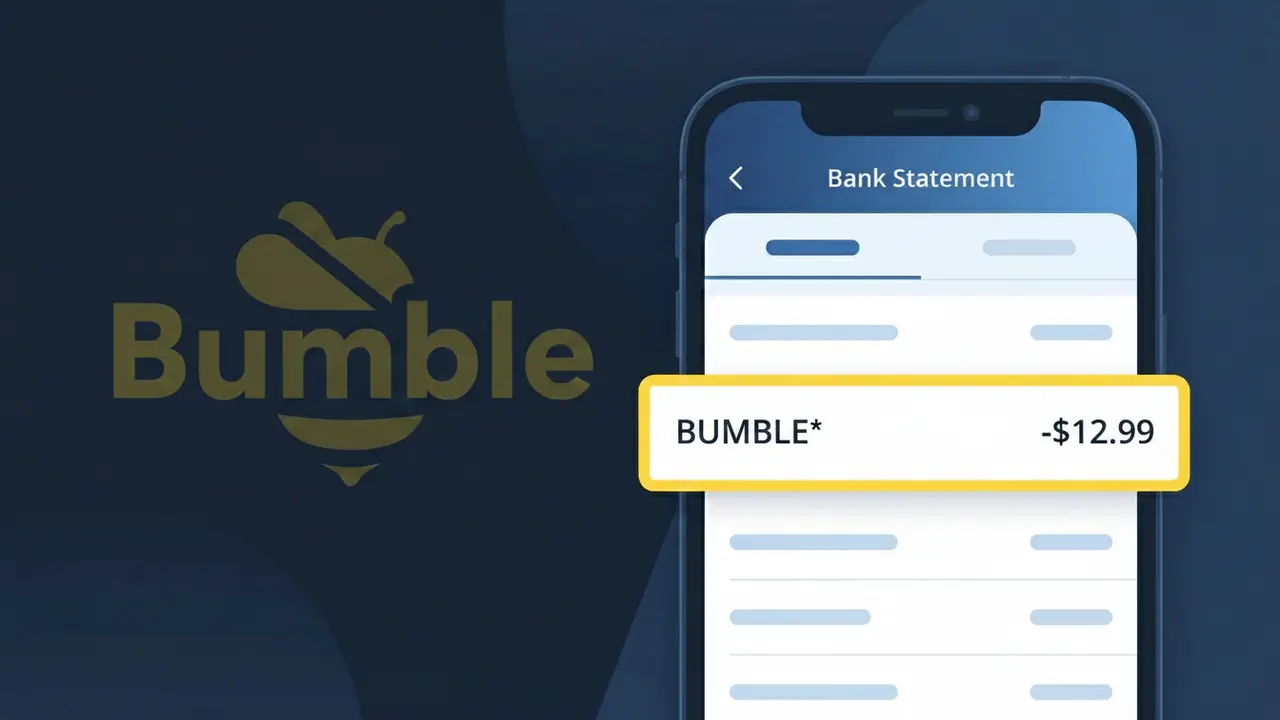
What Is "BUMBLE*" on My Bank Statement?
A charge showing BUMBLE* on your bank statement comes from Bumble, the popular dating app known for letting women make the first move. This charge typically represents a premium subscription or in-app purchase made through the Bumble platform. Bumble offers paid tiers such as Bumble Boost and Bumble Premium, which unlock features like seeing who liked your profile, extending matches, and using advanced filters. If you or someone with access to your account signed up for one of these upgrades, that's most likely the source of this charge.
The descriptor BUMBLE* appears on your bank statement because payment processors often use a shortened or coded version of the merchant's name, sometimes followed by an asterisk to indicate a subscription or recurring billing arrangement. The asterisk after BUMBLE is a common convention used by digital subscription services to flag ongoing charges. This truncated format is standard across many app-based services and can make the charge look unfamiliar even if you signed up for the service yourself.
ℹ️ Note
In most cases, seeing "BUMBLE*" on your statement is completely normal. Before assuming fraud, check your recent purchases — most mystery charges have a simple explanation.
Is the BUMBLE* Charge Legitimate or Fraud?
If you see BUMBLE* on your bank or credit card statement, it is most likely a legitimate charge from BUMBLE, the popular dating and networking app. BUMBLE offers paid subscription tiers such as Bumble Boost and Bumble Premium, as well as in-app purchases like Spotlight and SuperSwipes, all of which may appear as BUMBLE* on your statement.
Common reasons you may see the BUMBLE* charge include:
- An active Bumble Boost or Bumble Premium subscription renewal
- A one-time in-app purchase of Bumble coins, Spotlights, or SuperSwipes
- A free trial that automatically converted to a paid BUMBLE subscription
- A household member or partner who signed up for BUMBLE using your payment method
However, if you do not recognize the BUMBLE* charge and have never used Bumble, it is worth investigating further as it could indicate unauthorized use of your card details.
How to Verify the BUMBLE* Charge
- 1
Log into your BUMBLE account
Open the Bumble app or visit bumble.com and log in. Navigate to your profile settings and check 'Manage Subscriptions' or 'Purchase History' to see if the BUMBLE* charge matches any active plan or purchase.
- 2
Search your email for BUMBLE receipts
Search your inbox for emails from 'noreply@bumble.com' or with the subject line containing 'Bumble' or 'receipt.' BUMBLE sends confirmation emails for every subscription renewal and in-app purchase.
- 3
Check with household members
Ask family members or partners if they signed up for BUMBLE or made any in-app purchases using a shared payment method, as the BUMBLE* charge may have been authorized by someone else in your household.
- 4
Review your app store subscriptions
If you downloaded BUMBLE through the Apple App Store or Google Play, your subscription may be billed there. Check your Apple ID or Google account subscription list to find any active BUMBLE plans.
- 5
Contact your bank for more details
Call the number on the back of your card and ask for the full merchant name and transaction details tied to the BUMBLE* charge. This can help confirm the exact date and amount billed by BUMBLE.
How to Dispute a BUMBLE* Charge
- 1
Act within 60 days
Most banks require you to dispute an unrecognized BUMBLE* charge within 60 days of it appearing on your statement. Acting quickly improves your chances of a successful chargeback and full refund.
- 2
Contact BUMBLE support first
Visit bumble.com/en/help or use the in-app support chat to report the unauthorized BUMBLE* charge. BUMBLE's support team can investigate and issue a refund faster than a bank dispute in many cases.
- 3
File a chargeback with your bank
If BUMBLE does not resolve the issue, call your bank or card issuer and formally dispute the BUMBLE* transaction. Provide the date, amount, and any communication you had with BUMBLE support as evidence.
- 4
Request a new card number
If you suspect your card was used fraudulently to pay for BUMBLE, ask your bank to cancel your current card and issue a new one to prevent any future unauthorized BUMBLE* charges from occurring.
Tips for Managing BUMBLE* Charges
Set a calendar reminder before your BUMBLE Boost or Premium trial ends to avoid an unexpected BUMBLE* renewal charge.
Always save BUMBLE purchase confirmation emails so you can easily match them to any BUMBLE* charge on your statement.
Secure your BUMBLE account with a strong, unique password to prevent unauthorized purchases appearing as BUMBLE* on your card.
Note your BUMBLE subscription billing date each month so you can anticipate when the BUMBLE* charge will appear.
Enable transaction alerts on your bank account to get instant notifications whenever a BUMBLE* charge is processed.
Use WhatIsThisCharge.net to identify related charges that may appear alongside BUMBLE* on your statement.
Frequently Asked Questions About the BUMBLE* Charge
Was this article helpful?