Why You're Seeing "CABIFY*" on Your Bank Statement
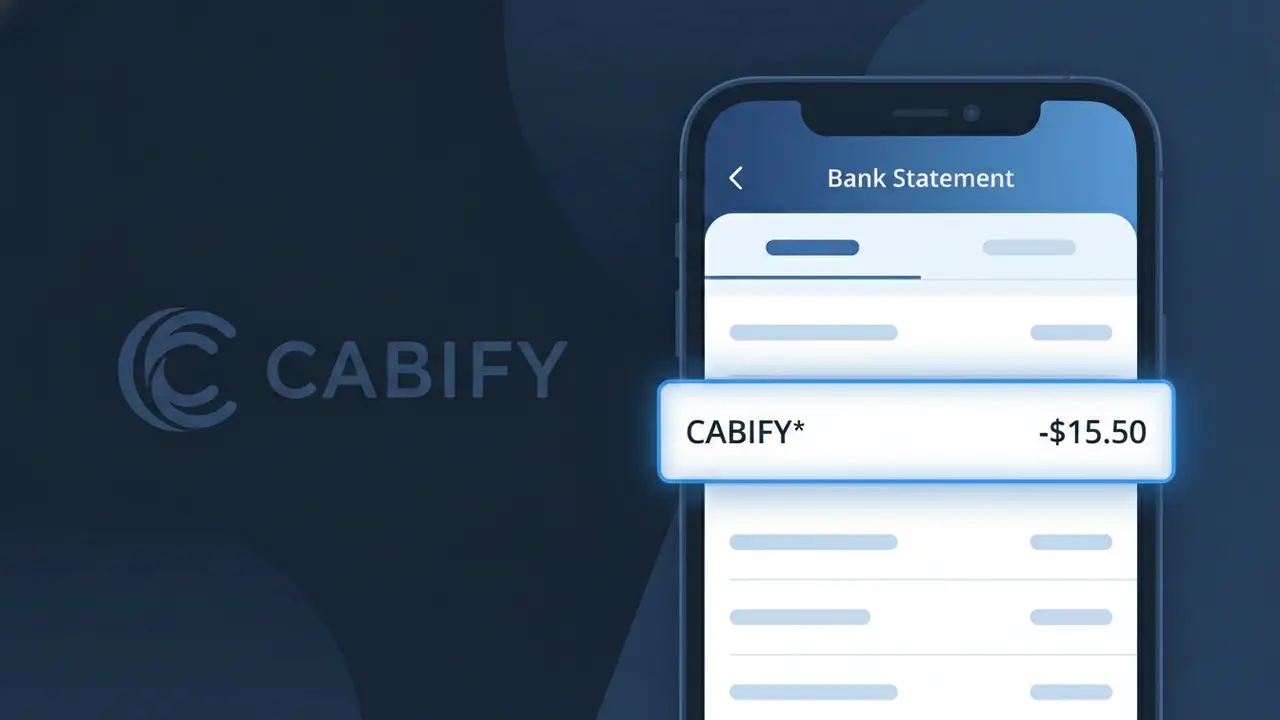
What Is "CABIFY*" on My Bank Statement?
A charge showing CABIFY* on your bank statement comes from Cabify, a popular ride-hailing and urban mobility platform operating across Spain and Latin America. This charge appears when you book a car, taxi, or other transport service through the Cabify app. The asterisk following CABIFY* is a standard billing convention used to indicate a variable or service-based charge. If you or someone with access to your payment method uses the Cabify app, this is the descriptor you'll see for completed rides or subscription services.
The descriptor CABIFY* appears on your bank statement because Cabify's payment processor registers transactions under this shortened identifier, which is common practice among app-based transport companies. The asterisk typically signals that the amount may vary depending on the ride distance, surge pricing, or any applicable fees at the time of booking. If you don't recognize this charge, it's worth checking whether a family member or someone else with access to your card has used the Cabify app recently.
ℹ️ Note
In most cases, seeing "CABIFY*" on your statement is completely normal. Before assuming fraud, check your recent purchases — most mystery charges have a simple explanation.
Is the CABIFY* Charge Legitimate or Fraud?
If you see CABIFY* on your bank or credit card statement, it most likely represents a legitimate charge from CABIFY, a popular ride-hailing and urban mobility platform operating in Spain, Latin America, and other markets. The asterisk in CABIFY* is a standard billing descriptor formatting used by payment processors to identify the merchant.
Common reasons you may see a CABIFY* charge include:
- A completed ride booked through the CABIFY app
- A CABIFY Business account trip charged to your corporate card
- A pre-authorization hold placed by CABIFY before your ride begins
- A CABIFY subscription or monthly plan fee
However, if you do not recognize the charge and have never used CABIFY, it is possible your card details were compromised, and you should contact your bank immediately.
How to Verify the CABIFY* Charge
- 1
Log into your CABIFY account
Open the CABIFY app or visit cabify.com and navigate to your ride history. Match the charge amount and date to a specific trip or transaction.
- 2
Search your email for CABIFY receipts
CABIFY sends email receipts after every completed ride. Search your inbox for emails from CABIFY or noreply@cabify.com matching the charge date.
- 3
Check if a household member used CABIFY
If your payment method is shared, a family member or colleague may have booked a CABIFY ride using your saved card without notifying you.
- 4
Look for a CABIFY pre-authorization
CABIFY sometimes places a temporary pre-authorization hold on your card before a ride. This may appear as a pending CABIFY* charge that resolves once the trip is finalized.
- 5
Contact your bank for details
If you still cannot identify the CABIFY* charge, call the number on the back of your card and ask your bank for the exact merchant details associated with the transaction.
How to Dispute a CABIFY* Charge
- 1
Act within 60 days
Most banks require disputes to be filed within 60 days of the statement date. Do not delay if you believe the CABIFY* charge is unauthorized or incorrect.
- 2
Contact CABIFY support first
Reach out to CABIFY directly through the app under Help & Support or email support@cabify.com. CABIFY can often resolve billing errors or issue refunds faster than a bank dispute.
- 3
File a chargeback with your bank
If CABIFY does not resolve the issue, contact your bank or card issuer to initiate a formal chargeback for the CABIFY* charge, providing any evidence such as screenshots or emails.
- 4
Request a new card if fraud is suspected
If you believe the CABIFY* charge is part of unauthorized use of your card details, ask your bank to cancel your current card and issue a new one to prevent further charges.
Tips for Managing CABIFY* Charges
Enable push notifications in the CABIFY app to get instant alerts every time a CABIFY* charge is processed.
Regularly review your CABIFY ride history in the app to reconcile each CABIFY* charge on your statement.
Secure your CABIFY account with a strong password and two-factor authentication to prevent unauthorized bookings.
If on a CABIFY subscription plan, note your billing renewal date to anticipate recurring CABIFY* charges each month.
Use a virtual card number for CABIFY payments to limit exposure if your card details are ever compromised.
Use WhatIsThisCharge.net to identify related charges that may appear alongside CABIFY* on your statement.
Frequently Asked Questions About the CABIFY* Charge
Was this article helpful?