Why You're Seeing "CALM*" on Your Bank Statement
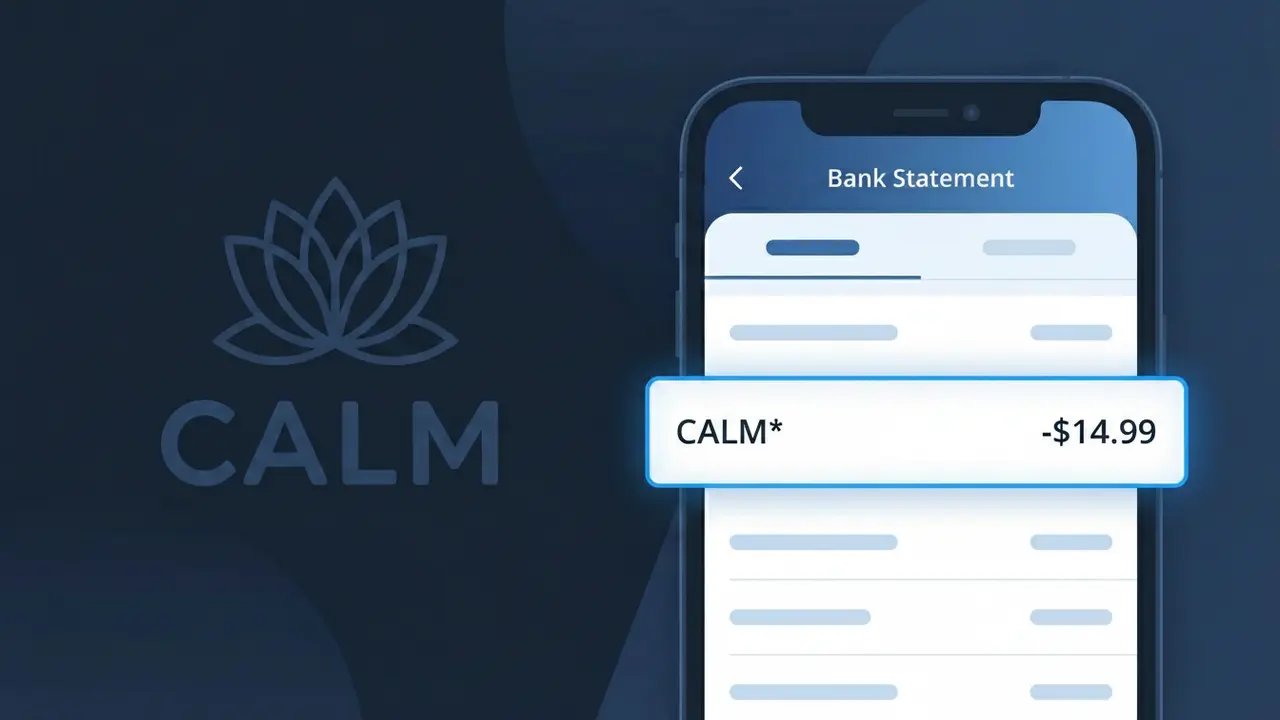
What Is "CALM*" on My Bank Statement?
A charge showing CALM* on your bank statement comes from Calm, the popular meditation and sleep app available on iOS, Android, and the web. This charge represents a subscription fee for access to Calm's library of guided meditations, sleep stories, breathing exercises, and relaxation content. The CALM* descriptor appears when Calm bills your payment method for either a monthly or annual subscription plan. If you or someone with access to your account signed up for a Calm free trial that has since converted, this charge is likely the reason it's showing up.
The CALM* descriptor appears on your bank statement because Calm uses a shortened billing identifier when processing subscription payments through their payment provider. The asterisk following CALM is a common convention used by subscription services to indicate that additional transaction details, such as a plan type or date, may follow depending on your bank's display format. This truncated format is standard practice and does not indicate any issue with the charge itself.
ℹ️ Note
In most cases, seeing "CALM*" on your statement is completely normal. Before assuming fraud, check your recent purchases — most mystery charges have a simple explanation.
Is the CALM* Charge Legitimate or Fraud?
The CALM* charge on your bank or credit card statement typically comes from CALM, the popular meditation and sleep app available on iOS, Android, and the web. This charge is most often associated with a CALM Premium subscription, which provides access to guided meditations, sleep stories, breathing exercises, and masterclasses.
Common reasons you may see a CALM* charge include:
- You subscribed to CALM Premium on a monthly or annual billing cycle
- A free trial of CALM Premium ended and converted to a paid subscription
- A family member or someone in your household signed up using your payment method
- You purchased a CALM gift subscription for yourself or someone else
If you do not recall signing up for CALM, check whether a trial period recently ended, as CALM trials automatically renew unless cancelled beforehand.
How to Verify the CALM* Charge
- 1
Log into your CALM account
Visit calm.com or open the CALM app and sign in. Navigate to your account settings to review your active subscription and billing history to confirm the CALM* charge.
- 2
Search your email for CALM receipts
Search your inbox for emails from 'calm.com' or 'CALM'. Subscription confirmation and billing receipt emails will show the exact amount and date matching the CALM* charge.
- 3
Check with household members
Ask family members or anyone who has access to your payment method whether they signed up for CALM Premium or redeemed a CALM gift subscription using your card.
- 4
Review your app store subscriptions
If CALM was downloaded via Apple App Store or Google Play, the charge may appear as CALM* through Apple or Google billing. Check your subscriptions in your device's account settings.
- 5
Contact your bank for details
If you still cannot identify the CALM* charge, ask your bank for the full merchant descriptor and transaction details, which can help confirm whether it originated from CALM.
How to Dispute a CALM* Charge
- 1
Act within 60 days
Most banks require disputes to be filed within 60 days of the statement date. If you believe the CALM* charge is unauthorized or erroneous, begin the process as soon as possible.
- 2
Contact CALM support first
Reach out to CALM directly at calm.com/support before escalating. CALM's support team can review your account, confirm subscription status, and may issue a refund for recent charges.
- 3
File a chargeback with your bank
If CALM does not resolve the issue, contact your bank or card issuer to dispute the CALM* charge. Provide your communication with CALM support as supporting evidence for the chargeback.
- 4
Request a new card number
If you suspect the CALM* charge is fraudulent and your card details were compromised, ask your bank to cancel your card and issue a new one to prevent further unauthorized charges.
Tips for Managing CALM* Charges
Set a calendar reminder before your CALM free trial ends to avoid an unexpected CALM* charge on your statement.
Save your CALM subscription confirmation email so you can easily match the amount to any future CALM* charge.
Keep your CALM account login details saved so you can quickly verify billing details whenever a CALM* charge appears.
Note whether your CALM plan is monthly or annual — annual CALM* charges are larger and may be easy to overlook.
If you cancel CALM, screenshot the confirmation to have proof in case a CALM* charge appears after cancellation.
Use WhatIsThisCharge.net to identify related charges that may appear alongside or instead of CALM* on your statement.
Frequently Asked Questions About the CALM* Charge
Was this article helpful?