Why You're Seeing "CANAL PLUS*" on Your Bank Statement
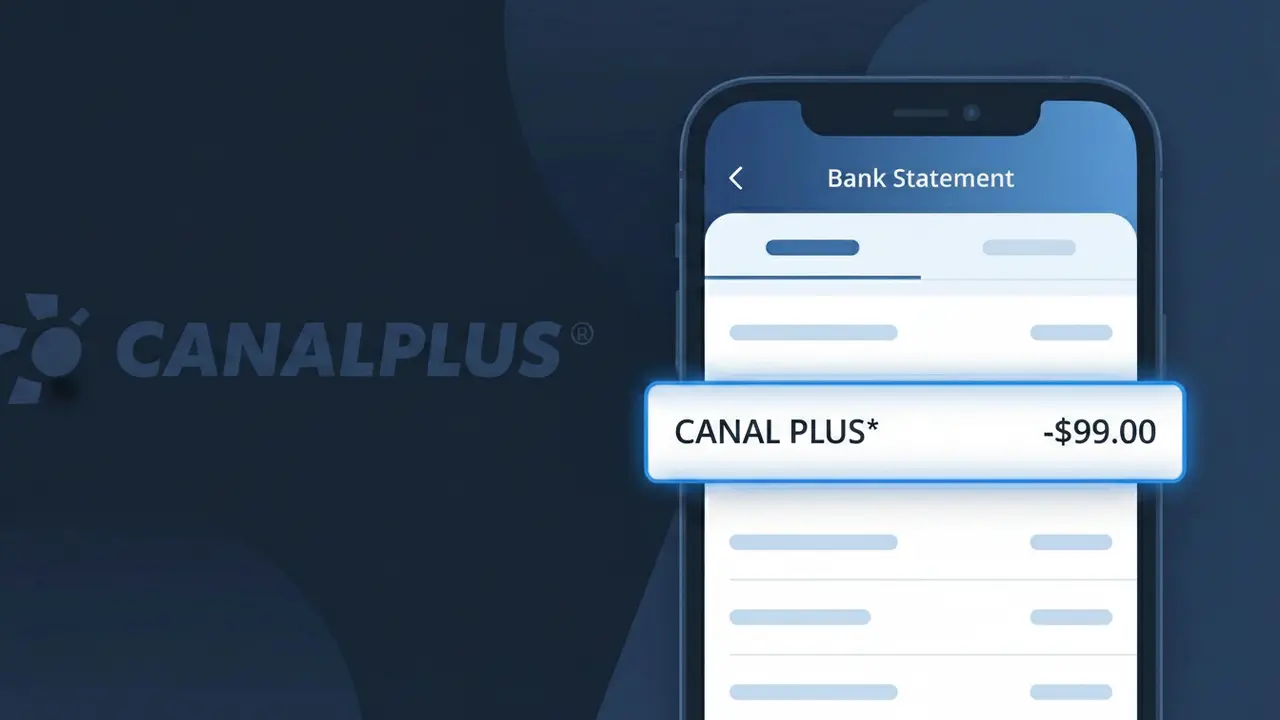
What Is "CANAL PLUS*" on My Bank Statement?
The CANAL PLUS* charge on your bank statement comes from Canal+, the well-known French premium television and streaming service. This charge represents your monthly Canal+ subscription (abonnement mensuel), which provides access to their catalog of films, sports, series, and exclusive content in France. Canal+ is one of France's leading pay-TV providers, offering both live channels and an on-demand streaming platform. If you see this charge recurring each month, it is simply your regular Canal+ subscription being billed to your payment method.
The descriptor CANAL PLUS* appears on your bank statement because payment processors often truncate or encode merchant names into shortened identifiers to fit character limits on bank transaction records. The asterisk (*) following the name is a common formatting convention used by payment systems to separate the merchant name from additional billing details such as an account reference or service type. This means even though you subscribed to Canal+, your bank displays the charge as CANAL PLUS* rather than the full brand name.
ℹ️ Note
In most cases, seeing "CANAL PLUS*" on your statement is completely normal. Before assuming fraud, check your recent purchases — most mystery charges have a simple explanation.
Is the CANAL PLUS* Charge Legitimate or Fraud?
If you see CANAL PLUS* on your bank or credit card statement, it is most likely a legitimate charge from CANAL PLUS, the French premium television and streaming service provider. This charge typically appears when you have an active subscription to one of their TV packages, streaming plans, or add-on services such as Canal+ Séries, Canal+ Cinéma, or their international streaming platform.
Common reasons you may see the CANAL PLUS* charge include:
- A monthly or annual subscription to Canal+ streaming or satellite TV
- A free trial that has converted into a paid CANAL PLUS subscription
- A bundle or add-on package activated through your Canal+ account
- A family member or household user who signed up using your payment details
However, if you do not recall subscribing to CANAL PLUS and no one in your household uses the service, the charge could indicate unauthorized use of your card and should be investigated promptly.
How to Verify the CANAL PLUS* Charge
- 1
Log into your Canal+ account
Visit canalplus.com and sign in to check your active subscriptions and recent billing history. A CANAL PLUS* charge will correspond to a subscription listed under your account.
- 2
Search your email for Canal+ receipts
Search your inbox for emails from CANAL PLUS or noreply@canalplus.com. Look for subscription confirmation or invoice emails that match the charge date and amount.
- 3
Check with household members
Ask family members or anyone with access to your payment method if they signed up for a CANAL PLUS subscription or activated a Canal+ free trial recently.
- 4
Review third-party app store subscriptions
If you subscribed to Canal+ through Apple App Store or Google Play, check your subscriptions there, as the charge may still show as CANAL PLUS* on your statement.
- 5
Contact your bank for more details
Ask your bank for the full merchant descriptor and transaction details for the CANAL PLUS* charge to confirm the exact source before taking any dispute action.
How to Dispute a CANAL PLUS* Charge
- 1
Act within 60 days of the charge
Most banks require disputes to be filed within 60 days of the CANAL PLUS* charge appearing on your statement. Acting quickly improves your chances of a successful chargeback.
- 2
Contact CANAL PLUS customer support first
Reach out to Canal+ customer service via their website or hotline to report the unauthorized or incorrect CANAL PLUS* charge. They may issue a refund directly, which is faster than a bank dispute.
- 3
File a chargeback with your bank
If CANAL PLUS does not resolve the issue, contact your bank or card issuer and formally dispute the CANAL PLUS* charge. Provide any evidence such as cancellation confirmations or lack of account activity.
- 4
Request a new card number
If you suspect fraud linked to the CANAL PLUS* charge, ask your bank to issue a new card number to prevent any further unauthorized charges from appearing on your account.
Tips for Managing CANAL PLUS* Charges
Set a calendar reminder before your CANAL PLUS* free trial ends to avoid unexpected subscription charges.
Regularly review your Canal+ account's subscription page to track all active plans and add-ons.
Secure your CANAL PLUS account with a strong password to prevent unauthorized subscriptions or changes.
Note your CANAL PLUS* billing date each month so you can anticipate and reconcile the charge on time.
Enable bank transaction alerts so you are notified immediately whenever a CANAL PLUS* charge is processed.
Use WhatIsThisCharge.net to identify related charges that may appear alongside CANAL PLUS* on your statement.
Frequently Asked Questions About the CANAL PLUS* Charge
🔍 Decode this charge instantly
Search our database for CANAL PLUS* and similar charges.
Decode CANAL PLUS* →Was this article helpful?