Why You're Seeing "CANVA*" on Your Bank Statement
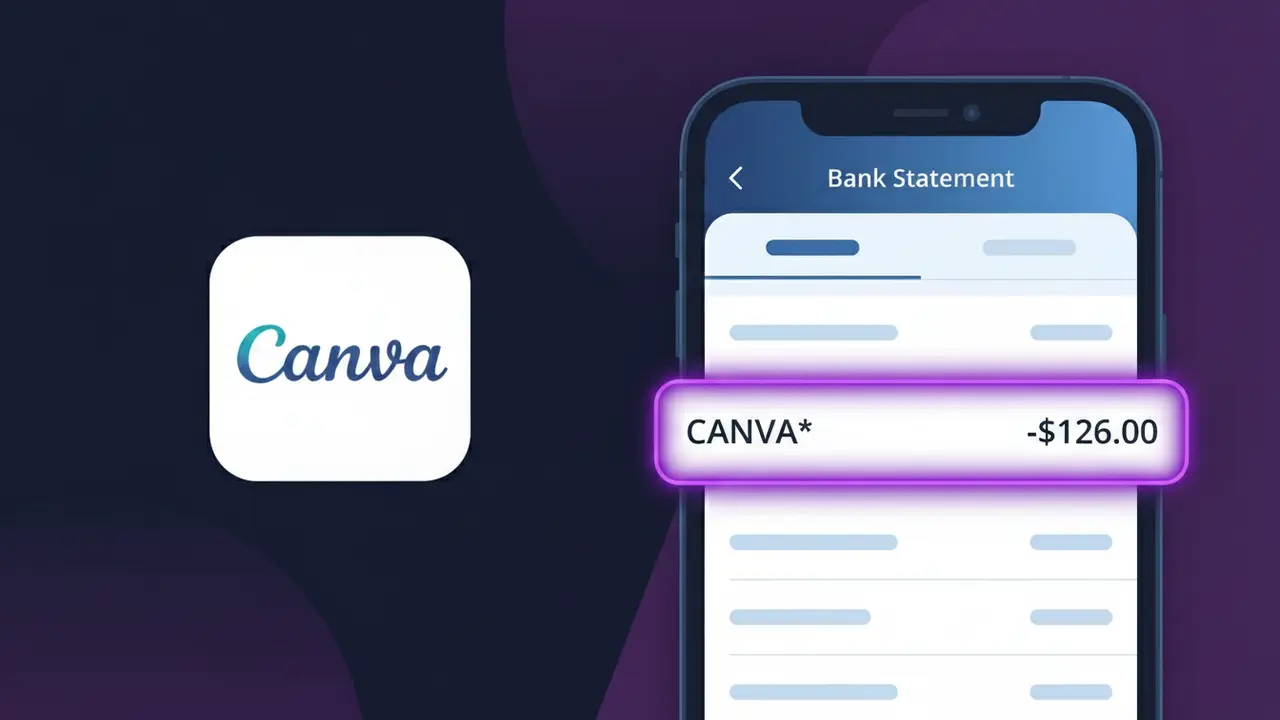
What Is "CANVA*" on My Bank Statement?
The CANVA* charge on your bank statement comes from Canva Pro, the premium tier of the popular online graphic design platform. This charge typically represents a recurring subscription fee for Canva Pro, which unlocks advanced design tools, premium templates, brand kits, and other professional features. You'll see this descriptor appear on your statement if you signed up for a monthly or annual Canva Pro plan, or if a free trial you started has converted to a paid subscription. If you don't recognize this charge, it's also possible that a family member or colleague signed up using a shared payment method.
The CANVA* descriptor appears on bank statements because payment processors often truncate or abbreviate merchant names, with the asterisk acting as a separator that may be followed by additional order or account details. Canva uses this shorthand format when submitting charges through their payment gateway, which is standard practice among subscription-based SaaS companies. This means even though you subscribed to Canva Pro, your bank displays the abbreviated CANVA* format rather than the full brand name.
ℹ️ Note
In most cases, seeing "CANVA*" on your statement is completely normal. Before assuming fraud, check your recent purchases — most mystery charges have a simple explanation.
Is the CANVA* Charge Legitimate or Fraud?
If you see CANVA* on your bank or credit card statement, it is most likely a legitimate charge from Canva, the popular online graphic design platform. Canva offers free and paid subscription plans, and the CANVA* billing descriptor appears when you are charged for Canva Pro, Canva for Teams, or other premium features.
- You or someone in your household signed up for a Canva Pro subscription
- Your free Canva trial period ended and automatically converted to a paid plan
- You purchased a Canva for Teams plan for business or collaborative use
- A one-time purchase was made for Canva credits or premium design elements
If you do not recognize the charge, it is worth checking your Canva account and email for confirmation receipts before assuming the charge is fraudulent.
How to Verify the CANVA* Charge
- 1
Log into your Canva account
Visit canva.com and sign in. Navigate to Account Settings > Billing & Plans to review your active subscription and recent payment history.
- 2
Search your email for Canva receipts
Search your inbox for emails from billing@canva.com or noreply@canva.com. Canva sends payment confirmation emails each time a CANVA* charge is processed.
- 3
Check other household members
Ask family members or roommates if they used your card to sign up for Canva Pro or Canva for Teams, as the charge would still appear as CANVA* on your statement.
- 4
Review your active subscriptions
Check your Google Play or Apple App Store subscription list if you signed up for Canva through a mobile app, as billing may still show as CANVA* from Canva directly.
- 5
Contact your bank
If you still cannot identify the CANVA* charge, call the number on the back of your card and ask your bank for the full merchant details tied to the transaction.
How to Dispute a CANVA* Charge
- 1
Act within 60 days
Most banks require you to dispute an unrecognized CANVA* charge within 60 days of your statement date. Acting quickly improves your chances of a full refund.
- 2
Contact Canva support first
Reach out to Canva directly at canva.com/help before filing a chargeback. Canva's support team can clarify the charge, issue refunds, or cancel your subscription promptly.
- 3
File a chargeback with your bank
If Canva cannot resolve the issue, contact your bank or card issuer to file a formal chargeback dispute for the CANVA* charge, providing any email or account evidence.
- 4
Request a new card number
If the CANVA* charge appears fraudulent and you did not authorize it, ask your bank to issue a replacement card to prevent further unauthorized charges from appearing.
Tips for Managing CANVA* Charges
Set a calendar reminder before your Canva Pro trial ends to avoid an unexpected CANVA* charge on your statement.
Download and save your Canva billing receipts from Account Settings so you can match them to CANVA* charges easily.
Use a dedicated email for your Canva account so billing notifications and CANVA* receipts never get lost in a cluttered inbox.
Note whether your Canva subscription is billed monthly or annually — annual plans charge a lump CANVA* amount once per year.
Enable transaction alerts on your bank account to get notified instantly whenever a CANVA* charge is processed.
Use WhatIsThisCharge.net to identify related charges that may appear alongside CANVA* on your statement.
Frequently Asked Questions About the CANVA* Charge
Was this article helpful?