Why You're Seeing "9NOW*" on Your Bank Statement
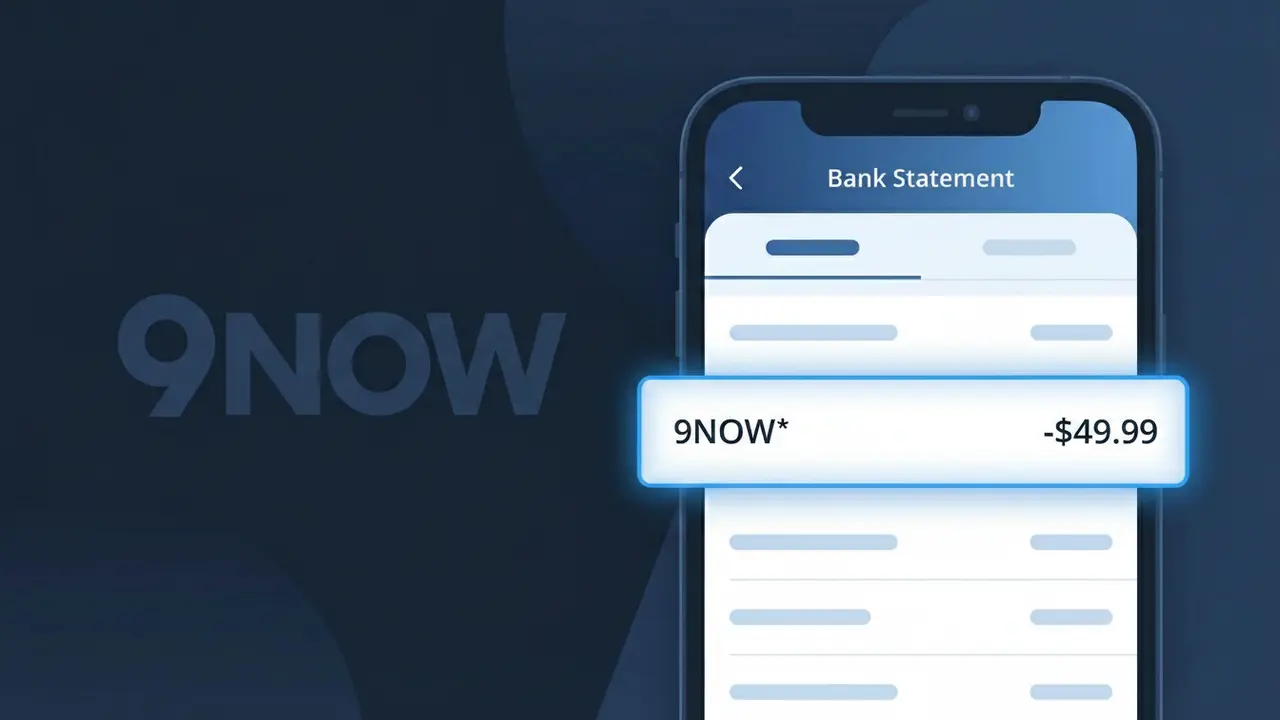
What Is "9NOW*" on My Bank Statement?
The 9NOW* charge on your bank statement comes from 9Now, Australia's free streaming service operated by the Nine Network. This descriptor appears when you have signed up for a 9Now subscription or premium add-on that unlocks additional content beyond the free tier. 9Now offers live streaming of Nine Network channels as well as on-demand TV shows, movies, and exclusive content for Australian viewers. If you see 9NOW* on your statement, it is directly linked to a billing event associated with your 9Now account.
The 9NOW* descriptor appears on your bank statement because payment processors often use a shortened or coded version of a company's name to identify transactions in their billing systems. Nine Network's streaming platform, 9Now, uses this truncated format to tag charges processed through their payment gateway. The asterisk following 9NOW is a common convention used by payment processors to separate the merchant identifier from any additional transaction details such as a subscription tier or billing period.
ℹ️ Note
In most cases, seeing "9NOW*" on your statement is completely normal. Before assuming fraud, check your recent purchases — most mystery charges have a simple explanation.
Is the 9NOW* Charge Legitimate or Fraud?
If you see 9NOW* on your bank or credit card statement, this charge is most likely legitimate and comes from 9NOW, the free-to-air streaming platform operated by Nine Entertainment in Australia. 9NOW offers both a free ad-supported tier and a premium subscription called 9Now+, which provides ad-free viewing and access to exclusive content.
The 9NOW* billing descriptor typically appears when you have signed up for a 9Now+ subscription or have been charged after a free trial period ended. Common reasons you might see this charge include:
- You subscribed to 9Now+ for ad-free, premium streaming content
- A free trial of 9Now+ concluded and your account converted to a paid subscription
- A household member or family user signed up using your payment details
- An annual 9Now+ subscription renewal was processed automatically
If you do not recall signing up for any 9NOW service, it is important to verify the charge before assuming it is fraudulent, as trial periods and family account sign-ups are frequently overlooked causes.
How to Verify the 9NOW* Charge
- 1
Log into your 9NOW account
Visit 9now.com.au and sign in. Navigate to your account settings or subscription section to confirm whether an active 9Now+ plan is listed under your profile.
- 2
Search your email for 9NOW receipts
Search your inbox for emails from 9NOW or Nine Entertainment. Look for subscription confirmation, welcome emails, or payment receipts that match the charge date and amount.
- 3
Check if a household member signed up
Ask family members or housemates if they created a 9NOW account using your shared payment method, as 9Now+ subscriptions can be started by anyone with access to your card details.
- 4
Review your active subscriptions
Check your device's app store (Apple App Store or Google Play) for any 9NOW subscriptions billed through the platform, as in-app purchases may also generate a 9NOW* descriptor.
- 5
Contact your bank for transaction details
Call the number on the back of your card and ask your bank for the full merchant details behind the 9NOW* charge, including the exact date, amount, and merchant ID for cross-referencing.
How to Dispute a 9NOW* Charge
- 1
Act within 60 days of the charge
Most banks allow chargebacks within 60 days of the statement date. If you spot an unauthorized 9NOW* charge, begin the dispute process as soon as possible to stay within this window.
- 2
Contact 9NOW support first
Reach out to 9NOW customer support via the Help section at 9now.com.au. Explain the unauthorized charge and request a refund directly, as this is often the fastest resolution path.
- 3
File a chargeback with your bank
If 9NOW does not resolve the issue, contact your bank or card issuer and formally dispute the 9NOW* charge. Provide any email evidence, screenshots of your account, and the transaction date.
- 4
Request a new card number
If you suspect your card details were used fraudulently to create a 9NOW account, ask your bank to issue a replacement card with a new number to prevent any further unauthorized 9NOW* charges.
Tips for Managing 9NOW* Charges
Enable billing alerts on your bank app to get notified instantly whenever a 9NOW* charge is processed.
Keep your 9NOW subscription confirmation email saved so you can quickly match it against any 9NOW* charges on your statement.
Use a strong, unique password for your 9NOW account to prevent unauthorized access and unexpected 9NOW* subscription charges.
Note your 9Now+ renewal date in your calendar so a recurring 9NOW* charge never catches you off guard.
If you cancel 9Now+, screenshot the cancellation confirmation to use as evidence if a 9NOW* charge appears afterward.
Use WhatIsThisCharge.net to identify related charges that may appear alongside or instead of the 9NOW* descriptor.
Frequently Asked Questions About the 9NOW* Charge
Was this article helpful?