Why You're Seeing "UBER*" on Your Bank Statement
Why You're Seeing "UBER*" on Your Bank Statement
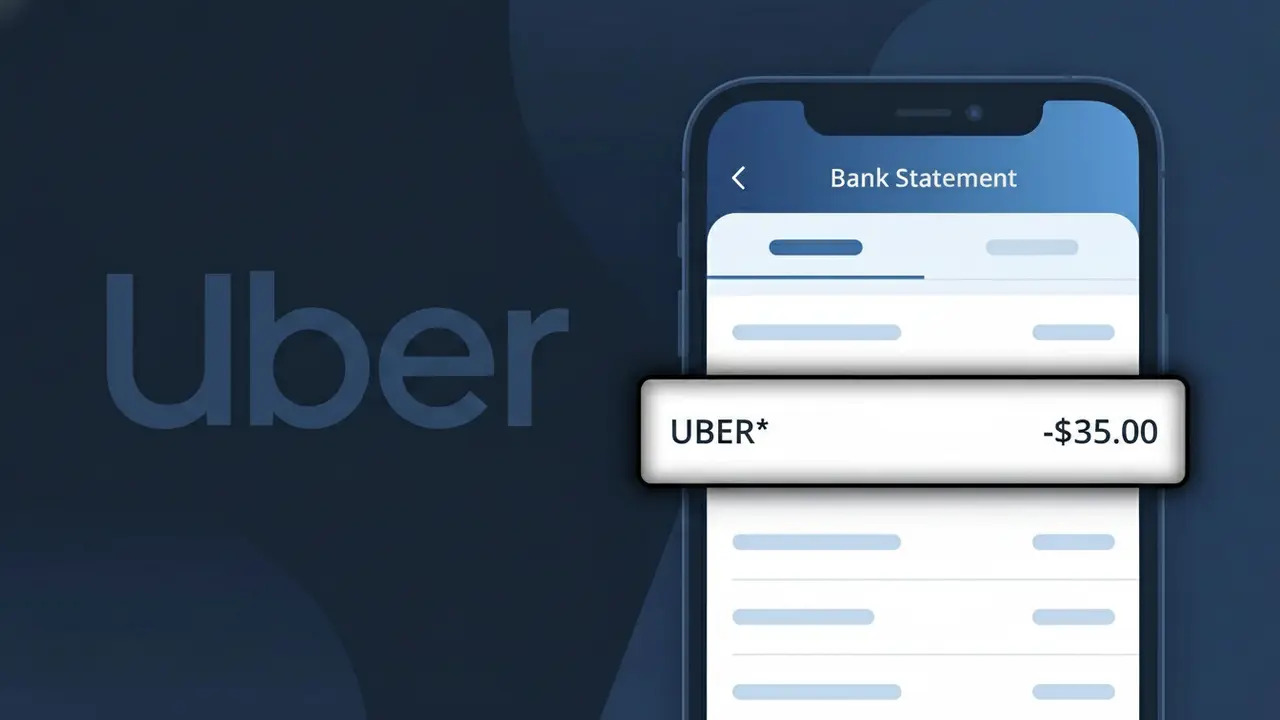
The UBER* charge on your bank statement comes from Uber, one of the world's largest ride-sharing and food delivery platforms. This descriptor appears whenever you take an Uber ride or place an order through Uber Eats. The asterisk in UBER* is typically followed by a trip ID, city name, or order reference, which helps identify the specific transaction. If you see this charge and don't recognize it, it's worth checking your Uber app history to verify whether it matches a recent ride or food delivery.
Uber uses the UBER* descriptor format on bank and credit card statements as a standardized billing identifier registered with payment processors. The asterisk acts as a separator, allowing Uber to append additional transaction details such as a city, trip number, or service type directly within the charge description. This truncated format is common among large platforms that process millions of transactions and need a consistent, recognizable billing name across all supported payment networks.
ℹ️ Note
In most cases, seeing "UBER*" on your statement is completely normal. Before assuming fraud, check your recent purchases — most mystery charges have a simple explanation.
Is This Charge Legitimate or Fraud?
Most unrecognized charges are legitimate transactions with unfamiliar descriptors. Common reasons for seeing UBER*:
- You or a family member made a recent purchase from Uber
- An annual renewal you forgot about
- A pre-authorization hold that has not yet settled
- A purchase processed through a parent company or payment aggregator
If you are certain you did not authorize this charge, follow the dispute steps below.
How to Verify This Charge (Step-by-Step)
- 1
Check your purchase history
Log into your account with Uber and review your order or billing history for the charge amount and date.
- 2
Ask household members
If your card is shared, check whether a family member made the purchase. This is one of the most common explanations.
- 3
Search your email
Search your inbox for "UBER*", the charge amount, or the word "receipt" around the date the charge appeared.
- 4
Check active subscriptions
Review subscriptions in Apple, Google Play, PayPal, and your bank app to see if any match this merchant.
- 5
Contact your bank
Your bank can provide full merchant details including the registered business name, location, and category code.
💡 Tip
Tap the charge in your banking app for more details — it usually shows the full merchant name, location, and transaction ID not visible on your statement.
How to Dispute This Charge If Unauthorized
- 1
Act quickly
Credit card disputes must be filed within 60 days of the statement date. Debit card disputes require action within 2 business days for full Regulation E protection.
- 2
Contact the merchant first
Reach out to Uber directly — they can often issue a refund faster than a formal bank dispute.
- 3
File a bank chargeback
Contact your bank and formally dispute the charge. Provide the transaction date, amount, and reason.
- 4
Request a new card if compromised
If you believe your card details were stolen, request a new card number immediately to stop further unauthorized charges.
- 5
Monitor your account
Enable real-time transaction alerts to catch any future unauthorized charges the moment they happen.
⚠️ Warning
Never ignore an unrecognized charge for more than a few days. Most consumer protection laws have strict time windows for reporting unauthorized transactions.
Pro Tips: Avoid Unexpected Charges in the Future
Enable real-time push notifications for every card transaction in your banking app.
Review your full bank statement at least once a month — not just your balance.
Use a dedicated card for online subscriptions so you can monitor them separately.
Set calendar reminders before free trials end to decide whether to keep or cancel.
Use virtual card numbers for online shopping to reduce fraud risk.
Bookmark WhatIsThisCharge.net to look up any unknown charge instantly.
Frequently Asked Questions
Was this article helpful?