Why You're Seeing "UBER" on Your Bank Statement
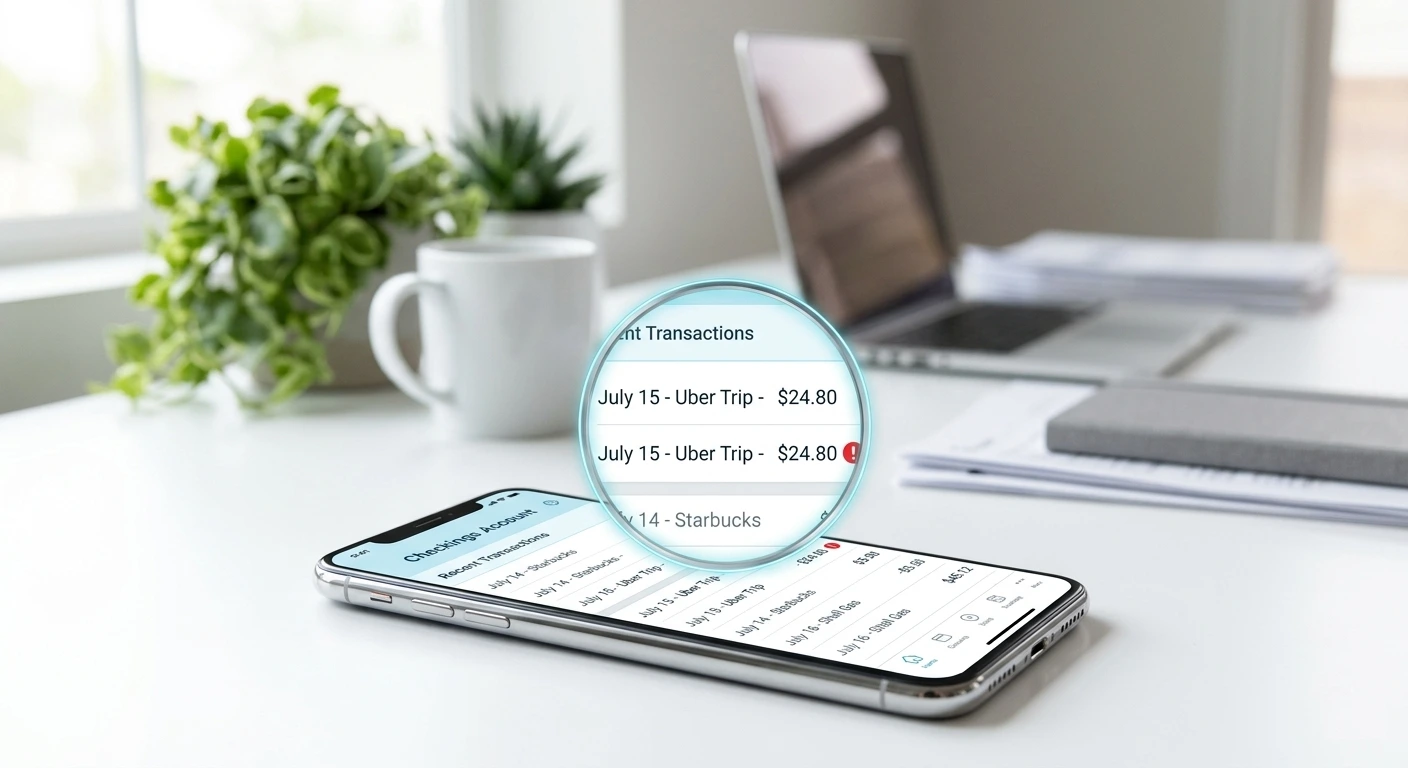
Why Did Uber Charge You Twice?
Uber double charges are almost always caused by one of these specific situations. Understanding which one applies to you determines the fastest path to a refund:
1. The temporary authorization hold plus the real charge
This is the most common reason people think Uber charged them twice. When you request a ride or place an Uber Eats order, Uber places a temporary authorization hold on your card to verify funds are available. This hold appears as a pending charge on your statement. When the trip or order is complete, Uber charges the final amount — so for a brief period you see two charges. The authorization hold disappears within 3-7 business days automatically.
2. Surge pricing adjusted after the trip
Uber sometimes charges an estimated amount upfront and then adjusts it after the trip is complete. If the final fare was higher than the estimate, you may see the original authorization hold and the adjusted final charge on your statement at the same time, which looks like a duplicate.
3. Two separate trips or orders on the same day
If you took two Uber rides or placed two Uber Eats orders on the same day for similar amounts, they will appear as two identical charges on your statement. Check your Uber trip history to confirm.
4. Uber One subscription plus a ride charge
If your Uber One monthly subscription renewed on the same day you took a ride, you will see two Uber charges — one for the subscription and one for the trip. Both are legitimate but they look like a duplicate at first glance.
5. A genuine billing error
Uber occasionally processes duplicate charges due to payment processing errors, especially when a payment fails and is retried. This is the least common reason but it does happen and Uber will refund it when reported.
Step 1 — Check Your Uber Trip History First
- 1
Open the Uber app and go to Activity
Tap the menu icon, then tap Your Trips (for rides) or go to Uber Eats and tap Orders. Look at your history for the date the duplicate charge appeared. If you see two separate trips or orders on that date for similar amounts, both charges are likely legitimate.
- 2
Check if one charge is still pending
Log into your bank or card account and check if one of the Uber charges is labeled Pending. A pending charge is the authorization hold — it will disappear on its own within 3-7 business days without any action from you. Do not dispute a pending charge.
- 3
Compare the amounts carefully
If both charges are exactly the same amount, it is more likely a genuine duplicate. If the amounts are slightly different, one may be the authorization estimate and the other the final adjusted fare — this is normal Uber billing behavior.
- 4
Check for an Uber One renewal
Go to the Uber app, tap your profile, tap Uber One, and check when your last subscription renewal was. If it coincides with the second charge date, the duplicate is actually your subscription fee and a trip charge — both legitimate.
ℹ️ Note
Uber authorization holds are the number one reason people think they were double charged. The hold appears as a pending charge and typically disappears within 5 business days after your trip. If both charges are still showing after 7 days, then you have a genuine duplicate that needs to be reported.
Step 2 — Request a Refund Through the Uber App
- 1
Go to the specific trip in your history
Open the Uber app, tap the menu, tap Your Trips, and find the trip that was double charged. Tap on it to open the trip details.
- 2
Tap Get Help or Report an Issue
Scroll to the bottom of the trip details and tap Get Help. You will see a list of common issues. Select I was charged twice for this trip or I have a question about my fare depending on your situation.
- 3
Describe the duplicate charge
Explain clearly that you see two identical Uber charges on your bank statement for the same amount on the same date and you are requesting a refund for the duplicate. Include the exact amount and the date it appeared.
- 4
Wait for Uber support response
Uber support typically responds within 24-48 hours for billing issues. Refunds for confirmed duplicate charges are usually processed within 3-5 business days back to your original payment method.
Step 3 — Contact Uber Support Directly
- 1
Use Uber Help at help.uber.com
Go to help.uber.com and sign in. Select Trips and Charges, then select I was incorrectly charged. You can submit a detailed request with the charge amounts and dates.
- 2
Use the in-app chat
In the Uber app, go to Help, then Contact Support. Select your issue and request live chat if available in your region. Live chat typically resolves billing issues faster than email.
- 3
Be specific about the duplicate
Tell the support agent the exact date, the exact amount, and that you see the same charge twice. Ask them to look up your billing history for that date and confirm whether two charges were processed. Uber agents can issue refunds immediately for confirmed billing errors.
- 4
Get a confirmation number
Ask for a ticket or confirmation number for your refund request. Keep this in case the refund does not appear within 5-10 business days and you need to follow up.
⚠️ Warning
Do not dispute an Uber authorization hold with your bank — it will disappear on its own. Only dispute with your bank if both charges have fully cleared (not pending) and Uber support has not resolved the issue within 7 days.
Step 4 — Dispute with Your Bank If Uber Does Not Resolve It
- 1
Confirm both charges have fully cleared
Before contacting your bank, make sure both charges show as cleared — not pending. Disputing a pending charge causes complications since it may disappear on its own before the investigation is complete.
- 2
Contact your bank or card issuer
Call the number on the back of your card and explain you were charged twice by the same merchant (Uber) for the same amount on the same date and the merchant has not resolved it. Request a chargeback for the duplicate charge.
- 3
Provide your evidence
Give your bank a screenshot of your Uber trip history showing only one trip on that date, your bank statement showing two identical charges, and your Uber support ticket number. This documentation makes the chargeback process faster.
- 4
Monitor your account
Bank chargebacks for duplicate charges are typically resolved within 30-60 days. Your bank may issue a provisional credit within 10 business days while the investigation is open. Enable transaction alerts so you are notified of any credit or further charges immediately.
Uber Eats Double Charges — Same Process, Different App
If the duplicate charge is from Uber Eats rather than an Uber ride, the process is almost identical but you access it through the Uber Eats app:
- Open the Uber Eats app and go to Orders
- Find the order associated with the duplicate charge
- Tap Get Help at the bottom of the order details
- Select I was charged twice or I have a payment issue
Uber Eats and Uber rides use the same support system and payment infrastructure, so refund timelines and policies are identical. Uber Eats also uses authorization holds that can appear as duplicates while an order is being processed.
One additional Uber Eats specific scenario: if your order was cancelled after payment was collected, you may see the original charge and a refund attempt that looks like a second charge. Check your order history for any cancelled orders on that date.
Tips to Avoid Uber Double Charge Confusion in the Future
Enable real-time transaction notifications in your banking app so you see every Uber charge the moment it hits your account.
Check your Uber trip history immediately after a ride to verify the final fare before checking your bank statement.
Note your Uber One renewal date so you are not surprised when it appears alongside a trip charge on the same day.
Wait 7 days before disputing — most apparent Uber duplicates are authorization holds that disappear on their own.
Use WhatIsThisCharge.net to identify any unfamiliar Uber charge descriptor on your statement before contacting support.
Keep the Uber app installed and your account accessible — resolving billing issues through the app is always faster than email.
Frequently Asked Questions About Uber Double Charges
✅ Good to know
The fastest fix: open the Uber app, go to Your Trips, tap the trip in question, tap Get Help, and select the billing issue. Most Uber duplicate charge refunds are resolved within 24-48 hours through the app without needing to contact your bank.
Was this article helpful?