Why You're Seeing "APPLE.COM/BILL" on Your Bank Statement
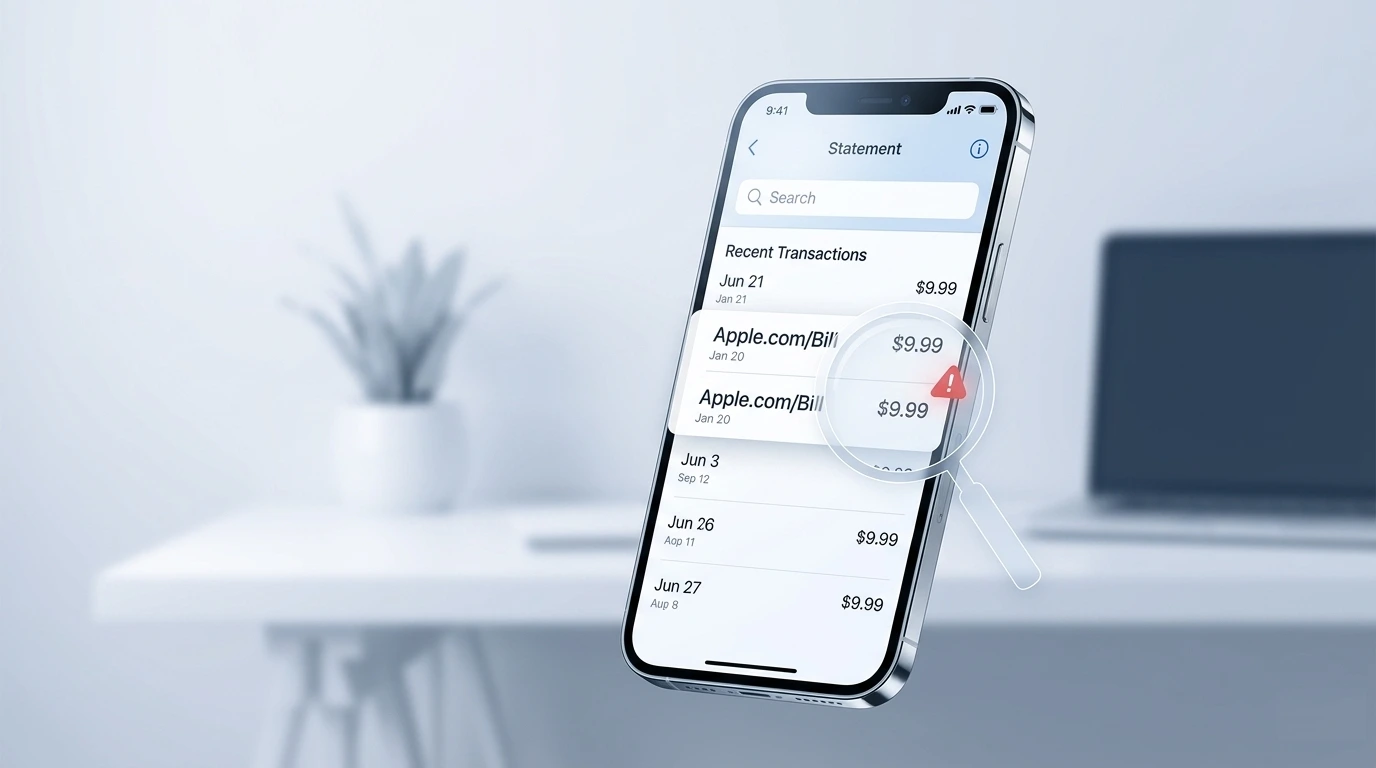
Why Did Apple Charge You Twice?
Apple duplicate charges are more common than most people realize. There are several legitimate reasons this can happen — and a few cases where it is a genuine billing error that Apple will refund immediately:
1. A pending charge converted to a real charge
When you make an Apple purchase, your bank often shows a temporary pre-authorization hold alongside the real charge. For a short time it looks like you were charged twice — but the hold disappears within 3-7 business days. Check if one of the charges is still pending.
2. Two separate family members purchased the same item
If you use Family Sharing, another member of your family group may have purchased the same app, subscription, or in-app item independently. Each purchase generates a separate charge even if they bought the same thing.
3. A subscription renewed and you also made a one-time purchase
If your iCloud storage or Apple One subscription renewed on the same day you bought an app or made an in-app purchase, your statement shows two Apple charges that look identical but are actually for different things.
4. A genuine billing error
Apple billing systems occasionally process duplicate charges, especially during high-traffic periods like new iPhone launch days or major app sale events. Apple acknowledges these errors and refunds them quickly when reported.
5. A failed transaction that was retried
If your payment failed initially and Apple retried it, you may see both the failed attempt and the successful charge on your statement. Most banks clear the failed charge automatically but it can take a few days.
Step 1 — Check Your Apple Purchase History First
- 1
Open your Apple purchase history
On iPhone or iPad: go to Settings, tap your name, then tap Media and Purchases, then tap View Account, then tap Purchase History. On Mac: open the App Store, click your name, then click Purchase History. On the web: go to reportaproblem.apple.com and sign in.
- 2
Look for two identical entries on the same date
Sort by date and look for duplicate charges with the same amount. If you see two identical purchases, Apple has a genuine billing error and will refund the duplicate. If the charges are different amounts or different items, you may have two separate legitimate purchases.
- 3
Check your family sharing members
Go to Settings, tap your name, tap Family Sharing, and check if any family member made the same purchase. Family purchases are billed to the organizer account and can look like duplicates.
- 4
Check if one charge is still pending
Log into your bank account and check if one of the Apple charges shows as Pending. A pending charge is a pre-authorization hold that will disappear on its own — it is not a real duplicate charge. Wait 5-7 business days before disputing.
ℹ️ Note
Apple groups all purchases made within the same billing period into a single email receipt. If you made several purchases, you may receive one combined charge that covers all of them — which can look like a duplicate if you forgot about an earlier purchase.
Step 2 — Request a Refund Directly from Apple
- 1
Go to reportaproblem.apple.com
This is Apple official refund portal. Sign in with your Apple ID. You will see a list of your recent purchases. Find the duplicate charge and click Report a Problem next to it.
- 2
Select the correct reason
From the dropdown menu, select I was charged but did not receive the item or I did not authorize this purchase. For a genuine duplicate, select I was charged twice for the same item if that option is available, otherwise use I did not authorize this purchase.
- 3
Submit your request
Add a brief note explaining you were charged twice for the same item on the same date. Apple support reviews refund requests within 24-48 hours. You will receive an email confirmation and the refund is processed within 5-10 business days to your original payment method.
- 4
Check your email for Apple response
Apple sends refund decisions to your Apple ID email address. Most duplicate charge refunds are approved automatically within 24 hours. If Apple declines, you can escalate to Apple Support directly or dispute with your bank.
💡 Tip
The fastest way to get an Apple refund is through reportaproblem.apple.com — not through customer service chat. The portal processes refunds automatically for clear billing errors and most are approved within 24 hours without needing to speak to anyone.
Step 3 — Contact Apple Support If the Portal Does Not Work
- 1
Go to getsupport.apple.com
Select Billing and Subscriptions, then select Billing Issues, then select I have an unauthorized or unexpected charge. You can choose to chat, call, or schedule a callback.
- 2
Prepare your information
Have ready: your Apple ID email, the exact charge amount, the date it appeared on your statement, and screenshots of both charges if possible. Apple support can look up your full billing history and identify the duplicate instantly.
- 3
Ask specifically for a duplicate charge refund
Tell the agent: I see two identical Apple charges on my bank statement for the same amount on the same date and I would like a refund for the duplicate. Apple support agents have the authority to issue refunds on the spot for confirmed duplicate charges.
- 4
Get a case number
Always ask for a case number before ending the chat or call. This is your reference if the refund does not appear within the expected timeframe and you need to follow up.
Step 4 — Dispute with Your Bank If Apple Does Not Refund
- 1
Wait 48 hours after Apple contact first
Give Apple the chance to resolve it before going to your bank. Bank chargebacks affect Apple merchant standing and Apple prefers to resolve issues directly. Most duplicate charge cases are resolved by Apple within 24-48 hours.
- 2
Contact your bank or card issuer
Call the number on the back of your card and explain you were charged twice by the same merchant (Apple) for the same amount on the same date and the merchant has not issued a refund. Request a chargeback for the duplicate charge.
- 3
Provide documentation
Your bank will want evidence of the duplicate. Provide your Apple purchase history screenshot showing only one purchase, your bank statement showing two identical charges, and any communication with Apple support including your case number.
- 4
Your bank will investigate
Credit card chargebacks for duplicate charges are typically resolved within 30-60 days. Your bank may issue a provisional credit while the investigation is open. Debit card disputes may take up to 10 business days for a provisional refund.
Common Apple Charges That Get Mistaken for Duplicates
These are the Apple charges most often confused for duplicate billing:
APPLE.COM/BILL appearing twice
This descriptor covers all Apple purchases — App Store, iCloud, Apple Music, Apple TV+, Apple One, and more. If two different Apple services renewed on the same day, you will see APPLE.COM/BILL twice on your statement for different items at the same price, which can look like a duplicate.
APPLE*SUBSCRIPTION and APPLE.COM/BILL on the same statement
These are two different Apple billing descriptors that can appear on the same statement and look like duplicates. APPLE*SUBSCRIPTION is used for recurring services while APPLE.COM/BILL covers one-time purchases and some subscriptions depending on your region.
iCloud storage charge plus an Apple One charge
If you signed up for Apple One (which includes iCloud storage) while still being billed separately for iCloud storage, you will be charged for both until Apple cancels the standalone iCloud subscription. Contact Apple to merge these.
Tips to Prevent Apple Double Charges in the Future
Review your Apple purchase history monthly at reportaproblem.apple.com to catch any billing issues early.
Enable purchase notifications in Settings so you get an alert every time Apple charges your card.
Check Family Sharing settings and set purchase approvals for younger family members to avoid unintended charges.
Note your Apple subscription renewal dates — iCloud, Apple Music, Apple TV+, and Apple One all renew at different times.
Use WhatIsThisCharge.net to identify any unfamiliar Apple charge descriptor before assuming it is a duplicate.
If you switch from a standalone iCloud plan to Apple One, contact Apple support to confirm the old subscription was cancelled to avoid overlap charges.
Frequently Asked Questions About Apple Duplicate Charges
✅ Good to know
The fastest path to a refund: go to reportaproblem.apple.com right now, find the duplicate charge, and click Report a Problem. Most Apple duplicate charge refunds are approved within 24 hours with no phone call needed.
🔍 Decode this charge instantly
Search our database for APPLE.COM/BILL and similar charges.
Decode APPLE.COM/BILL →Was this article helpful?