Why You're Seeing "CHECKCARD*" on Your Bank Statement
Why You're Seeing "CHECKCARD*" on Your Bank Statement
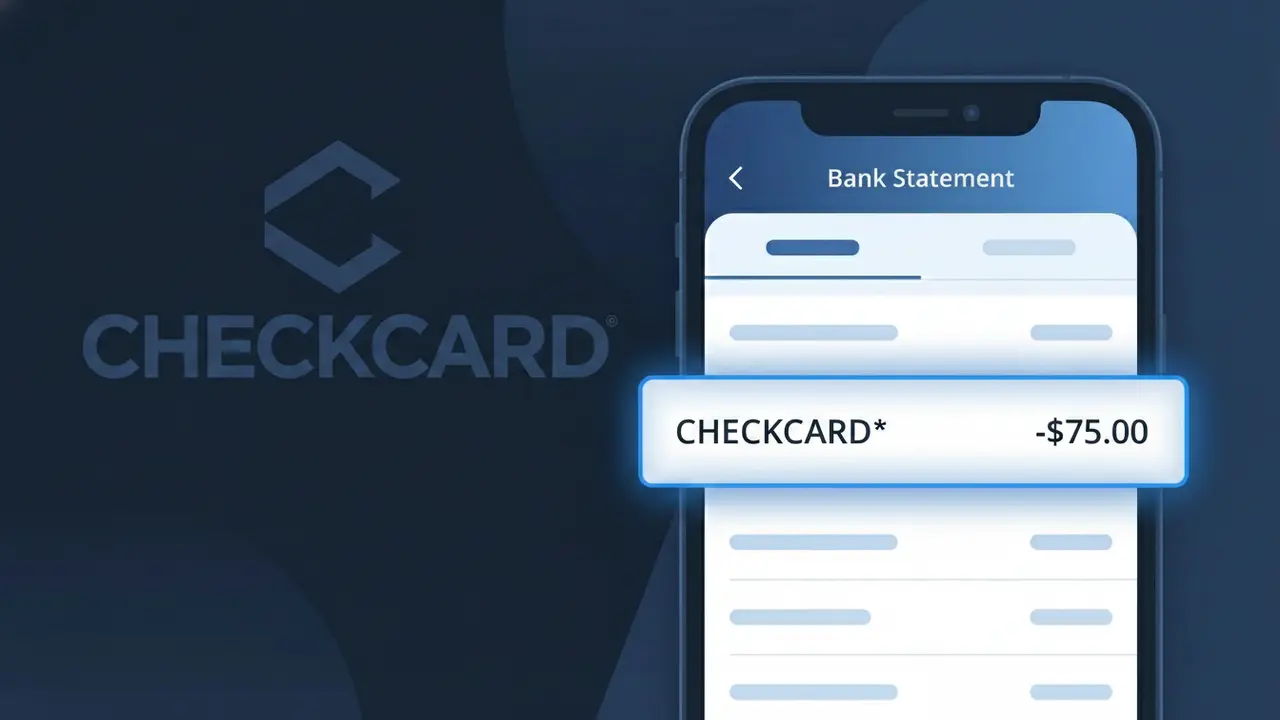
A CHECKCARD* charge on your bank statement is a generic descriptor used by many banks and financial institutions to identify a debit card purchase. Rather than showing the specific merchant name, some banks prefix transactions with 'CHECKCARD*' followed by partial merchant information, making it tricky to pinpoint exactly where you spent money. This type of descriptor is commonly associated with everyday debit card purchases made at retail stores, restaurants, online shops, and other businesses across the US. If you see CHECKCARD* on your statement, it simply means a debit card transaction was processed, but the full merchant name may be truncated or partially displayed.
The CHECKCARD* descriptor appears on your bank statement because your bank uses this label as a standard prefix to flag point-of-sale or online debit card transactions, sometimes before the merchant name is fully displayed. This generic label is often applied when the merchant's payment processor transmits limited identifying information, or when your bank's system truncates the full transaction details due to character limits. Different banks handle debit transaction labeling differently, which is why the same purchase might show as CHECKCARD* on one account while appearing with a full merchant name on another.
Is the CHECKCARD* Charge Legitimate or Fraud?
A CHECKCARD* charge on your bank statement indicates a debit card purchase processed directly from your checking account. This label is commonly used by banks and card processors to prefix merchant names when a debit card is swiped, tapped, or used online — meaning the full descriptor typically reads something like CHECKCARD* [MerchantName]. Most of the time, this is a legitimate shopping transaction you made using your debit card.
- The CHECKCARD* prefix is standard bank shorthand for a point-of-sale or online debit card purchase
- The charge amount should match a recent in-store or online shopping transaction you completed
- Your bank may truncate the merchant name after CHECKCARD*, making it harder to recognize
- If the amount or merchant name after CHECKCARD* looks completely unfamiliar, it may warrant further investigation
How to Verify the CHECKCARD* Charge
- 1
Check your recent receipts
Compare the CHECKCARD* charge amount against any physical or digital receipts from recent shopping trips or online orders made with your debit card.
- 2
Search your email for order confirmations
Look in your inbox for order confirmation emails that match the CHECKCARD* charge date and amount, particularly from online retailers or subscription shopping services.
- 3
Check household members
Ask family members or anyone with access to your debit card if they made a Debit Card Purchase that would appear as CHECKCARD* on your statement.
- 4
Review active subscriptions
Some recurring shopping memberships or box services charge via debit and appear as CHECKCARD* — review any active subscriptions tied to your debit card.
- 5
Contact your bank
If you still cannot identify the CHECKCARD* charge, call the number on the back of your debit card and ask your bank to provide the full merchant name and transaction details.
How to Dispute a CHECKCARD* Charge
- 1
Act within 60 days
Federal regulations give you up to 60 days from your statement date to dispute an unauthorized CHECKCARD* debit card purchase — act quickly to protect your rights.
- 2
Contact the merchant first
If you recognize the Debit Card Purchase but believe it was incorrect, reach out to the merchant listed after CHECKCARD* directly — many will issue a refund without a formal dispute.
- 3
File a chargeback with your bank
If the CHECKCARD* charge is unauthorized or the merchant won't cooperate, contact your bank to file an official dispute and request a chargeback on the debit card purchase.
- 4
Request a new debit card
If the CHECKCARD* charge appears fraudulent, ask your bank to cancel your current debit card and issue a new one to prevent further unauthorized debit card purchases.
Tips for Managing Debit Card Purchase Charges
Enable real-time debit alerts so you're notified instantly when a CHECKCARD* charge posts to your account.
Keep shopping receipts for 30 days to quickly match any CHECKCARD* entries on your bank statement.
Use a dedicated debit card for online Debit Card Purchases to isolate and easily track CHECKCARD* transactions.
Review your bank statement weekly during active shopping periods to catch unexpected CHECKCARD* charges early.
Consider using a credit card for large purchases — debit card purchase disputes offer fewer protections than credit.
Use WhatIsThisCharge.net to identify related charges that appear alongside CHECKCARD* on your statement.
Frequently Asked Questions About the CHECKCARD* Charge
ℹ️ Note
In most cases, a CHECKCARD* charge is simply your bank's way of labeling a routine debit card purchase you made at a retailer — online or in-store. If the merchant name and amount match something you recently bought, there's no cause for concern.
🔍 Decode this charge instantly
Search our database for CHECKCARD* and similar charges.
Decode CHECKCARD* →Was this article helpful?