Why You're Seeing "SQ *COFFEESHOP" on Your Bank Statement
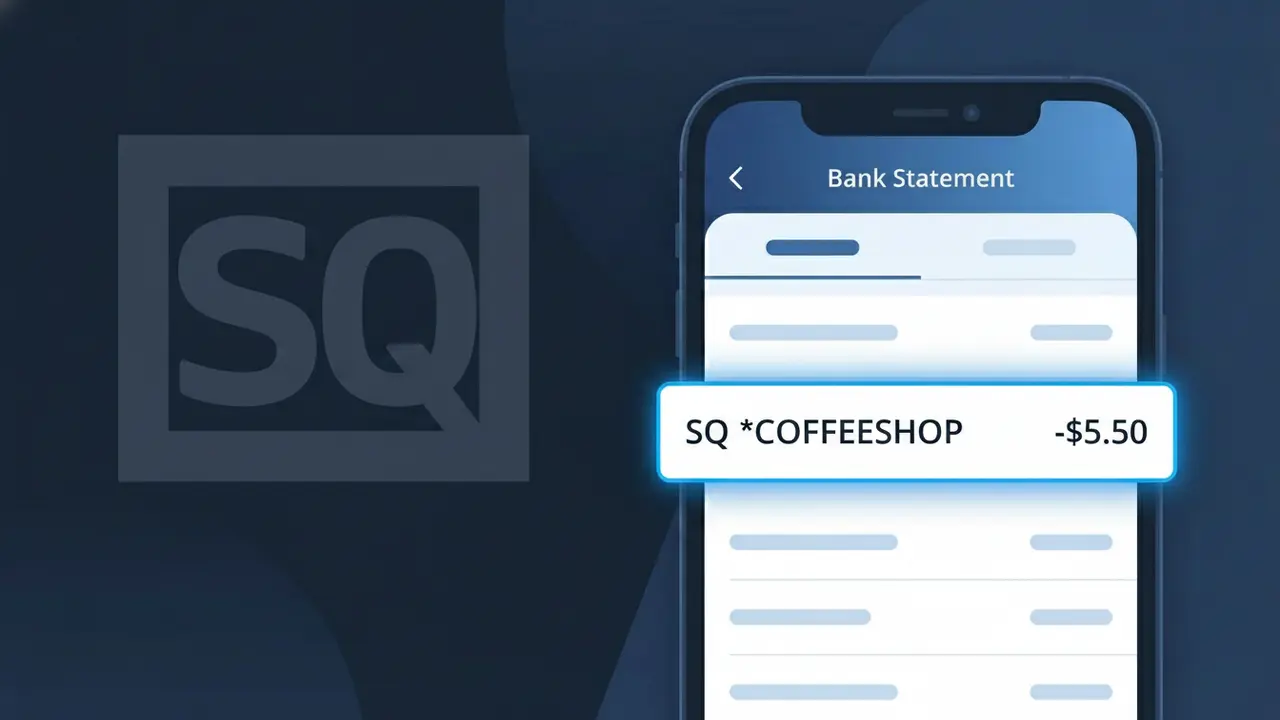
Why You're Seeing "SQ *COFFEESHOP" on Your Bank Statement
The SQ *COFFEESHOP charge on your bank statement is a payment processed through Square, a widely used point-of-sale system adopted by small and independent businesses across the United States. This charge indicates you made a purchase at a local coffee shop that uses Square's payment terminals or card readers to handle transactions. Square prefixes its merchant descriptors with 'SQ *' followed by a shortened version of the business name, which is why the charge may look unfamiliar at first glance. If you recently grabbed a coffee, pastry, or other item at a neighborhood café, this charge is almost certainly legitimate.
The descriptor SQ *COFFEESHOP appears on your statement because Square processes the payment on behalf of the business, and Square's name takes precedence in the transaction record rather than the individual shop's full name. Square truncates or simplifies the merchant name to fit within standard banking descriptor character limits, which can make the charge look different from what you might expect. This is a common practice for payment processors like Square, and does not indicate any problem with your transaction.
Is the SQ *COFFEESHOP Charge Legitimate or Fraud?
The SQ *COFFEESHOP charge on your bank or credit card statement is almost always a legitimate transaction processed through Square POS, the popular point-of-sale system used by independent coffee shops and cafés. Square prefixes merchant charges with "SQ *" followed by a shortened business name, which is why a local coffee shop visit might appear as SQ *COFFEESHOP instead of the café's full name. If you've recently purchased coffee, pastries, or other items at a small or independent coffee shop, this charge is very likely valid.
- Square POS is widely used by independent coffee shops, so SQ *COFFEESHOP is a common descriptor for in-store café purchases
- The charge amount typically reflects coffee drinks, food items, or merchandise bought at a café using Square's card reader
- Square sometimes processes tips added at checkout as part of the same SQ *COFFEESHOP transaction total
- If you don't recognize it, a family member or coworker may have used your card at a coffee shop that runs on Square POS
How to Verify the SQ *COFFEESHOP Charge
- 1
Check your Square POS email receipt
Square POS automatically sends digital receipts to your email or phone number. Search your inbox for 'Square' or 'receipt' around the date the SQ *COFFEESHOP charge appeared on your statement.
- 2
Review your recent coffee shop visits
Think back to any coffee shops, cafés, or espresso bars you visited near the charge date. Many small and independent coffee shops use Square POS, and the SQ *COFFEESHOP descriptor will appear instead of the shop's actual name.
- 3
Check with household members
Ask anyone who shares access to your card whether they stopped at a coffee shop recently. A partner, family member, or roommate may have made the SQ *COFFEESHOP purchase without mentioning it.
- 4
Log into your Square account
If you have a Square account linked to your email, log in at squareup.com and review your purchase history. The SQ *COFFEESHOP transaction may appear there with the exact merchant name and location.
- 5
Contact your bank for merchant details
Call the number on the back of your card and ask your bank for the full merchant name and location behind the SQ *COFFEESHOP charge. Banks can often retrieve additional Square POS transaction metadata.
How to Dispute a SQ *COFFEESHOP Charge
- 1
Act within 60 days
Most banks require you to dispute an unrecognized SQ *COFFEESHOP charge within 60 days of your statement date. Don't wait — gather your evidence and begin the process as soon as you spot the charge.
- 2
Contact Square POS support first
Reach out to Square POS directly at squareup.com/help or call their support line. Provide the transaction date and amount for the SQ *COFFEESHOP charge — they can identify the exact merchant and may resolve the issue faster than a bank dispute.
- 3
File a chargeback with your bank
If Square POS cannot resolve the issue, contact your bank or card issuer to formally dispute the SQ *COFFEESHOP charge. Provide your receipts, the transaction date, and any communication you've had with Square as supporting evidence.
- 4
Request a new card if fraud is suspected
If you believe the SQ *COFFEESHOP charge is part of fraudulent activity — especially if there are multiple unfamiliar Square POS charges — ask your bank to cancel your card and issue a new one immediately.
Tips for Managing Square POS Charges
Enable bank transaction alerts so you're notified instantly when any SQ *COFFEESHOP charge posts to your account.
Always provide your email at Square POS checkouts to receive itemized receipts that match SQ *COFFEESHOP charges on your statement.
Create or log into your Square account at squareup.com to keep a searchable history of all your Square POS purchases.
Review your statement weekly — Square POS charges like SQ *COFFEESHOP typically post within 1–2 business days of your café visit.
Use a credit card (not debit) at coffee shops running Square POS for stronger fraud protection on SQ *COFFEESHOP disputes.
Use WhatIsThisCharge.net to identify related charges from Square POS merchants that appear alongside SQ *COFFEESHOP on your statement.
Frequently Asked Questions About the SQ *COFFEESHOP Charge
ℹ️ Note
In most cases, the SQ *COFFEESHOP charge is simply a routine café purchase — like a latte or breakfast item — processed through Square POS at a local or independent coffee shop. If the amount matches what you'd expect to spend at a café, it's very likely a valid charge you made in person.
🔍 Decode this charge instantly
Search our database for SQ *COFFEESHOP and similar charges.
Decode SQ *COFFEESHOP →Was this article helpful?