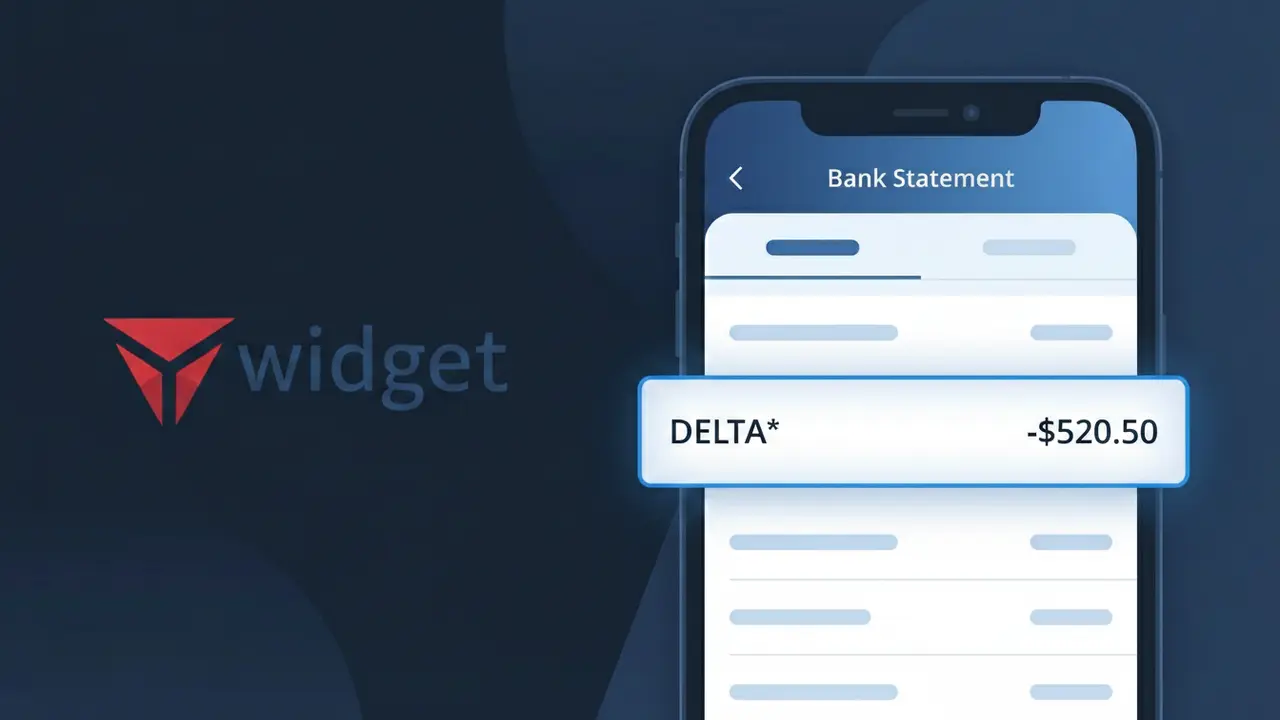
Why You're Seeing "DELTA*" on Your Bank Statement
Why You're Seeing "DELTA*" on Your Bank Statement
A charge showing DELTA* on your bank or credit card statement comes from Delta Air Lines, one of the largest airlines in the United States. This charge typically represents a flight ticket purchase, whether booked directly through Delta's website, mobile app, or customer service line. The asterisk following 'DELTA' is a common formatting element used in payment processing systems to separate the company identifier from additional transaction details. If you or someone with access to your account recently booked a flight, this charge is almost certainly related to that travel purchase.
The DELTA* descriptor appears on your bank statement because Delta Air Lines uses a truncated merchant identifier when processing payments through card networks like Visa and Mastercard. Payment processors often shorten or abbreviate merchant names to fit within character limits imposed by banking systems, which is why you may not see the full 'Delta Air Lines' name displayed. The asterisk is frequently used as a delimiter to allow additional information — such as a confirmation number or booking reference — to follow the company name within the available character space.
Is the DELTA* Charge Legitimate or Fraud?
A DELTA* charge on your bank or credit card statement is most commonly a legitimate transaction from Delta Air Lines, one of the largest U.S. carriers. This billing descriptor appears for flight purchases, seat upgrades, baggage fees, and Delta SkyMiles program transactions. If you don't immediately recognize it, consider these common reasons the charge may be valid:
- You recently purchased or changed a Delta Airlines flight ticket online or through the app
- Delta charged a baggage fee, seat selection upgrade, or in-flight purchase to your card
- A Delta SkyMiles Medallion membership fee or Delta credit card annual fee was billed
- A family member or travel companion booked a Delta flight using your payment method
How to Verify the DELTA* Charge
- 1
Log into your Delta Airlines account
Visit delta.com and sign in to check your My Trips and purchase history. Any recent bookings, upgrades, or fees billed to your card will appear here under your profile.
- 2
Search your email for Delta receipts
Look for confirmation emails from Delta Air Lines (no-reply@delta.com or similar). Search your inbox for 'Delta' or 'DELTA*' to find booking confirmations or fee receipts matching the charge amount.
- 3
Check with household members
Ask family members or travel companions if they used your payment method to book a Delta Airlines flight or purchase a seat upgrade, as DELTA* charges can appear from shared bookings.
- 4
Review Delta SkyMiles and credit card subscriptions
Check if you hold a Delta co-branded credit card or SkyMiles membership with annual fees. These recurring DELTA* charges can appear yearly and are easy to overlook.
- 5
Contact your bank for more details
If you still cannot identify the DELTA* charge, call the number on the back of your card. Your bank can provide the exact transaction date, merchant ID, and sometimes a phone number linked to the charge.
How to Dispute a DELTA* Charge
- 1
Act within 60 days
Most banks require you to dispute an unrecognized DELTA* charge within 60 days of the statement date. Acting quickly improves your chances of a successful chargeback and full refund.
- 2
Contact Delta Airlines first
Call Delta Air Lines customer service at 1-800-221-1212 or use the chat at delta.com. Explain the charge — Delta can often issue a refund directly for billing errors faster than a bank dispute.
- 3
File a chargeback with your bank
If Delta cannot resolve the issue, contact your bank or credit card issuer to file a formal chargeback. Provide your Delta booking reference, the charge amount, and any email correspondence as supporting evidence.
- 4
Request a new card if fraud is suspected
If you believe the DELTA* charge is fraudulent and your card details were compromised, ask your bank to cancel your card and issue a replacement to prevent further unauthorized transactions.
Tips for Managing Delta Airlines Charges
Set up transaction alerts on your bank app to get notified instantly whenever a DELTA* charge posts to your account.
Always save your Delta Airlines booking confirmation emails — they contain the exact amount and reference number to match against DELTA* charges.
Keep your Delta Airlines SkyMiles account login updated so you can quickly review all purchases and linked payment methods.
Note your Delta co-branded credit card annual fee renewal date to avoid being surprised by a recurring DELTA* charge each year.
Use a dedicated travel credit card for Delta Airlines bookings to make DELTA* charges easier to track and isolate from everyday spending.
Use WhatIsThisCharge.net to identify related charges like DELTA VACATIONS* or DELTA AMEX* that may also appear on your statement.
Frequently Asked Questions About the DELTA* Charge
ℹ️ Note
In most cases, a DELTA* charge is a completely legitimate transaction from Delta Air Lines — likely a flight you booked, a baggage fee, or a seat upgrade you may have forgotten about. A quick check of your Delta account at delta.com or your email inbox will usually clear up the mystery within minutes.
Was this article helpful?