Why You're Seeing "ETSY*" on Your Bank Statement
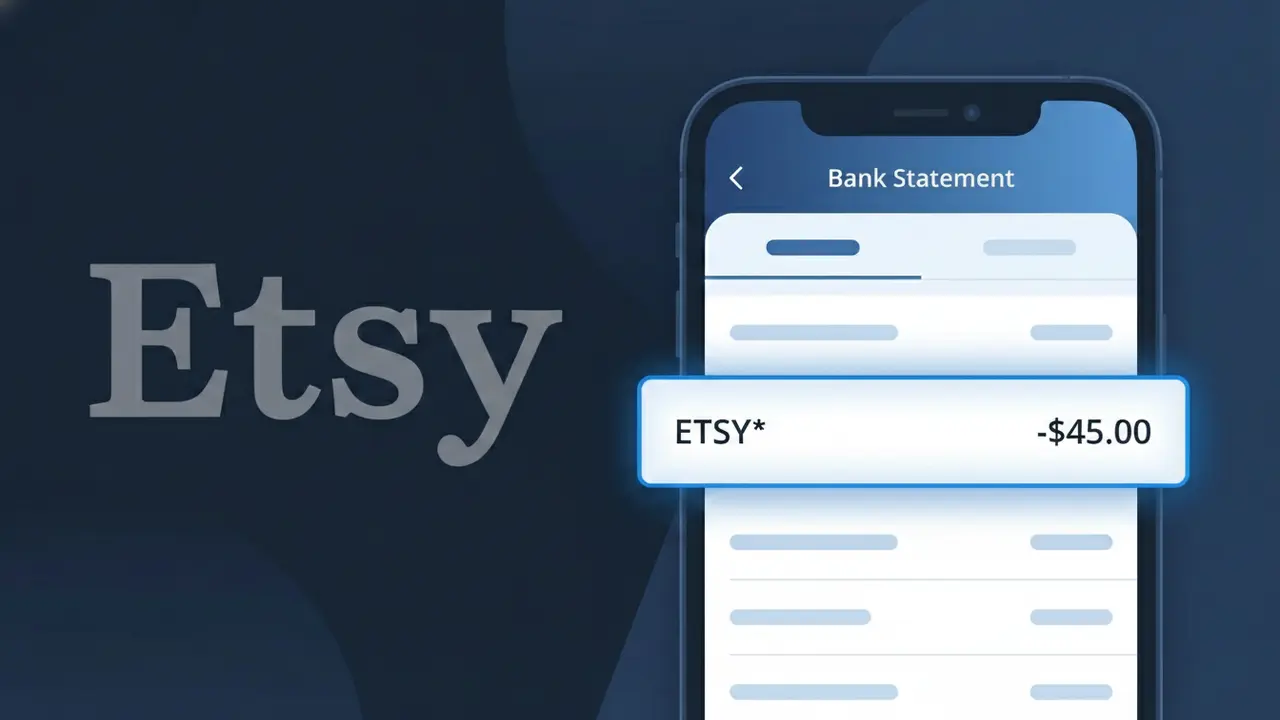
Why You're Seeing "ETSY*" on Your Bank Statement
A charge showing ETSY* on your bank statement comes from Etsy, the popular online marketplace specializing in handmade, vintage, and unique goods. This descriptor appears when you make a purchase from an Etsy seller, subscribe to Etsy Plus, or pay for other Etsy services. Etsy processes millions of transactions daily, connecting buyers with independent creators and small businesses around the world. If you see ETSY* followed by additional characters or numbers, those typically reference the specific seller or transaction involved.
The ETSY* descriptor appears on your bank statement because Etsy acts as the payment processor for all transactions made through their platform, meaning the charge is attributed to Etsy rather than the individual seller you purchased from. The asterisk following 'ETSY' is a standard formatting convention used by payment networks to separate a company name from additional transaction details such as a seller identifier or order number. This is completely normal and does not indicate any unauthorized activity — it simply reflects how Etsy consolidates marketplace payments on behalf of its sellers.
Is the ETSY* Charge Legitimate or Fraud?
An ETSY* charge on your bank or credit card statement is almost always a legitimate transaction from Etsy, the popular online marketplace for handmade, vintage, and unique goods. The "ETSY*" prefix is the standard billing descriptor Etsy uses, and it often appears alongside a seller name or order number. Common reasons you might see this charge include:
- A purchase made directly on Etsy.com or the Etsy mobile app
- An Etsy Plus subscription renewal (Etsy's seller subscription service)
- A digital download or pattern purchased from an Etsy shop
- A gift card purchase or redemption completed on Etsy
How to Verify the ETSY* Charge
- 1
Check your Etsy purchase history
Log into your Etsy account at etsy.com, navigate to 'Purchases and Reviews,' and compare the charge amount and date to your order history.
- 2
Search your email for Etsy receipts
Search your inbox for emails from 'transaction@etsy.com' or 'noreply@etsy.com' — Etsy sends an order confirmation for every completed purchase.
- 3
Check with household members
Ask family members or anyone who shares your payment method whether they recently made an Etsy purchase, as ETSY* charges are easy to overlook.
- 4
Review your Etsy subscription status
If you're an Etsy seller, check your Shop Manager billing settings to see if an Etsy Plus or advertising fee triggered the ETSY* charge.
- 5
Contact your bank for details
If you still can't identify the ETSY* charge, call the number on the back of your card and ask for the full merchant descriptor and transaction details.
How to Dispute a ETSY* Charge
- 1
Act within 60 days
Most banks require you to dispute an unrecognized ETSY* charge within 60 days of your statement date — don't delay if something looks wrong.
- 2
Contact Etsy support first
Visit help.etsy.com and open a support ticket or use live chat. Etsy can trace the ETSY* charge to a specific order and may resolve the issue faster than a bank dispute.
- 3
File a chargeback with your bank
If Etsy cannot resolve the issue, contact your bank or credit card issuer to file a formal chargeback, citing the unauthorized ETSY* transaction.
- 4
Request a new card number
If the ETSY* charge appears to be fraudulent and your card details were compromised, ask your bank to cancel your card and issue a new one immediately.
Tips for Managing Etsy Charges
Enable Etsy order confirmation emails so every ETSY* charge is matched to a receipt instantly.
Save your Etsy order numbers — they often appear in the full ETSY* billing descriptor on your statement.
Secure your Etsy account with two-factor authentication to prevent unauthorized purchases charged as ETSY*.
If you sell on Etsy, note your monthly billing date — Etsy Plus and ad fees post as ETSY* on a set schedule.
Use a dedicated card for Etsy purchases to isolate ETSY* charges and spot fraud faster.
Use WhatIsThisCharge.net to identify other unfamiliar charges that may appear alongside ETSY* on your statement.
Frequently Asked Questions About the ETSY* Charge
ℹ️ Note
In most cases, an ETSY* charge simply reflects a recent purchase or subscription renewal on Etsy — checking your Etsy account's order history takes less than a minute and will usually clear up any confusion right away.
Was this article helpful?