Why You're Seeing "GEICO*" on Your Bank Statement
Why You're Seeing "GEICO*" on Your Bank Statement
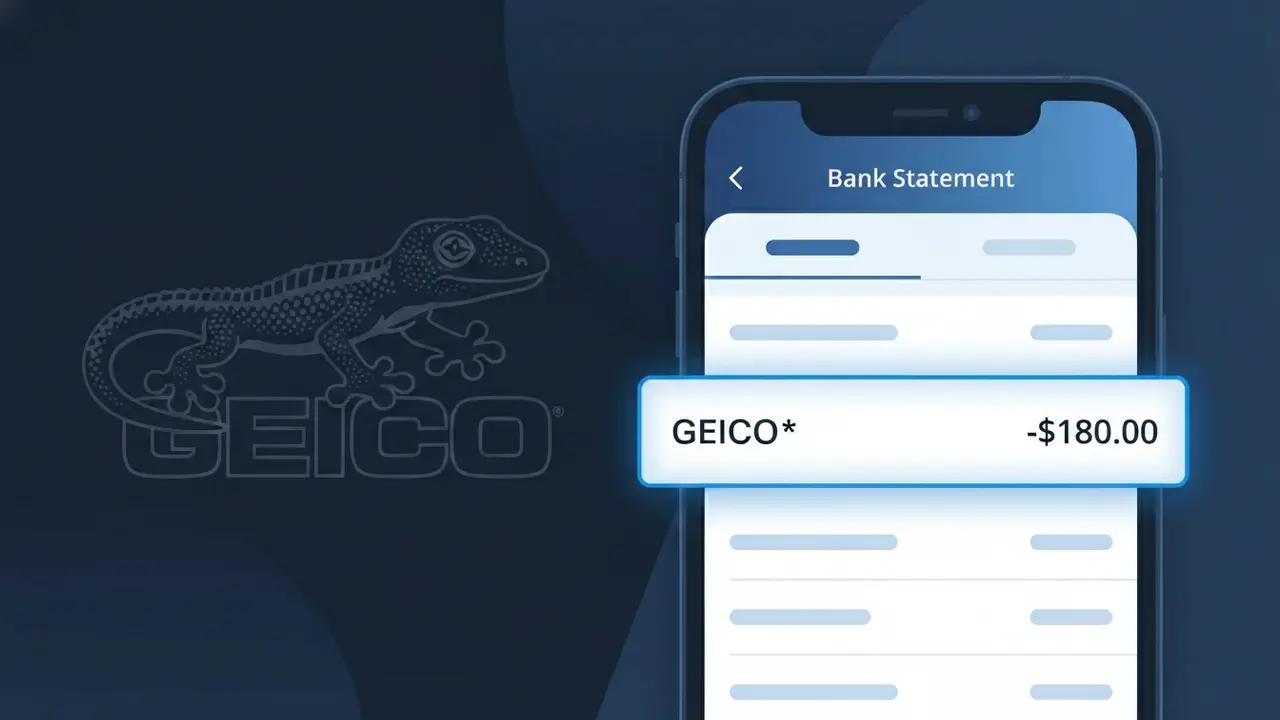
A charge appearing as GEICO* on your bank or credit card statement is your auto insurance premium payment to GEICO Insurance, one of the largest car insurance providers in the United States. This charge typically appears on a monthly, semi-annual, or annual basis depending on the billing schedule you selected when setting up your policy. GEICO* may show up alongside a partial policy number or amount, helping you identify which specific policy is being billed. If you have multiple vehicles or policy types with GEICO, you may see this descriptor appear more than once in the same billing cycle.
The GEICO* descriptor appears on your bank statement because GEICO Insurance uses a truncated version of their company name followed by an asterisk, which is a common practice among large billing processors to fit within the character limits imposed by payment networks. The asterisk typically indicates that additional billing details, such as a policy number or account reference, may follow depending on your bank's display format. This shortened descriptor is registered with payment processors to ensure consistent identification across millions of monthly transactions processed by GEICO nationwide.
Is the GEICO* Charge Legitimate or Fraud?
A GEICO* charge on your bank or credit card statement is almost always a legitimate billing from GEICO Insurance for an active auto, home, renters, motorcycle, or other insurance policy. GEICO uses the abbreviated descriptor 'GEICO*' — sometimes followed by a policy number or last four digits — which can look unfamiliar even if you're a current customer. Here are the most common reasons this charge appears:
- Monthly or semi-annual premium payment for a GEICO auto insurance policy
- Automatic renewal charge for a GEICO home, renters, or umbrella policy
- A new policy recently purchased or added to an existing GEICO account
- A policy held by a spouse, partner, or family member on a shared payment method
How to Verify the GEICO* Charge
- 1
Log into your GEICO account
Visit geico.com and sign in to review your active policies and recent billing history. Any GEICO* charge should match a payment listed under 'Billing & Payments' in your account dashboard.
- 2
Search your email for GEICO receipts
Search your inbox for 'GEICO Insurance' or 'GEICO payment confirmation.' GEICO sends email receipts for every premium payment, so a matching confirmation email is a strong sign the charge is valid.
- 3
Check with household members
Ask family members or roommates if they have a GEICO Insurance policy linked to your shared bank account or credit card, as multi-driver or bundled policies often bill to one card.
- 4
Review your GEICO policy renewal dates
GEICO policies renew every 6 or 12 months, and larger lump-sum GEICO* charges often correspond to a semi-annual or annual premium renewal rather than a monthly installment.
- 5
Contact your bank for details
If you still can't place the GEICO* charge, ask your bank for the full merchant descriptor and transaction date, then cross-reference that date with any GEICO Insurance policy start or renewal records.
How to Dispute a GEICO* Charge
- 1
Act within 60 days
Most banks require you to dispute an unrecognized GEICO* charge within 60 days of the statement date. Act promptly to preserve your right to a full chargeback investigation.
- 2
Contact GEICO Insurance first
Call GEICO directly at 1-800-841-3000 or chat via geico.com. GEICO's billing team can quickly identify whether the charge is tied to an active policy and issue a refund if it was billed in error.
- 3
File a chargeback with your bank
If GEICO Insurance cannot resolve the issue, contact your bank or card issuer to file a formal dispute. Provide the GEICO* transaction amount, date, and any communication you've had with GEICO as supporting evidence.
- 4
Request a new card if fraud is suspected
If you believe the GEICO* charge is the result of unauthorized use of your card details, ask your bank to cancel the current card and issue a replacement to prevent further fraudulent charges.
Tips for Managing GEICO Insurance Charges
Enable GEICO* payment alerts in your bank app so you're notified the moment each GEICO premium is charged.
Download your GEICO Insurance policy documents and store them — they list exact billing amounts and due dates.
Keep your GEICO Insurance online account credentials updated so you can quickly verify any GEICO* charge at any time.
Note your GEICO policy renewal dates on your calendar to anticipate larger semi-annual or annual GEICO* charges.
If you cancel a GEICO policy, confirm the cancellation in writing to prevent unexpected future GEICO* charges.
Use WhatIsThisCharge.net to identify related charges that may appear alongside your GEICO* billing.
Frequently Asked Questions About the GEICO* Charge
ℹ️ Note
In most cases, a GEICO* charge is simply your scheduled GEICO Insurance premium being processed — if you have an active auto, renters, or home policy, this charge is expected and your coverage remains in good standing.
Was this article helpful?