Why You're Seeing "MAX *SUBSCRIPTION" on Your Bank Statement
Why You're Seeing "MAX *SUBSCRIPTION" on Your Bank Statement
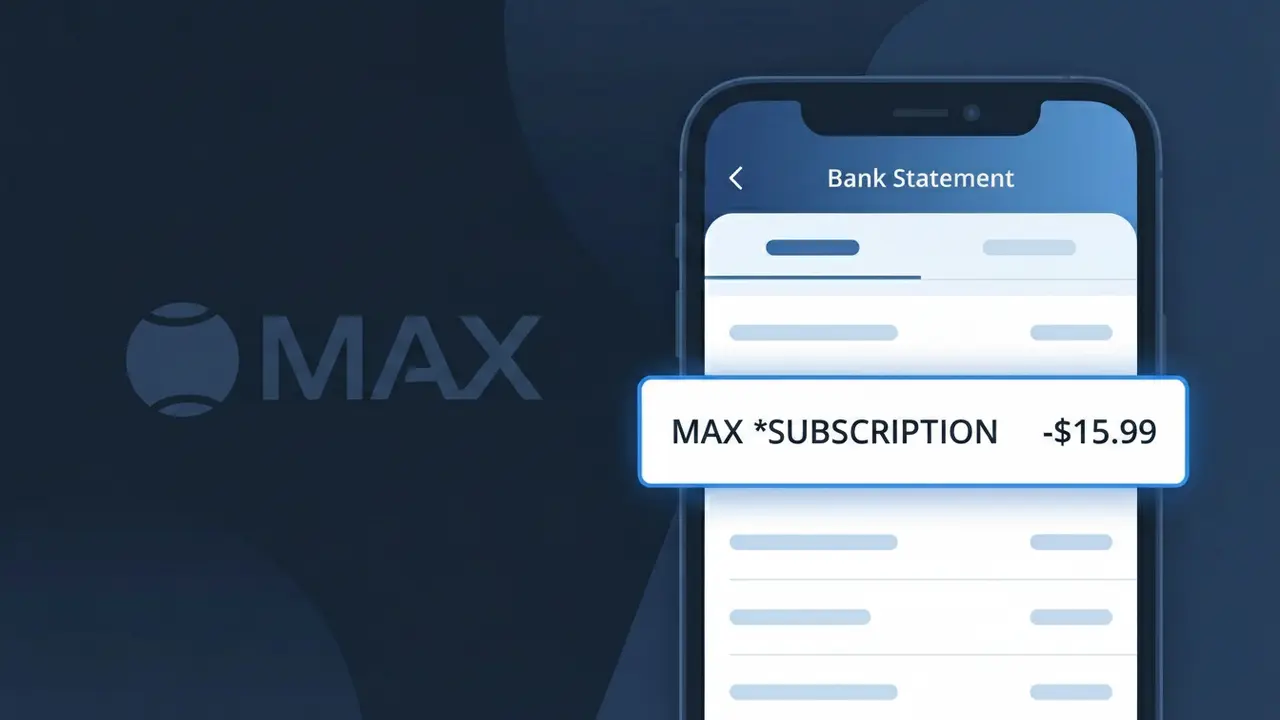
The MAX *SUBSCRIPTION charge on your bank statement is from Max, the HBO-branded streaming service owned by Warner Bros. Discovery. This charge appears when you have an active subscription to the Max platform, which offers HBO originals, movies, sports, and other on-demand content. You may see this descriptor monthly or annually depending on the plan you selected when signing up. If you recognize having a Max account, this charge is simply your recurring streaming membership fee.
The descriptor MAX *SUBSCRIPTION appears on your bank statement because Max uses a shortened billing identifier to represent their streaming service in payment processing systems. The asterisk between MAX and SUBSCRIPTION is a common formatting convention used by payment processors to separate a company's abbreviated name from the type of charge being applied. This truncated format is standard practice across the streaming industry, where full brand names are often condensed to fit within the character limits imposed by banking transaction systems.
Is the MAX *SUBSCRIPTION Charge Legitimate or Fraud?
The MAX *SUBSCRIPTION charge on your bank or credit card statement is almost always a legitimate billing from Max (HBO), the streaming service that offers HBO content, Warner Bros. films, and Max Originals. This charge appears when you have an active monthly or annual subscription to Max (HBO), and the descriptor 'MAX *SUBSCRIPTION' is the official way the service appears on financial statements. Before assuming fraud, consider these common legitimate reasons you may see this charge:
- You signed up for a Max (HBO) subscription directly at max.com or through the Max app
- A free trial period for Max (HBO) ended and your billing cycle has begun automatically
- A family member or household user signed up for Max (HBO) using your payment method
- You upgraded your Max (HBO) plan (e.g., from ad-supported to ad-free or Ultimate), triggering a new charge
How to Verify the MAX *SUBSCRIPTION Charge
- 1
Log into your Max (HBO) account
Visit max.com and sign in, then navigate to Account > Billing to confirm your active plan and the date of your most recent MAX *SUBSCRIPTION charge.
- 2
Search your email for Max receipts
Search your inbox for emails from 'noreply@max.com' or 'Max' — billing confirmation emails are sent each time a MAX *SUBSCRIPTION payment is processed.
- 3
Check household members
Ask family members or roommates if they signed up for Max (HBO) using your shared payment method, as this is a very common source of unexpected MAX *SUBSCRIPTION charges.
- 4
Review third-party subscriptions
If you subscribed to Max (HBO) through Apple, Google Play, Amazon, or your cable provider, check those platforms' subscription sections — the charge may still appear as MAX *SUBSCRIPTION.
- 5
Contact your bank for details
Call the number on the back of your card and ask for the full merchant details tied to the MAX *SUBSCRIPTION transaction, including the exact date and billing amount.
How to Dispute a MAX *SUBSCRIPTION Charge
- 1
Act within 60 days
Most banks require you to dispute an unauthorized MAX *SUBSCRIPTION charge within 60 days of the statement date — act quickly to protect your right to a chargeback.
- 2
Contact Max (HBO) support first
Reach Max (HBO) customer support at help.max.com or via live chat — they can confirm whether the MAX *SUBSCRIPTION charge is tied to your account and may issue a refund directly.
- 3
File a chargeback with your bank
If Max (HBO) does not resolve the issue, contact your bank or card issuer to dispute the MAX *SUBSCRIPTION charge as unauthorized and provide any supporting email evidence.
- 4
Request a new card number
If you suspect your card details were stolen and used to subscribe to Max (HBO) fraudulently, ask your bank to issue a new card to prevent additional MAX *SUBSCRIPTION charges.
Tips for Managing Max (HBO) Charges
Set a billing alert so you're notified each time a MAX *SUBSCRIPTION charge posts to your account.
Keep Max (HBO) confirmation emails as proof of your plan tier and billing date in case of disputes.
Use a unique password for your Max (HBO) account to prevent unauthorized access that could alter your subscription.
Note your Max (HBO) billing cycle date so MAX *SUBSCRIPTION charges never catch you off guard each month.
Use a virtual card number for Max (HBO) to isolate MAX *SUBSCRIPTION charges and cancel easily if needed.
Use WhatIsThisCharge.net to identify any other streaming-related charges appearing alongside MAX *SUBSCRIPTION.
Frequently Asked Questions About the MAX *SUBSCRIPTION Charge
ℹ️ Note
In most cases, the MAX *SUBSCRIPTION charge is simply Max (HBO) billing you for your active streaming plan — this is one of the most recognized and legitimate recurring charges seen on bank statements. If you recognize your Max (HBO) account, there is no cause for concern.
🔍 Decode this charge instantly
Search our database for MAX *SUBSCRIPTION and similar charges.
Decode MAX *SUBSCRIPTION →Was this article helpful?