Why You're Seeing "MCDONALDS*" on Your Bank Statement
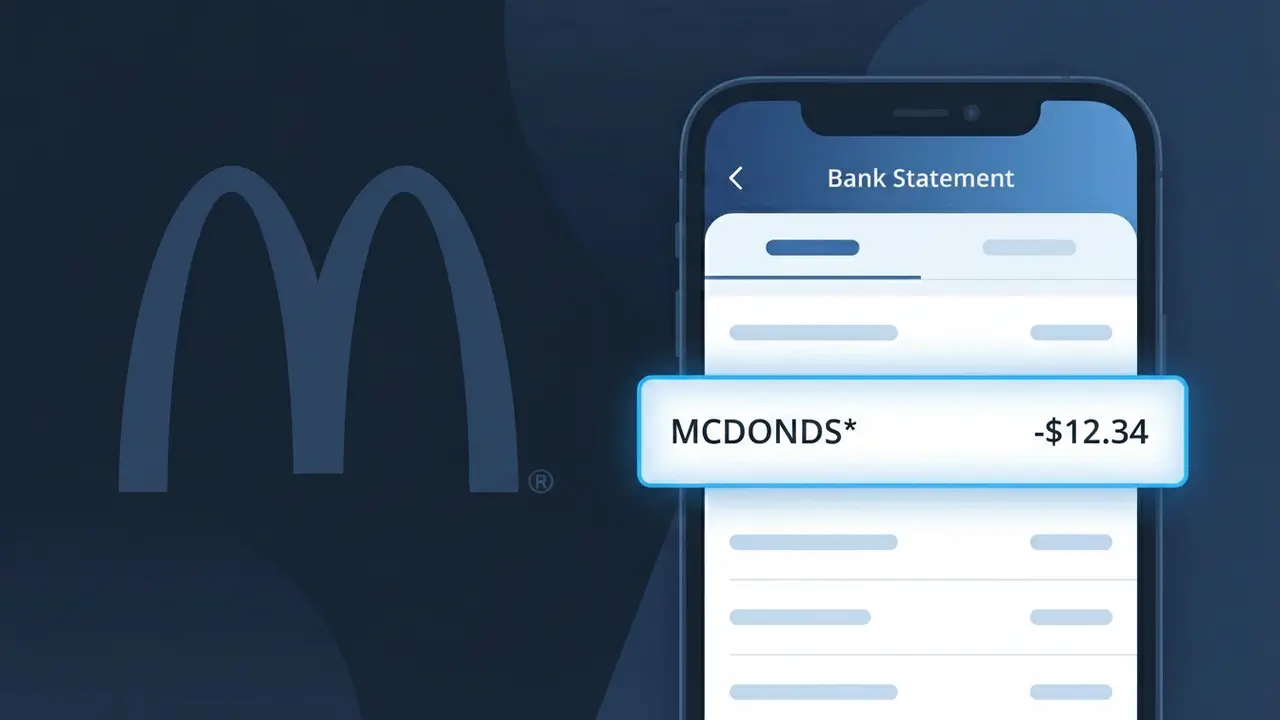
Why You're Seeing "MCDONALDS*" on Your Bank Statement
A charge labeled MCDONALDS* on your bank statement is a payment made to McDonald's, the world's largest fast food chain. This descriptor appears when you purchase food, beverages, or other items at a McDonald's restaurant or through their mobile app. Whether you grabbed a quick meal at the drive-through, placed a delivery order, or loaded funds onto your McDonald's account, this charge reflects that transaction. If you don't immediately recognize it, consider whether a family member may have used your card at one of McDonald's thousands of locations.
The MCDONALDS* descriptor appears on your bank statement because McDonald's uses a shortened, standardized merchant code when processing payments through card networks like Visa and Mastercard. The asterisk (*) following the name is commonly used by payment processors to separate the merchant name from additional transaction details such as a location number or order reference. This truncated format is a normal part of how point-of-sale and mobile payment systems communicate transaction data to your bank.
Is the MCDONALDS* Charge Legitimate or Fraud?
The MCDONALDS* charge on your bank or credit card statement is almost always a legitimate transaction from McDonald's, one of the world's largest fast food chains. This descriptor appears when you make a purchase at a McDonald's restaurant, through the McDonald's app, or via a third-party delivery service linked to McDonald's. If you don't immediately recognize it, there are several common explanations before jumping to fraud conclusions:
- A meal, combo, or beverage purchased in-store or at a McDonald's drive-thru
- An order placed through the official McDonald's app using saved payment details
- A delivery order via the McDonald's app or McDelivery service charged to your card
- A family member or authorized card user who stopped at McDonald's without telling you
How to Verify the MCDONALDS* Charge
- 1
Check your McDonald's app order history
Log into your McDonald's account on the app or at mcdonalds.com and review your recent order history — the amount and date should match the MCDONALDS* charge exactly.
- 2
Search your email for McDonald's receipts
Search your inbox for emails from McDonald's or McDelivery. Digital receipts are sent after app-based purchases and will confirm the MCDONALDS* transaction details.
- 3
Check with household members
Ask family members or anyone who shares your payment method whether they recently visited McDonald's or ordered through the McDonald's app — this is a very common explanation.
- 4
Review any delivery app accounts
If you use Uber Eats or DoorDash, check those order histories too, as McDonald's delivery orders sometimes appear as MCDONALDS* depending on how the payment was processed.
- 5
Contact your bank for details
If you still cannot place the MCDONALDS* charge, call the number on the back of your card. Your bank can provide the exact merchant location, transaction time, and last four digits used.
How to Dispute a MCDONALDS* Charge
- 1
Act within 60 days
Federal law gives you 60 days from your statement date to dispute an unauthorized MCDONALDS* charge. Acting quickly improves your chances of a full refund, so don't delay once you spot a suspicious charge.
- 2
Contact McDonald's customer support first
Reach out to McDonald's directly at mcdonalds.com/contact or via the app's help section. For billing issues tied to an app order, McDonald's support can often issue a refund faster than a bank dispute.
- 3
File a chargeback with your bank
If McDonald's does not resolve the issue, contact your bank or card issuer and formally dispute the MCDONALDS* charge as unauthorized. Provide any receipts, screenshots, or communications you have gathered.
- 4
Request a new card number
If the MCDONALDS* charge appears to be fraudulent and you never visited a McDonald's location, ask your bank to cancel your card and issue a new one to prevent further unauthorized transactions.
Tips for Managing McDonald's Charges
Enable real-time bank alerts so you're notified instantly whenever a MCDONALDS* charge hits your account.
Save your McDonald's app receipts — they make it easy to match any MCDONALDS* charge on your statement.
Secure your McDonald's account with a strong, unique password to prevent unauthorized app orders charged to your card.
Review your statement weekly if you visit McDonald's often — small charges can add up and be easy to overlook.
Use a dedicated card for fast food purchases so any unexpected MCDONALDS* charge is easier to isolate and dispute.
Use WhatIsThisCharge.net to identify other unfamiliar charges that may appear alongside MCDONALDS* on your statement.
Frequently Asked Questions About the MCDONALDS* Charge
ℹ️ Note
In most cases, a MCDONALDS* charge is simply a forgotten drive-thru stop, a family member's lunch, or a McDonald's app order — all completely legitimate and easy to verify through your order history in minutes.
🔍 Decode this charge instantly
Search our database for MCDONALDS* and similar charges.
Decode MCDONALDS* →Was this article helpful?