Why You're Seeing "MYNTRA*" on Your Bank Statement
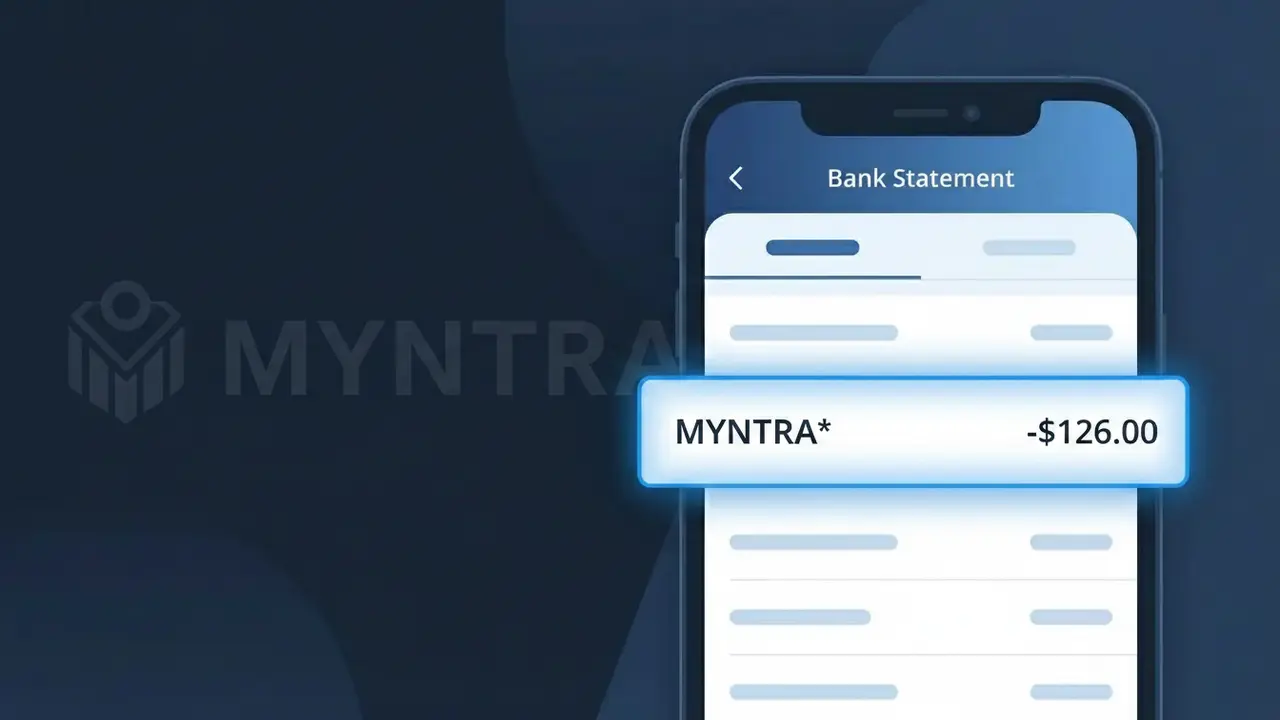
Why You're Seeing "MYNTRA*" on Your Bank Statement
The MYNTRA* charge on your bank statement comes from Myntra, one of India's largest online fashion and lifestyle shopping platforms. This charge appears when you make a purchase through the Myntra website or mobile app, covering clothing, footwear, accessories, and beauty products. The asterisk following 'MYNTRA' is a common formatting convention used by payment processors to separate the merchant name from additional transaction details. If you see this descriptor on your statement, it almost certainly relates to a fashion or lifestyle order placed on Myntra's platform.
The MYNTRA* descriptor appears on your bank statement because payment processing networks truncate and format merchant names according to their own standardized systems, often adding an asterisk to indicate additional transaction data follows. Myntra processes payments through third-party payment gateways common in India, and these intermediaries submit the charge using the shortened MYNTRA* format rather than the full brand name. This is entirely normal for Indian e-commerce transactions and does not indicate any fraudulent or unauthorized activity.
Is the MYNTRA* Charge Legitimate or Fraud?
If you see MYNTRA* on your bank or credit card statement, it is most likely a legitimate charge from Myntra, one of India's largest online fashion and lifestyle retailers. This charge descriptor appears when you make a purchase or subscription payment through the Myntra platform. Common reasons you may see MYNTRA* include:
- A recent clothing, footwear, or accessories order placed on the Myntra app or website
- A Myntra Insider or Myntra Fashion Pass subscription renewal
- A saved card being charged for a pending or pre-authorized order
- A family member or household user shopping with your linked payment method on Myntra
How to Verify the MYNTRA* Charge
- 1
Log into your Myntra account
Visit the Myntra app or myntra.com, go to 'My Orders', and check if a recent purchase matches the MYNTRA* charge amount and date on your statement.
- 2
Search your email for Myntra receipts
Look for order confirmation or payment receipt emails from Myntra. Search your inbox for 'Myntra' or 'order confirmation' to find a matching transaction.
- 3
Check if a household member placed an order
Ask family members or anyone who has access to your payment method if they recently shopped on Myntra, as shared accounts or saved cards can trigger unexpected MYNTRA* charges.
- 4
Review your Myntra subscriptions
Check if you are enrolled in Myntra Insider or Myntra Fashion Pass. These memberships auto-renew and will appear as a recurring MYNTRA* charge on your statement.
- 5
Contact your bank for transaction details
If you still can't identify the MYNTRA* charge, call your bank and request the full merchant details. This can help confirm whether the charge truly originated from Myntra.
How to Dispute a MYNTRA* Charge
- 1
Act within 60 days
Most banks require disputes to be filed within 60 days of the statement date. Don't delay if you believe the MYNTRA* charge on your account is unauthorized or incorrect.
- 2
Contact Myntra customer support first
Reach out to Myntra via the app's Help Center or myntra.com/helpcenter. Myntra support can quickly verify the charge and process refunds for cancellations or errors faster than a bank dispute.
- 3
File a chargeback with your bank
If Myntra cannot resolve the issue, contact your bank or card issuer to initiate a formal chargeback for the MYNTRA* transaction. Provide your order details and any correspondence with Myntra as evidence.
- 4
Request a new card if fraud is suspected
If you suspect your card details were stolen and used on Myntra without your knowledge, ask your bank to cancel your current card and issue a replacement to prevent further unauthorized MYNTRA* charges.
Tips for Managing Myntra Charges
Enable bank SMS/email alerts to get notified instantly whenever a MYNTRA* charge hits your account.
Save your Myntra order confirmation emails so you can easily match them to MYNTRA* charges on your statement.
Secure your Myntra account with a strong password and enable two-factor authentication to prevent unauthorized purchases.
Note your Myntra Fashion Pass or Insider renewal date to anticipate recurring MYNTRA* charges each billing cycle.
Use a virtual card number for Myntra purchases to limit exposure if your payment details are ever compromised.
Use WhatIsThisCharge.net to identify MYNTRA* or any other unfamiliar charges on your bank statement.
Frequently Asked Questions About the MYNTRA* Charge
ℹ️ Note
In most cases, a MYNTRA* charge is simply Myntra processing payment for a fashion order or membership renewal — checking your Myntra order history takes less than a minute and will usually clear up the confusion right away.
Was this article helpful?