Why You're Seeing "PAYPAL *TRANSFER" on Your Bank Statement
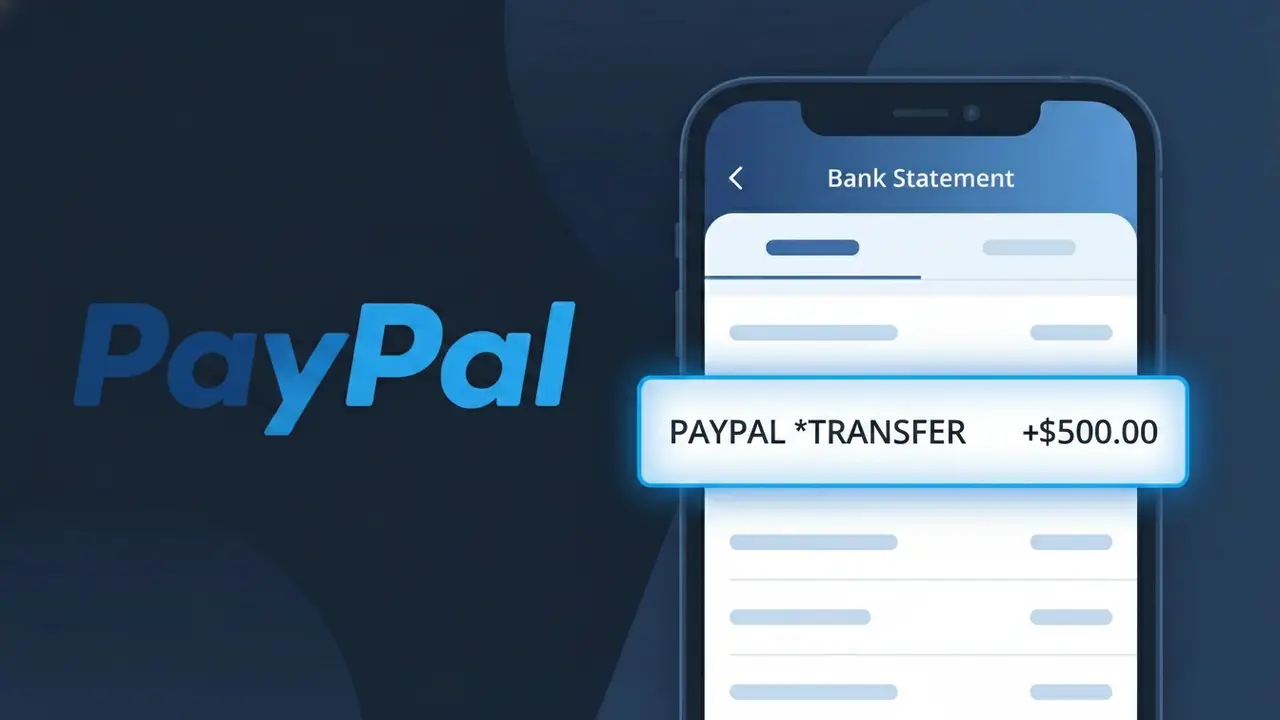
Why You're Seeing "PAYPAL *TRANSFER" on Your Bank Statement
The PAYPAL *TRANSFER charge on your bank statement comes from PayPal, one of the world's most widely used digital payment platforms. This descriptor typically indicates that money was moved through PayPal, either as a transfer to another person, a payment for goods or services, or a withdrawal from your PayPal balance to your linked bank account. If you use PayPal regularly, this charge can appear frequently and may represent a variety of different transaction types. Seeing PAYPAL *TRANSFER on your statement simply means PayPal was involved in processing a financial movement tied to your account.
PayPal uses the descriptor PAYPAL *TRANSFER to identify transactions that involve the movement of funds, distinguishing them from other PayPal activity such as subscriptions or direct purchases. Because PayPal processes millions of different transaction types, the asterisk notation helps categorize the nature of the charge, with 'TRANSFER' signaling a fund movement rather than a retail purchase. Your bank displays this standardized descriptor as it is submitted by PayPal during the transaction authorization process, which is why you may not see the specific recipient or purpose listed alongside it.
Is the PAYPAL *TRANSFER Charge Legitimate or Fraud?
The PAYPAL *TRANSFER charge on your bank or credit card statement is most commonly a legitimate transaction processed by PayPal, reflecting a money transfer or fund movement between accounts. This descriptor appears when PayPal moves funds on your behalf, such as sending money to another user, funding your PayPal balance, or withdrawing to a linked bank account. However, if you don't recognize it, it's worth investigating immediately.
- You or a family member sent money to another PayPal user
- A PayPal balance top-up was initiated from your linked bank or card
- A scheduled or automatic transfer was triggered by a PayPal service
- Unauthorized access to your PayPal account may have initiated the transfer
How to Verify the PAYPAL *TRANSFER Charge
- 1
Log into your PayPal account
Visit paypal.com and review your Activity or Transaction History. Search for the date and amount matching the PAYPAL *TRANSFER charge on your statement.
- 2
Search your email for PayPal receipts
Look for emails from service@paypal.com around the date of the charge. PayPal sends a confirmation email for every transfer, including the recipient and amount.
- 3
Check with household members
Ask family members or anyone who has access to your PayPal account or linked cards if they initiated a PAYPAL *TRANSFER transaction recently.
- 4
Review linked PayPal subscriptions and auto-transfers
In your PayPal account, check Settings > Payments > Automatic Payments to see if any recurring transfers are set up that could trigger a PAYPAL *TRANSFER charge.
- 5
Contact your bank for more details
If you still can't identify the PAYPAL *TRANSFER charge, call the number on the back of your card. Your bank can provide the exact merchant ID and transaction details.
How to Dispute a PAYPAL *TRANSFER Charge
- 1
Act within 60 days
Dispute a PAYPAL *TRANSFER charge as quickly as possible. Most banks require disputes to be filed within 60 days of the charge appearing on your statement.
- 2
Contact PayPal's Resolution Center first
Log into your PayPal account and go to the Resolution Center at paypal.com/disputes. Open a dispute directly for the unrecognized PAYPAL *TRANSFER transaction before escalating.
- 3
File a chargeback with your bank
If PayPal does not resolve your dispute satisfactorily, contact your bank or card issuer and formally request a chargeback for the PAYPAL *TRANSFER charge, citing it as unauthorized.
- 4
Request a new card number
If the PAYPAL *TRANSFER charge was fraudulent, ask your bank to issue a new card number and update or remove the compromised card from your PayPal account immediately.
Tips for Managing PayPal Charges
Enable PayPal notifications so you get an instant alert every time a PAYPAL *TRANSFER is initiated from your account.
Regularly review your PayPal transaction history monthly to catch any unexpected PAYPAL *TRANSFER charges early.
Secure your PayPal account with a strong password and two-factor authentication to prevent unauthorized transfers.
Check your billing cycles and note recurring PayPal transfers so you can distinguish expected charges from suspicious ones.
Use PayPal's Purchase Protection features and only transfer funds to verified, trusted recipients to minimize fraud risk.
Use WhatIsThisCharge.net to identify related charges and get clarity on unfamiliar PayPal billing descriptors.
Frequently Asked Questions About the PAYPAL *TRANSFER Charge
ℹ️ Note
In most cases, a PAYPAL *TRANSFER charge is a legitimate transaction initiated through your PayPal account — such as sending money to a friend or moving funds between accounts. If you recognize the amount and date, no action is needed; if not, PayPal's Resolution Center makes it straightforward to investigate and resolve.
🔍 Decode this charge instantly
Search our database for PAYPAL *TRANSFER and similar charges.
Decode PAYPAL *TRANSFER →Was this article helpful?