Why You're Seeing "PHONEPE*" on Your Bank Statement
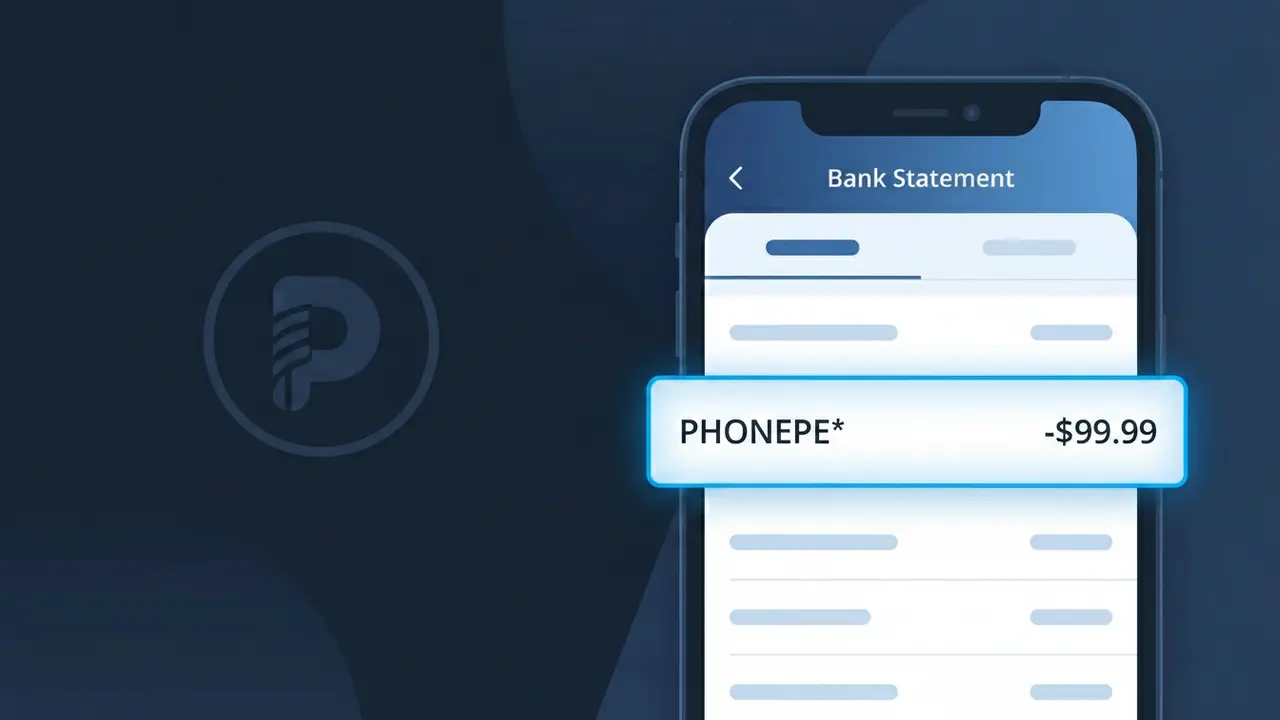
Why You're Seeing "PHONEPE*" on Your Bank Statement
The PHONEPE* charge on your bank statement comes from PhonePe, one of India's leading digital payment platforms. This descriptor appears when you've made a payment, fund transfer, or completed a financial transaction through the PhonePe app. PhonePe processes a wide range of payments including utility bills, merchant purchases, peer-to-peer transfers, and UPI transactions. If you see PHONEPE* followed by additional characters, those typically identify the specific merchant or transaction type associated with your payment.
The PHONEPE* descriptor appears on your bank statement because PhonePe acts as the payment processor or intermediary handling the transaction on behalf of the sender or merchant. Banks and card networks display the payment gateway's identifier rather than the end merchant's name when a platform like PhonePe facilitates the transfer. The asterisk (*) following PHONEPE is a standard formatting convention used by payment processors to separate the company name from additional transaction reference details.
Is the PHONEPE* Charge Legitimate or Fraud?
A PHONEPE* charge on your bank or card statement is typically a legitimate transaction processed by PhonePe, one of India's leading digital payment platforms. This charge appears when you use PhonePe to send money, pay bills, recharge mobile plans, or make purchases through the app. However, if you don't recognize the charge, it's worth investigating further.
- PhonePe processes UPI payments, bill payments, and merchant transactions that bill as PHONEPE*
- Subscriptions or auto-pay services linked to your PhonePe account may generate recurring PHONEPE* charges
- Family members or linked accounts sharing your payment method may have initiated the charge
- Fraudulent use of your card details on the PhonePe platform is possible if your credentials were compromised
How to Verify the PHONEPE* Charge
- 1
Check your PhonePe transaction history
Log into your PhonePe app and navigate to 'History' or 'My Transactions' to match the PHONEPE* charge amount and date with a specific payment.
- 2
Search your email for PhonePe receipts
Look in your inbox for transaction confirmation emails from PhonePe. Search for 'PhonePe' or 'PHONEPE*' to find receipts matching the charge date and amount.
- 3
Check household or linked accounts
Ask family members or anyone with access to your payment method if they used PhonePe recently, as shared UPI-linked bank accounts can generate PHONEPE* charges.
- 4
Review your active PhonePe subscriptions
Inside the PhonePe app, check 'Autopay' and 'Recurring Payments' sections to see if any active subscriptions or bill-pay mandates correspond to the PHONEPE* charge.
- 5
Contact your bank for details
If you still can't verify the PHONEPE* charge, call your bank and request the full merchant descriptor, transaction ID, and location data to help identify the source.
How to Dispute a PHONEPE* Charge
- 1
Act within 60 days
Most banks require you to dispute an unrecognized PHONEPE* charge within 60 days of the statement date. Review your statements promptly and don't delay reporting.
- 2
Contact PhonePe support first
Reach out to PhonePe's customer support via the app's 'Help' section or at support.phonepe.com. Provide the transaction ID and charge details to request a review or refund directly.
- 3
File a chargeback with your bank
If PhonePe does not resolve the PHONEPE* charge, contact your bank or card issuer to file a formal chargeback, citing the charge as unauthorized or unrecognized.
- 4
Request a new card number
If the PHONEPE* charge appears fraudulent and you didn't authorize it, ask your bank to issue a new card number to prevent any further unauthorized charges linked to your old card details.
Tips for Managing PhonePe Charges
Enable PhonePe transaction notifications so every PHONEPE* charge triggers an instant alert on your phone.
Review your PhonePe transaction history monthly and cross-check it with PHONEPE* entries on your bank statement.
Secure your PhonePe account with a strong UPI PIN and enable two-factor authentication to prevent unauthorized charges.
Track PhonePe autopay mandates and their billing dates to anticipate recurring PHONEPE* charges each cycle.
Never share your PhonePe UPI PIN or OTP with anyone — PhonePe will never ask for it via call or message.
Use WhatIsThisCharge.net to identify related charges that may appear alongside PHONEPE* on your statement.
Frequently Asked Questions About the PHONEPE* Charge
ℹ️ Note
In most cases, a PHONEPE* charge is a legitimate transaction processed by PhonePe for a payment, bill, or recharge you authorized — a quick check of your PhonePe transaction history will usually confirm the charge within seconds.
🔍 Decode this charge instantly
Search our database for PHONEPE* and similar charges.
Decode PHONEPE* →Was this article helpful?