Why You're Seeing "楽天市場 RAKUTEN" on Your Bank Statement
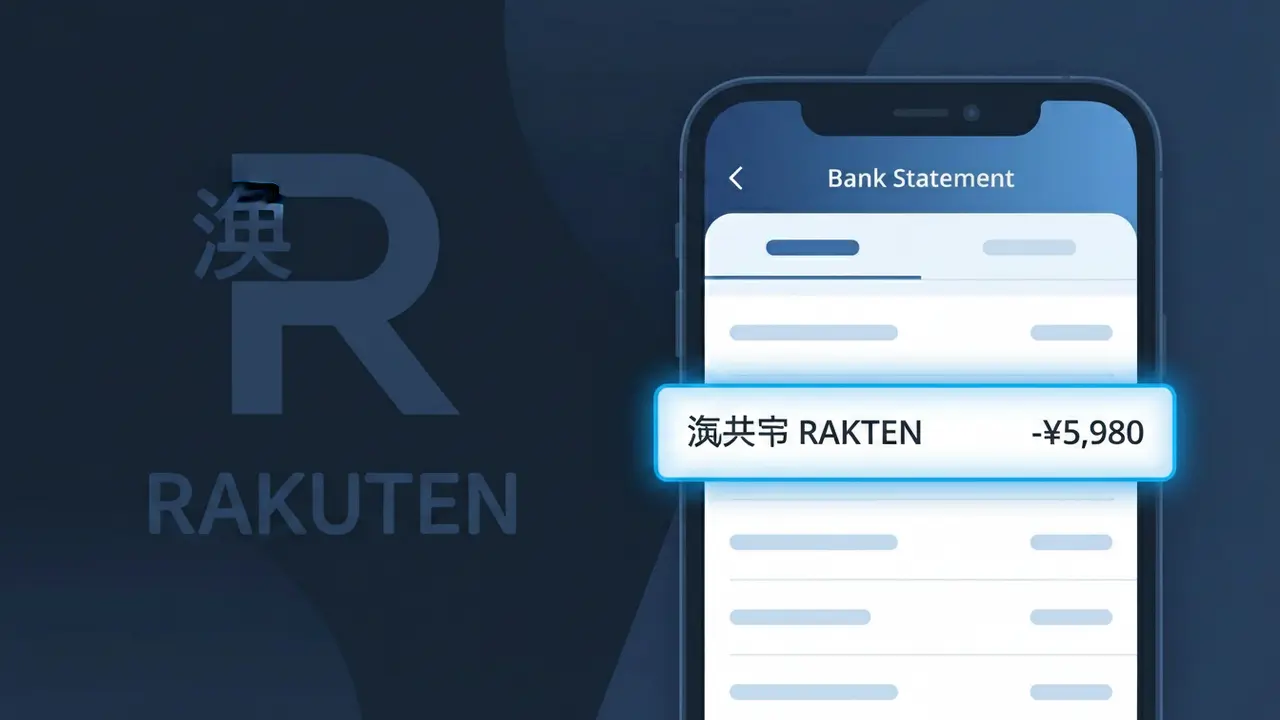
Why You're Seeing "楽天市場 RAKUTEN" on Your Bank Statement
The charge descriptor '楽天市場 RAKUTEN' on your bank statement comes from Rakuten Ichiba, Japan's largest online shopping marketplace. This charge appears when you make a purchase through Rakuten's Japanese e-commerce platform, whether you're shopping directly or through an international purchase. Rakuten Ichiba operates similarly to Amazon, hosting thousands of third-party sellers offering everything from electronics to clothing and groceries. If you see this charge and don't recognize it, it's worth checking whether a family member or travel companion may have used your card on the platform.
The descriptor '楽天市場 RAKUTEN' combines the Japanese characters for 'Rakuten Ichiba' (楽天市場) alongside the Romanized brand name, as transactions processed through Rakuten's Japanese payment systems often include both scripts to satisfy local and international compliance requirements. Rakuten Ichiba processes payments under its parent company's billing system in Japan, which is why the merchant name may appear differently than the individual shop you purchased from. This dual-format descriptor is standard for Japanese e-commerce platforms serving both domestic and international customers.
Is the 楽天市場 RAKUTEN Charge Legitimate or Fraud?
If you see 楽天市場 RAKUTEN on your bank or credit card statement, this charge almost certainly comes from a purchase made on Rakuten Ichiba, Japan's largest online shopping marketplace. Rakuten Ichiba processes millions of transactions daily, so this descriptor is a normal and expected charge for shoppers on the platform. Here are common reasons this charge appears:
- You recently purchased a product from a seller on the Rakuten Ichiba marketplace
- You enrolled in Rakuten's premium membership (Rakuten Premium) which bills periodically
- A family member or household member used your payment method to shop on Rakuten Ichiba
- You subscribed to a Rakuten-affiliated service such as Rakuten Fashion or Rakuten Books that bills under the same descriptor
How to Verify the 楽天市場 RAKUTEN Charge
- 1
Log into your Rakuten Ichiba account
Visit ichiba.rakuten.co.jp and sign in, then navigate to your order history. Match the charge amount and date to a recent 楽天市場 RAKUTEN transaction on your statement.
- 2
Search your email for Rakuten receipts
Search your inbox for emails from 'order@rakuten.co.jp' or 'noreply@rakuten.co.jp'. Rakuten Ichiba sends order confirmation emails that include the exact purchase amount.
- 3
Check household members
Ask family members or anyone who shares your payment method if they recently shopped on Rakuten Ichiba. Sub-accounts linked to your Rakuten ID can also generate 楽天市場 RAKUTEN charges.
- 4
Review your Rakuten subscriptions
Check for active Rakuten Premium memberships or recurring subscriptions in your Rakuten account settings. These renew automatically and appear as 楽天市場 RAKUTEN on your statement.
- 5
Contact your bank for transaction details
If you still cannot identify the charge, call your bank and ask for the full merchant details tied to the 楽天市場 RAKUTEN descriptor, including the transaction date and exact amount.
How to Dispute a 楽天市場 RAKUTEN Charge
- 1
Act within 60 days of the charge
Most banks require disputes to be filed within 60 days of the 楽天市場 RAKUTEN charge appearing on your statement. Document the charge amount, date, and any supporting evidence before contacting anyone.
- 2
Contact Rakuten Ichiba customer support first
Reach out to Rakuten Ichiba's support team via the help center at rakuten.co.jp/help before escalating. Rakuten Ichiba can often resolve unauthorized charges or mistaken purchases faster than a bank dispute.
- 3
File a chargeback with your bank or card issuer
If Rakuten Ichiba does not resolve your issue, contact your bank or credit card issuer and formally dispute the 楽天市場 RAKUTEN charge. Provide your order number, email correspondence, and any denial from Rakuten Ichiba as evidence.
- 4
Request a new card if fraud is suspected
If you believe the 楽天市場 RAKUTEN charge is the result of stolen card details, ask your bank to cancel your card and issue a replacement immediately to prevent additional unauthorized transactions.
Tips for Managing Rakuten Ichiba Charges
Enable purchase notifications in your Rakuten Ichiba account so you receive an alert every time a 楽天市場 RAKUTEN charge is processed.
Keep your Rakuten Ichiba order confirmation emails in a dedicated folder so you can quickly match them to 楽天市場 RAKUTEN charges on your statement.
Use a strong, unique password for your Rakuten Ichiba account and enable two-factor authentication to prevent unauthorized purchases billed as 楽天市場 RAKUTEN.
Note your Rakuten Premium membership renewal date to anticipate recurring 楽天市場 RAKUTEN charges and avoid surprise billing.
Use a credit card rather than a debit card for Rakuten Ichiba purchases — credit cards offer stronger chargeback protections for disputed 楽天市場 RAKUTEN charges.
Use WhatIsThisCharge.net to identify related charges that may appear alongside 楽天市場 RAKUTEN on your statement.
Frequently Asked Questions About the 楽天市場 RAKUTEN Charge
ℹ️ Note
In most cases, a 楽天市場 RAKUTEN charge is completely legitimate and simply reflects a recent purchase or membership renewal on Rakuten Ichiba — Japan's most popular online shopping marketplace. A quick check of your Rakuten Ichiba order history is usually all it takes to confirm the charge and put your mind at ease.
🔍 Decode this charge instantly
Search our database for 楽天市場 RAKUTEN and similar charges.
Decode 楽天市場 RAKUTEN →Was this article helpful?