Why You're Seeing "STRIPE*" on Your Bank Statement
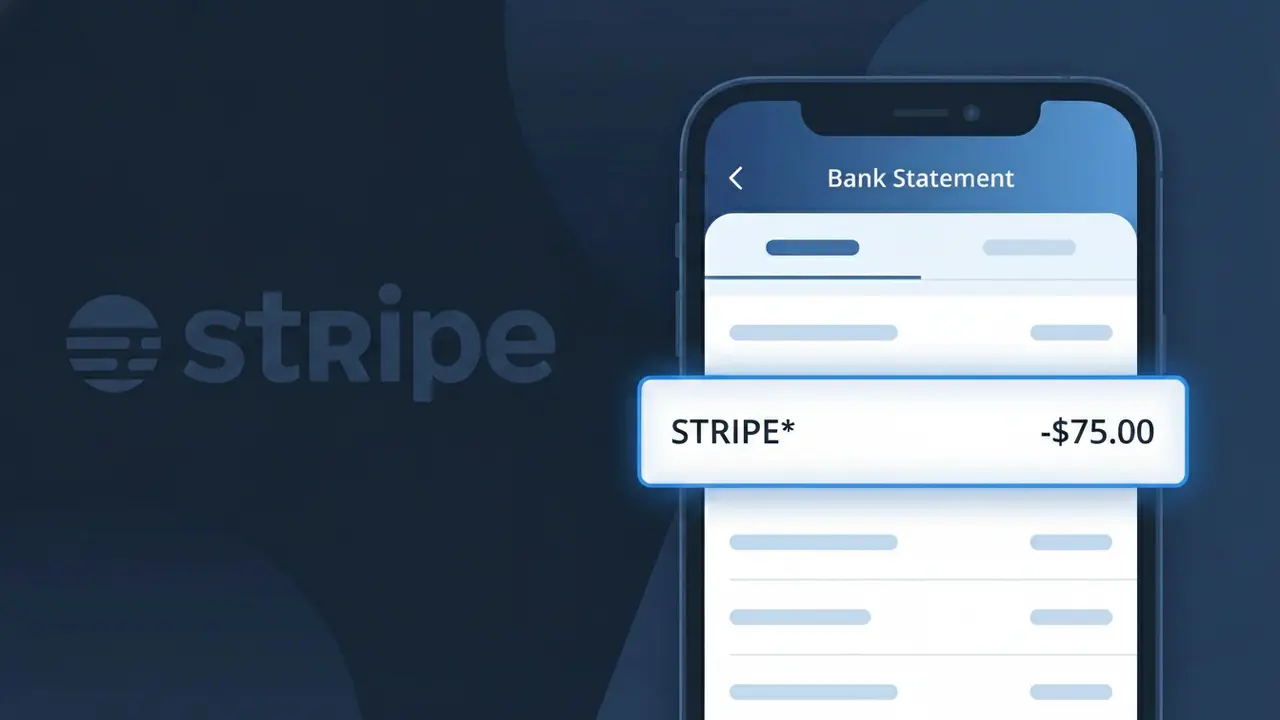
Why You're Seeing "STRIPE*" on Your Bank Statement
A charge showing STRIPE* on your bank statement indicates a payment that was processed through Stripe, a widely used online payment processing platform. Stripe powers transactions for millions of businesses worldwide, from small online shops to large enterprises, which is why you might see this descriptor even if you don't immediately recognize the name. The full descriptor often appears as STRIPE* followed by a merchant name or abbreviated identifier, helping to pinpoint exactly which business charged you. If you recently made a purchase online or paid for a subscription service, there's a good chance that company uses Stripe to handle its payments.
The STRIPE* descriptor appears on your bank statement because the merchant you purchased from uses Stripe as their third-party payment processor, meaning Stripe facilitates the transaction on the seller's behalf. Rather than showing the individual business name, your bank records the payment processor — Stripe — along with a truncated version of the merchant's name. This is a standard practice in digital payments and does not indicate any fraudulent activity on its own.
Is the STRIPE* Charge Legitimate or Fraud?
A STRIPE* charge on your bank or credit card statement is typically a legitimate transaction processed through Stripe, one of the world's most widely used online payment platforms. Stripe does not usually sell directly to consumers — instead, it processes payments on behalf of thousands of online businesses, so the STRIPE* descriptor appears when a merchant you purchased from uses Stripe as their payment processor. Common reasons you might see this charge include:
- A recent online purchase from a business that uses Stripe to handle payments
- A recurring subscription billed through a Stripe-powered merchant
- A donation made to a nonprofit or crowdfunding platform that uses Stripe
- A marketplace or SaaS product that collects payments via Stripe's infrastructure
How to Verify the STRIPE* Charge
- 1
Check your Stripe receipt email
Search your inbox for 'receipt from Stripe' or 'stripe.com' — Stripe automatically sends email receipts on behalf of the merchant when a payment is processed, often including the merchant's name.
- 2
Look at the full charge descriptor
Your statement may show 'STRIPE* [MERCHANT NAME]' after the prefix. The text following 'STRIPE*' often identifies the specific business that charged you through Stripe's platform.
- 3
Review recent online purchases
Think back to any online stores, SaaS tools, or subscription services you've signed up for recently — many use Stripe as their backend payment processor without advertising it.
- 4
Ask household or account members
If you share payment cards, check with family members or colleagues who may have made a purchase through a Stripe-powered merchant using your card.
- 5
Contact your bank for more details
If the charge is still unrecognized, call the number on the back of your card and ask your bank for the full merchant name associated with the STRIPE* transaction.
How to Dispute a STRIPE* Charge
- 1
Act within 60 days
Most banks require disputes to be filed within 60 days of the statement date. Don't delay if you suspect the STRIPE* charge is unauthorized or fraudulent.
- 2
Contact the merchant first
Since STRIPE* represents a merchant using Stripe's platform, try contacting that merchant directly for a refund — Stripe's own support at stripe.com/contact can help identify the business if you're unsure who charged you.
- 3
File a chargeback with your bank
If the merchant is unresponsive or the charge is fraudulent, contact your bank or card issuer to initiate a formal chargeback against the STRIPE* transaction, providing any relevant receipts or correspondence.
- 4
Request a new card number
If you believe your card details were compromised and used to make unauthorized STRIPE* charges, ask your bank to cancel your current card and issue a new one to prevent further fraud.
Tips for Managing Stripe Charges
Enable real-time transaction alerts from your bank to catch any unexpected STRIPE* charges immediately.
Save email receipts from Stripe-powered merchants — they help you match STRIPE* charges on your statement quickly.
If you have a Stripe account, log in at stripe.com to review your payment history and connected merchant activity.
Note billing cycle dates for any subscriptions using Stripe — recurring STRIPE* charges often appear on a fixed monthly date.
Use a virtual card number for online purchases to limit exposure if a Stripe-powered merchant is ever compromised.
Use WhatIsThisCharge.net to identify STRIPE* and other related unfamiliar charges on your statement.
Frequently Asked Questions About the STRIPE* Charge
ℹ️ Note
Most STRIPE* charges are completely legitimate and simply reflect a purchase made from an online business that uses Stripe as its payment processor — identifying the merchant name after the asterisk or checking your email receipts usually resolves any confusion quickly.
Was this article helpful?