Why You're Seeing "UNITED*" on Your Bank Statement
Why You're Seeing "UNITED*" on Your Bank Statement
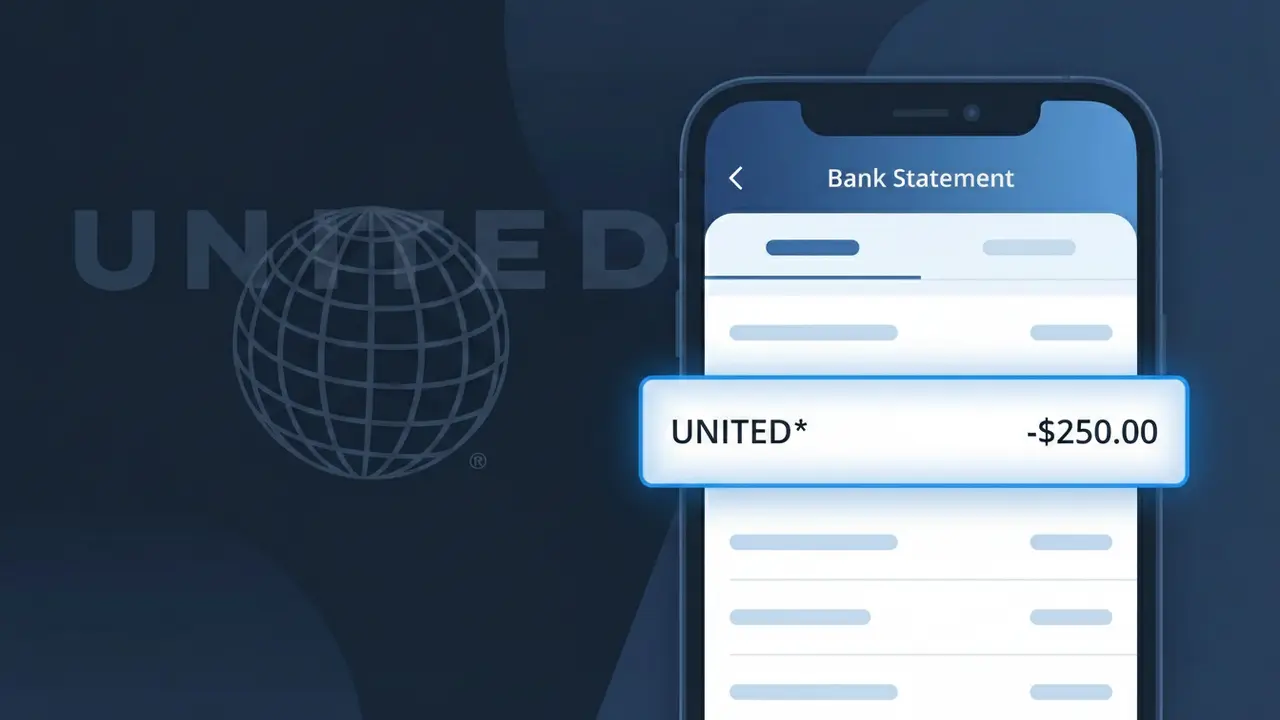
A charge showing UNITED* on your bank or credit card statement comes from United Airlines and typically represents a purchase made for air travel. This descriptor appears when you book a flight directly through United Airlines' website, mobile app, or by calling their reservations line. The asterisk following 'UNITED' is a common formatting element used in payment processing systems to separate the merchant name from additional transaction details. If you see this charge, it almost certainly relates to a flight ticket, seat upgrade, or other travel-related purchase made with United Airlines.
The shortened descriptor UNITED* appears on your bank statement because payment processors have strict character limits for merchant names, often capping them at 15-22 characters, which forces companies like United Airlines to use abbreviated versions of their brand name. The asterisk acts as a wildcard separator, and additional characters after it may include a confirmation number, route code, or transaction identifier depending on your bank's display format. United Airlines uses this standardized billing descriptor across all of their direct sales channels to ensure consistent transaction identification across millions of daily purchases.
Is the UNITED* Charge Legitimate or Fraud?
A UNITED* charge on your bank or credit card statement almost always originates from United Airlines, one of the largest U.S. carriers. This truncated billing descriptor is standard for United Airlines transactions and is not inherently a sign of fraud. Common legitimate reasons you may see UNITED* include:
- A flight ticket purchase or upgrade booked directly on united.com or the United app
- A United MileagePlus membership fee or award redemption processing charge
- Baggage fees, seat selection upgrades, or in-flight purchases billed post-flight
- A United Club lounge membership or day-pass fee charged to your card
How to Verify the UNITED* Charge
- 1
Log into your United Airlines account
Visit united.com and sign in to your MileagePlus account. Navigate to 'My Trips' or 'Purchase History' to match the UNITED* charge amount and date to a specific booking or transaction.
- 2
Search your email for United Airlines receipts
Search your inbox for emails from united.com or noreply@united.com. United Airlines sends confirmation and receipt emails for every ticket, upgrade, or ancillary fee, so the amount should match the UNITED* charge exactly.
- 3
Check with household members or travel companions
Ask family members or travel companions if they booked United Airlines flights or services using your card. It's common for a shared card to show a UNITED* charge from someone else's booking.
- 4
Review United Club or MileagePlus subscriptions
If you hold a United Club membership or have auto-renewing MileagePlus perks, check your subscription renewal dates. Annual United Club memberships can generate a surprise UNITED* charge when they auto-renew.
- 5
Contact your bank for more details
If you still can't identify the UNITED* charge, call your bank and ask for the full merchant descriptor and transaction details. Your bank can sometimes provide a phone number or additional merchant info attached to the charge.
How to Dispute a UNITED* Charge
- 1
Act within 60 days of the charge
Federal law under the Fair Credit Billing Act gives you 60 days from the statement date to dispute a UNITED* charge. Don't delay — gather your documentation as soon as you spot an unrecognized United Airlines charge.
- 2
Contact United Airlines customer service first
Call United Airlines at 1-800-864-8331 or use the chat feature on united.com to report the unrecognized UNITED* charge. United can often resolve billing errors, issue refunds, or confirm whether the charge is valid faster than a bank dispute.
- 3
File a chargeback with your bank or card issuer
If United Airlines cannot resolve the issue, contact your bank or credit card issuer to file a formal chargeback for the UNITED* charge. Provide your United Airlines case number, any email receipts, and a written explanation of why the charge is unauthorized.
- 4
Request a new card number if fraud is suspected
If you believe the UNITED* charge is part of fraudulent activity rather than a United Airlines billing error, ask your bank to cancel your current card and issue a new one with a different number to prevent further unauthorized charges.
Tips for Managing United Airlines Charges
Set up bank alerts for any UNITED* charge so you're notified immediately when United Airlines bills your card.
Always save your United Airlines booking confirmation emails — they're your best proof if a UNITED* charge needs disputing.
Keep your United Airlines MileagePlus login current so you can quickly cross-reference any UNITED* charge with your purchase history.
Note your United Club membership renewal date to avoid being surprised by an annual UNITED* charge on your statement.
Use a travel credit card with purchase protection for United Airlines bookings to simplify disputes of any incorrect UNITED* charges.
Use WhatIsThisCharge.net to identify related charges like UNITED* WIFI or UNITED* CLUB that may also appear from United Airlines.
Frequently Asked Questions About the UNITED* Charge
ℹ️ Note
In most cases, a UNITED* charge is a completely normal and expected transaction from United Airlines — likely tied to a flight you booked, a baggage fee, or an annual United Club membership renewal. A quick check of your united.com purchase history or inbox will usually clear up any confusion in minutes.
Was this article helpful?