Why You're Seeing "ZELLE*" on Your Bank Statement
Why You're Seeing "ZELLE*" on Your Bank Statement
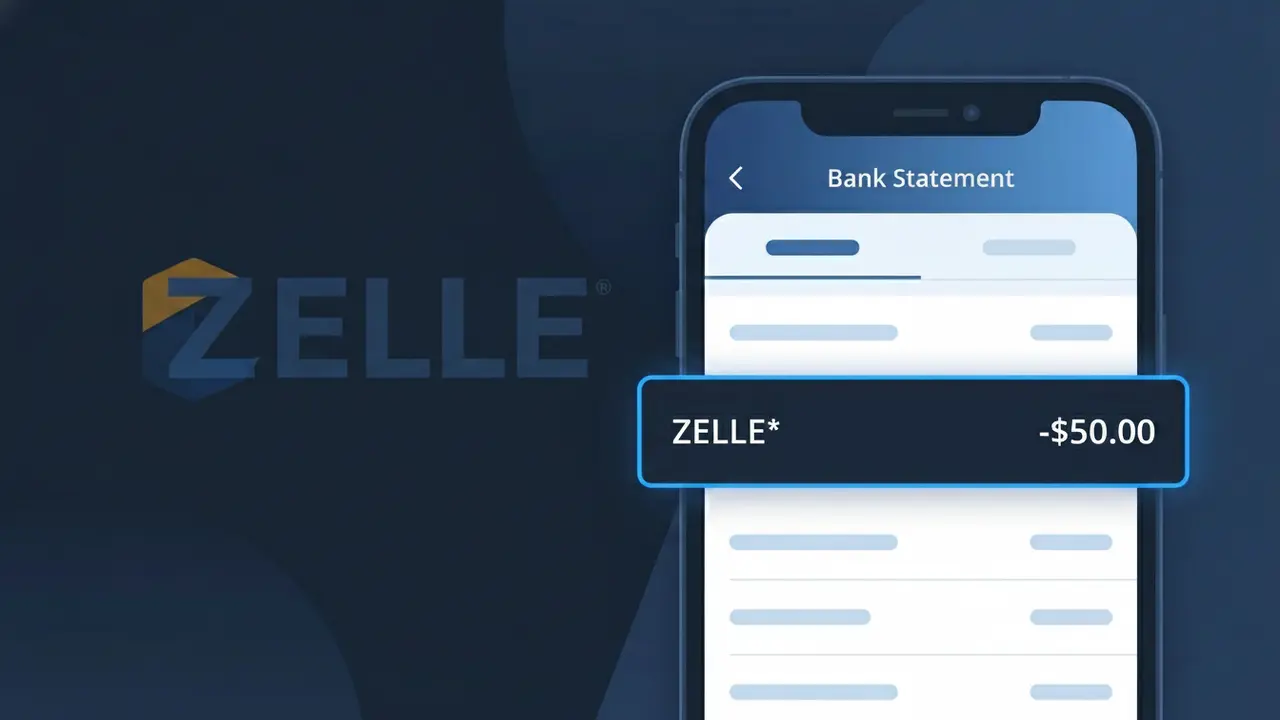
The ZELLE* charge on your bank statement comes from Zelle, a popular peer-to-peer digital payment network widely used in the United States. This descriptor typically appears when money has been sent or received through the Zelle platform, which is directly integrated into most major U.S. bank apps. Zelle allows users to transfer funds quickly between bank accounts, often within minutes, making it a common choice for splitting bills, paying rent, or sending money to friends and family. If you see ZELLE* on your statement, it reflects a transaction processed through this payment service.
The ZELLE* descriptor appears on your bank statement because Zelle processes transactions under its own payment network identifier, even when accessed directly through your bank's mobile app or website. The asterisk following the name is a standard formatting convention used by payment processors to indicate a digital or network-based transaction. Because Zelle operates as a shared payment rail across hundreds of U.S. financial institutions, the charge is logged under the Zelle network label rather than the name of your specific bank.
Is the ZELLE* Charge Legitimate or Fraud?
Seeing ZELLE* on your bank or credit card statement typically means a payment was sent or received through Zelle, the peer-to-peer money transfer service integrated directly into most major U.S. banks. This charge is usually legitimate, but because Zelle transfers are nearly instant and hard to reverse, unauthorized ZELLE* charges should be investigated immediately.
- You or someone with access to your banking app sent a Zelle payment recently
- A recurring payment to a person or small business was processed via Zelle
- A family member or household user sent money using your linked bank account
- A scammer gained access to your account and initiated an unauthorized ZELLE* transfer
How to Verify the ZELLE* Charge
- 1
Check your Zelle activity
Log into your bank's app or Zelle app and review your recent Zelle transaction history. The ZELLE* charge should match a specific recipient name, date, and amount.
- 2
Search your email for Zelle receipts
Search your inbox for emails from Zelle (no-reply@zellepay.com). Every completed Zelle transaction generates a confirmation email with the recipient and amount.
- 3
Check with household members
Ask family members or anyone who shares access to your bank account whether they sent a Zelle payment. Shared banking apps can lead to unexpected ZELLE* charges.
- 4
Review any recurring Zelle payments
Some users set up recurring payments through Zelle to landlords or service providers. Check if the ZELLE* charge amount matches a regular payment you may have scheduled.
- 5
Contact your bank directly
If you still can't identify the ZELLE* charge, call the number on the back of your bank card. Your bank can provide details about the linked Zelle account that initiated the transfer.
How to Dispute a ZELLE* Charge
- 1
Act quickly — time is critical
Zelle transfers are instant and generally irreversible, so report an unauthorized ZELLE* charge to your bank within 60 days of your statement date to preserve your dispute rights under federal Regulation E.
- 2
Contact Zelle support first
Reach out to Zelle directly at 1-844-428-8542 or through their website at zellepay.com. Explain that you did not authorize the ZELLE* transaction and request an investigation.
- 3
File a dispute with your bank
If Zelle does not resolve the issue, escalate the ZELLE* dispute to your bank or credit union. Under Regulation E, if the transfer was truly unauthorized (not a scam you authorized), your bank may be required to reimburse you.
- 4
Secure your account immediately
Change your banking and Zelle-linked account passwords right away. If fraud is confirmed, request your bank issue a new account number to prevent further unauthorized ZELLE* charges.
Tips for Managing Zelle Charges
Enable real-time push notifications in your banking app so every ZELLE* transfer alerts you instantly.
Always double-check the recipient's phone number or email before confirming any Zelle payment — errors are hard to reverse.
Use a unique, strong password for your Zelle-linked bank account and enable two-factor authentication.
Review your bank statement monthly and flag any ZELLE* charge you don't recognize within the same billing cycle.
Never send Zelle payments to strangers — Zelle offers no buyer protection for authorized payments sent to scammers.
Use WhatIsThisCharge.net to identify related charges that appear alongside ZELLE* on your statement.
Frequently Asked Questions About the ZELLE* Charge
ℹ️ Note
In most cases, a ZELLE* charge on your statement simply reflects a peer-to-peer payment you or someone in your household sent through Zelle — one of the most widely used money transfer tools built directly into U.S. bank apps. If the amount and timing match a recent payment you made, there is nothing to worry about.
Was this article helpful?