Why Is My Phone Bill So High? How to Identify Carrier Billing Charges
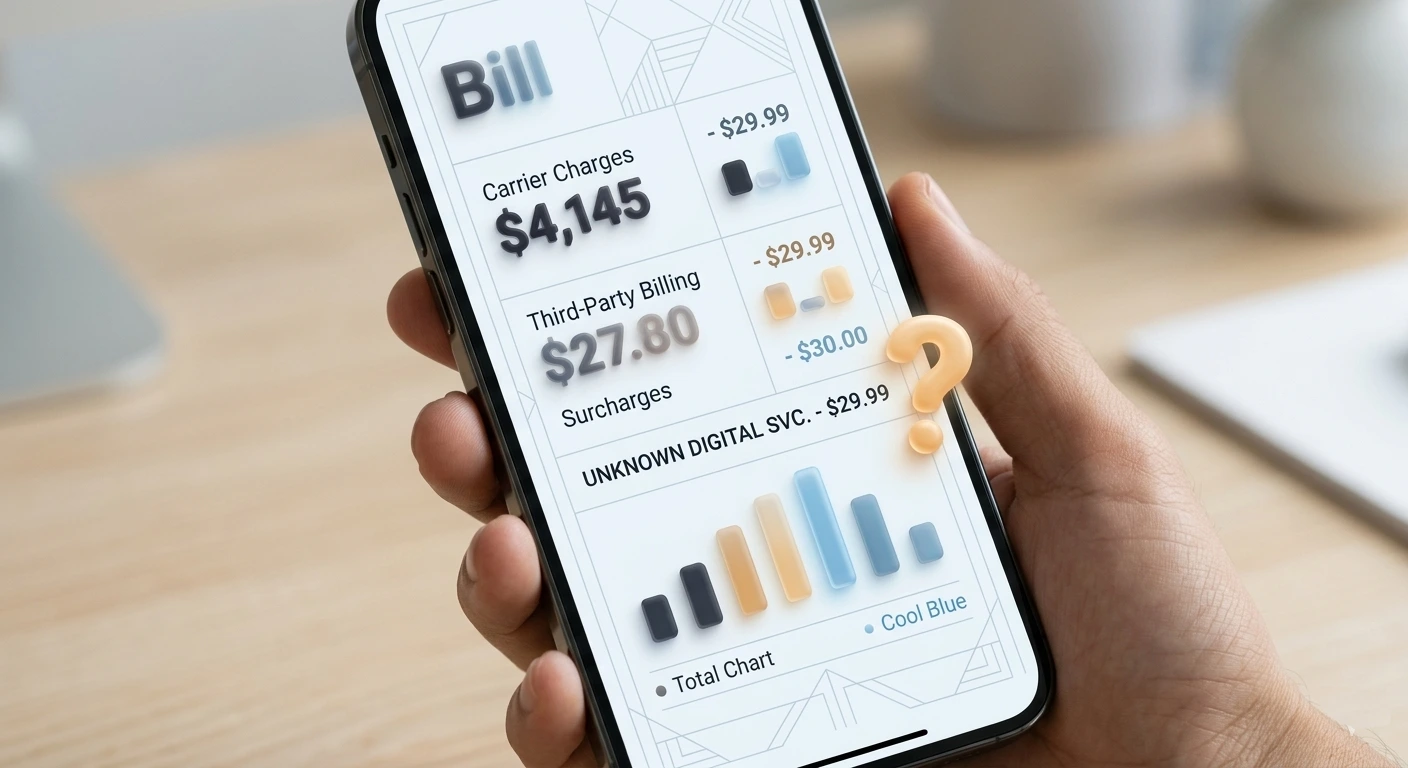
Why Your Phone Bill Keeps Going Up
Mobile carriers are legally required to disclose all charges, but they are not required to make them easy to understand. The average American phone bill contains between 8 and 15 separate line items, many of which have no clear explanation. Here are the most common reasons your bill creeps up every month:
- Government taxes and fees that increase automatically
- Third-party charges added by apps or services you subscribed to
- International roaming charges from calls, texts, or data used abroad
- Premium SMS services you may have accidentally subscribed to
- Device payment plan adjustments or interest
- Plan changes or promotional rates expiring
- Hotspot or data overage charges
- Insurance or protection plan fees you forgot about
The first step to lowering your bill is understanding exactly what each charge is — then deciding which ones you actually want to keep paying.
How to Read Your Phone Bill Line by Line
- 1
Download your full bill PDF
Log into your carrier account online and download the full itemized bill — not just the summary. The summary hides most of the individual charges. AT&T, Verizon, T-Mobile, and most carriers offer a detailed PDF that shows every single charge broken down by line.
- 2
Separate your plan charges from fees
Your bill has two main sections: your plan cost (what you agreed to pay) and additional charges (taxes, fees, add-ons). Start by identifying your base plan cost. Everything else is either a mandatory fee or something that was added — and potentially removable.
- 3
Identify every line item you do not recognize
Go through each charge one by one. Write down any line item that is not your base plan, device payment, or a tax you recognize. Common mystery charges include: Premium Messaging, Third Party Charges, Content Subscription, Enhanced Services, or vague descriptions like Digital Services Fee.
- 4
Search each unknown charge descriptor
Take the exact text of each unknown charge and search it on Google or use WhatIsThisCharge.net. Carrier billing descriptors are often shortened codes that correspond to specific apps, services, or third-party billing programs. Most can be identified in seconds.
- 5
Call your carrier and ask for a line-by-line explanation
If you cannot identify a charge, call your carrier directly. Ask them to explain every charge on your bill that you did not specifically authorize. Carriers are legally required to explain all charges. If a charge was added without your consent, you can dispute it and request a refund for up to 3 months.
The Most Common Hidden Charges on Phone Bills
These are the charges that most people miss — and that carriers rely on going unnoticed:
1. Third-Party Carrier Billing (PSMS)
This is the biggest source of mystery charges on phone bills. Companies can charge directly to your phone bill through a system called Premium SMS (PSMS) or carrier billing. You may have accidentally subscribed by clicking a link, entering your number on a website, or replying YES to a text message.
Common descriptors for these charges:
- PREMIUM MSG SERVICE
- CONTENT SUBSCRIPTION
- DIGITAL MEDIA SERVICES
- 3RD PARTY CHARGE
- BSQUARE DIGITAL CONTENT
- JAMSTER SUBSCRIPTION
2. Regulatory Recovery Fees
These are carrier-invented fees disguised as government charges. The Regulatory Recovery Fee, Administrative Fee, or Network Access Fee are NOT government taxes — they are profit charges that carriers invented and named to sound mandatory. They are not.
3. Device Protection Plans
Most carriers automatically add insurance or protection plans during device purchases. These range from $8 to $20 per month per line. Check if you actually use or want this — many people pay for it for years without knowing.
4. International Roaming
Even if you did not travel, international roaming charges can appear if your phone connected to a foreign network near a border, or if a family member on your plan used their phone abroad.
5. Expired Promotional Pricing
Promotional rates on plans, device payments, or add-ons expire — often after 12 or 24 months. The carrier does not always notify you clearly. Check if any of your charges used to be lower.
⚠️ Warning
Third-party charges on phone bills are a major source of cramming fraud. The FTC estimates millions of Americans are billed for services they never authorized through carrier billing. If you see any charge labeled Third Party, Premium Message, or Content Subscription that you do not recognize — dispute it immediately.
Carrier-Specific: How to Find Hidden Charges
Each major carrier has a different way to view your detailed charges. Here is where to look:
AT&T
Log in at att.com → myAT&T app → Bill → View PDF Bill. Look for the Other Charges and Credits section — this is where third-party and add-on charges are buried.
Verizon
Log in at verizon.com → My Verizon app → Bill → View Bill Details. Check the Surcharges & Other Charges section. Verizon also has a Usage Details tab showing every call, text, and data session.
T-Mobile
Log in at t-mobile.com → Account → Statements → Download PDF. The Additional Charges section shows all add-ons. T-Mobile is generally better at labeling charges but still has regulatory fees that sound like government taxes.
Smaller Carriers (Mint, Boost, Cricket, Metro)
Log into the carrier app and go to Billing → Payment History → Statement. MVNO carriers (those that use big carrier networks) tend to have simpler bills with fewer hidden fees — one of their main selling points.
How to Dispute and Remove Unauthorized Charges
- 1
Block third-party billing first
Before disputing, block future third-party charges. Call your carrier and ask them to add a Third-Party Block or Premium SMS Block to your account. This is free and prevents any future unauthorized charges from being added to your bill.
- 2
Dispute directly with your carrier
Call customer service and state clearly: I did not authorize this charge and I am requesting a refund. Carriers are required by FCC rules to investigate. Most will refund 1-3 months of unauthorized third-party charges immediately without pushback.
- 3
Contact the third-party company directly
If you can identify the company behind the charge, contact them directly. Many third-party billing companies will refund further back than your carrier will — sometimes 6-12 months — to avoid FTC complaints.
- 4
File an FCC complaint if the carrier refuses
If your carrier refuses to refund an unauthorized charge, file a complaint at fcc.gov/consumers/guides/filing-informal-complaint. Carriers take FCC complaints seriously — most disputes are resolved within 30 days of filing.
- 5
Request a credit card chargeback as a last resort
If you pay your phone bill by credit card and the carrier refuses to resolve an unauthorized charge, you can file a chargeback with your credit card issuer. This should be a last resort as it can affect your carrier account status.
Tips to Keep Your Phone Bill Low Every Month
Review your full itemized bill every single month — not just the total amount due.
Call your carrier and add a free Third-Party Billing Block to prevent unauthorized charges.
Set a calendar reminder 11 months after signing up to check if any promotional pricing is about to expire.
Use WhatIsThisCharge.net to instantly identify any unfamiliar charge descriptor on your phone or bank statement.
Enable billing alerts in your carrier app so you get notified the moment any new charge is added to your account.
Ask your carrier annually if there is a better plan available — carriers rarely proactively offer you a cheaper option.
Frequently Asked Questions About Phone Bill Charges
💡 Tip
The single most effective thing you can do right now: call your carrier and ask them to add a free Third-Party Billing Block to your account. This one call can prevent hundreds of dollars in unauthorized charges over time — and takes less than 5 minutes.
Was this article helpful?