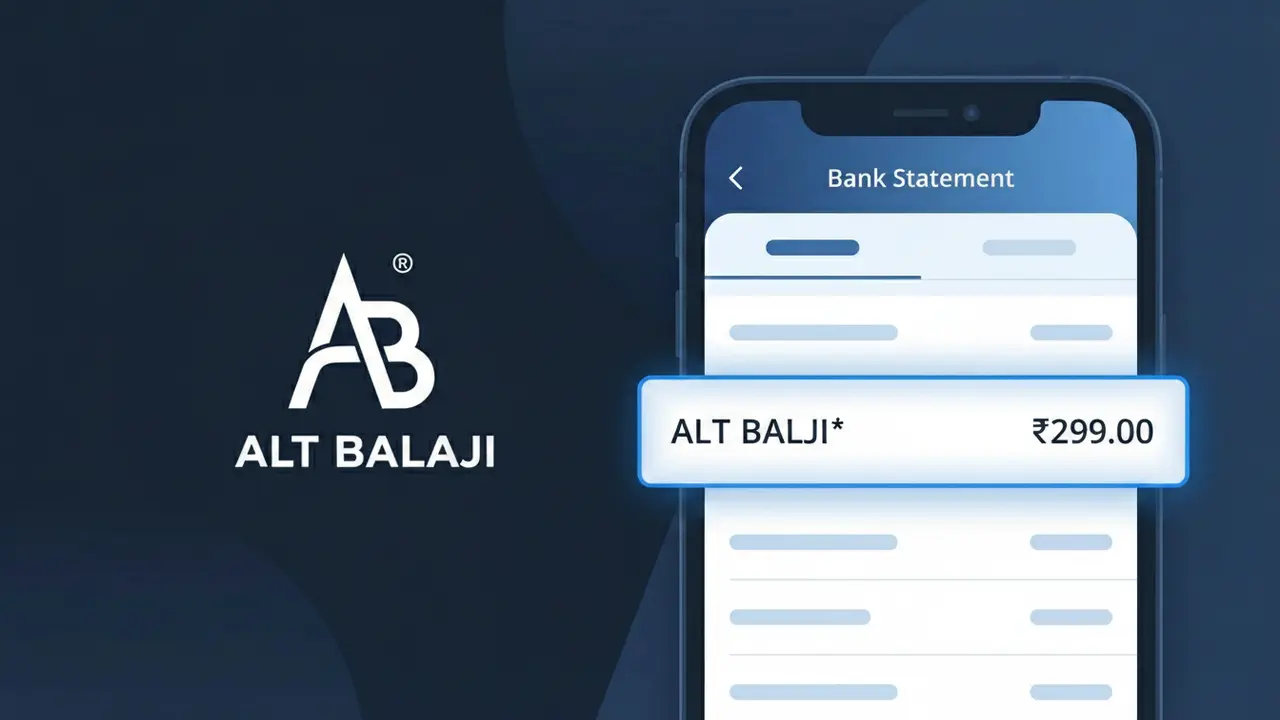
ALT BALAJI* Charge (What It Is + Is It Legit?)
✓ LegitimateThe "ALT BALAJI*" charge is from ALTBalaji. ALTBalaji streaming subscription India.
ALTBalaji
ALTBalaji streaming subscription India.
Category
Streaming
Avg. Charge
₹300
Country
IN
Billing Cycle
Monthly
Cancel At
altbalaji.com/account
Support
See website
What is this charge?
ALTBalaji uses the billing descriptor "ALT BALAJI*" on your bank statement because payment processors typically separate compound brand names with a space and convert them to uppercase to meet standardized character formatting requirements used across banking networks in India. The asterisk following "ALT BALAJI*" is a common delimiter added by payment gateways to separate the merchant name from additional transaction details such as a subscription reference or renewal date. If you subscribed to ALTBalaji's monthly streaming plan at around ₹300, this descriptor is the expected confirmation that the charge is legitimate.
How to handle this charge
Confirm Your ALTBalaji Subscription
Log in to your ALTBalaji account at altbalaji.com and check your subscription status. The ALT BALAJI* charge on your statement is a known billing descriptor for their streaming service in India, so verify that the charge amount matches your current ALTBalaji subscription plan.
Review Your ALTBalaji Billing History
Inside your ALTBalaji account at altbalaji.com, navigate to your billing or payment history section to cross-reference the ALT BALAJI* charge with your recorded transactions. This will confirm the exact date and amount billed by ALTBalaji match what appears on your bank statement.
Check for Shared or Forgotten Access
If the ALT BALAJI* charge seems unexpected, consider whether a family member or someone else in your household may have signed up for or renewed an ALTBalaji streaming subscription using your payment method, as this is a common reason for unrecognized but legitimate charges.
Cancel Your ALTBalaji Subscription If Needed
If you no longer want to be billed for ALTBalaji, visit altbalaji.com/account to manage or cancel your subscription directly. Canceling through the official ALTBalaji account page will stop future ALT BALAJI* charges from appearing on your bank statement.
How to cancel ALTBalaji
ALTBalaji bills you Monthly. To stop future charges, cancel from your account directly.
Cancel at ALTBalajiℹ️ International processing
This charge is processed in IN. You may see a foreign transaction fee from your bank (typically 1-3%).
Quick fraud check
No, this is a legitimate charge from ALTBalaji. However, if you did not authorize this charge or cancelled your subscription, you may be eligible for a refund.
ℹ️ Note
In most cases, seeing "ALT BALAJI*" on your statement is completely normal. Before assuming fraud, check your recent purchases — most mystery charges have a simple explanation.
Is the ALT BALAJI* Charge Legitimate or Fraud?
If you've spotted ALT BALAJI* on your bank or credit card statement, it is most likely a legitimate charge from ALT BALAJI, the popular Indian streaming platform owned by Balaji Telefilms. ALT BALAJI offers subscription-based access to original web series, movies, and exclusive content primarily in Hindi and other regional Indian languages. This charge typically appears when you have an active subscription or made a one-time purchase on the platform.
- You or a family member subscribed to ALT BALAJI's monthly or annual streaming plan
- Your ALT BALAJI free trial period ended and auto-renewed to a paid subscription
- You purchased a premium content bundle or add-on directly through ALT BALAJI
- A shared device such as a smart TV or mobile phone was used to sign up for ALT BALAJI without your knowledge
How to Verify the ALT BALAJI* Charge
- 1
Log into your ALT BALAJI account
Visit altbalaji.com or open the ALT BALAJI app and log in. Navigate to 'My Account' or 'Subscription' to confirm your active plan and the date of your last billing cycle.
- 2
Search your email for ALT BALAJI receipts
Search your inbox for emails from ALT BALAJI or no-reply@altbalaji.com. These emails will contain subscription confirmation or payment receipts matching the ALT BALAJI* charge on your statement.
- 3
Check household members and shared devices
Ask family members or anyone who has access to your payment method if they signed up for ALT BALAJI. The platform is popular on shared smart TVs and mobile devices.
- 4
Review linked payment methods
Check if your card is saved in the ALT BALAJI app under payment settings. A saved card can trigger automatic renewals for ALT BALAJI* even if you forgot about the subscription.
- 5
Contact your bank for transaction details
If you still cannot identify the ALT BALAJI* charge, call your bank and ask for the full merchant details. The bank can confirm whether the charge originated from ALT BALAJI's billing system.
How to Dispute an ALT BALAJI* Charge
- 1
Act within 60 days of the charge
Most banks allow chargebacks within 60 days of the ALT BALAJI* charge appearing on your statement. Acting quickly improves your chances of a successful dispute.
- 2
Contact ALT BALAJI support first
Reach out to ALT BALAJI's customer support via their in-app help section or website at altbalaji.com. Explain the unauthorized or unrecognized ALT BALAJI* charge and request a refund directly.
- 3
File a chargeback with your bank
If ALT BALAJI does not resolve the issue, contact your bank or card issuer to initiate a formal chargeback. Provide documentation such as screenshots and email correspondence about the ALT BALAJI* transaction.
- 4
Request a new card number
If you suspect your card details were used fraudulently to subscribe to ALT BALAJI, ask your bank to issue a new card number to prevent any further unauthorized ALT BALAJI* charges.
Tips for Managing ALT BALAJI Charges
Enable billing alerts in your ALT BALAJI account so you're notified before each ALT BALAJI* renewal charge hits your card.
Keep a record of your ALT BALAJI subscription start date and plan type to easily reconcile ALT BALAJI* charges each month.
Secure your ALT BALAJI account with a strong password to prevent unauthorized purchases that show up as ALT BALAJI* charges.
Note your ALT BALAJI billing renewal date and set a calendar reminder a few days before to decide whether to continue or cancel.
Use a virtual card number for your ALT BALAJI subscription to limit exposure and easily block unwanted ALT BALAJI* charges.
Use WhatIsThisCharge.net to identify related charges that may appear alongside ALT BALAJI* on your statement.
Frequently Asked Questions
Was this page helpful?
Community Reports (0)
0 votesNo votes yet — be the first to report on this charge!
Have you seen this charge? Help others by voting:
Community Comments (0)
No comments yet. Be the first to share your experience!
Share your experience
Your email is only used to verify your comment and will never be shown publicly.
Search Another Charge
Popular Charges

Amazon India
AMAZON IN*
Google Pay India
GPAY*
Flipkart
FLIPKART*
Airtel India
AIRTEL INDIA*
PhonePe
PHONEPE*
Related Charges
Need to dispute this charge?
Generate a professional dispute letter in seconds with our AI tool.
Open Charge AssistantCommunity Verified
Real user reports
Free to Use
Always free to check
Secure & Private
Your data is safe
Help Millions
48K+ charges identified