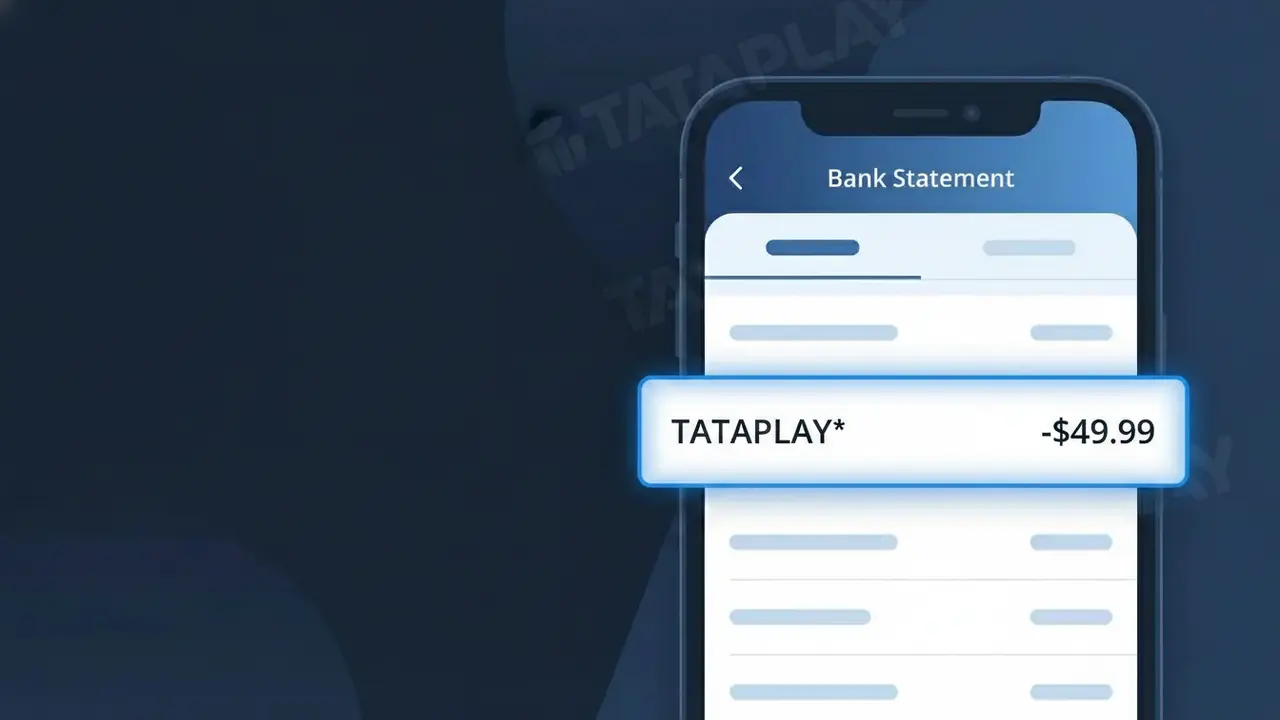
TATAPLAY* Charge (What It Is + Is It Legit?)
✓ LegitimateThe "TATAPLAY*" charge is from Tata Play. Tata Play DTH satellite TV subscription.
Tata Play
Tata Play DTH satellite TV subscription.
Category
Streaming
Avg. Charge
₹350
Country
IN
Billing Cycle
Monthly
Cancel At
tataplay.com/account
Support
See website
Why this shows on your statement
Tata Play uses the truncated billing descriptor "TATAPLAY*" on bank statements because payment processors and card networks impose strict character limits on merchant descriptors, typically capping them at around 20-25 characters, which forces the company to abbreviate its name into a compact identifier. The asterisk following "TATAPLAY" is a standard delimiter used by payment gateways operating in India, such as those integrated with Tata Play's subscription billing platform, to separate the merchant name from any additional transaction reference codes that may follow. If you see this charge appearing monthly at around ₹350, it corresponds to your Tata Play DTH satellite TV subscription rather than any unauthorized transaction.
What should you do?
Confirm your Tata Play subscription
Log in to your Tata Play account at tataplay.com and check your active subscription plan. The TATAPLAY* charge on your bank statement corresponds to your DTH satellite TV subscription, so verify that the amount charged matches the plan you are currently enrolled in.
Review your Tata Play billing history
Once logged in at tataplay.com, navigate to your billing or payment history section to cross-reference the TATAPLAY* charge with your recorded invoices. This helps confirm the exact billing date and amount align with what appeared on your bank statement.
Check which Tata Play plan is active
Inside your Tata Play account at tataplay.com, review your current DTH satellite TV package to ensure you are only paying for channels and add-ons you actually use. If you notice any unrecognized upgrades or add-ons, update your package accordingly to avoid unexpected TATAPLAY* charges in the future.
Cancel or modify your Tata Play subscription if needed
If you no longer want the Tata Play DTH satellite TV service or wish to downgrade your plan, visit tataplay.com/account to manage or cancel your subscription. Make sure to cancel before your next billing cycle to prevent another TATAPLAY* charge from appearing on your bank statement.
How to cancel Tata Play
Tata Play bills you Monthly. To stop future charges, cancel from your account directly.
Cancel at Tata Playℹ️ International processing
This charge is processed in IN. You may see a foreign transaction fee from your bank (typically 1-3%).
Should you be worried?
No, this is a legitimate charge from Tata Play. However, if you did not authorize this charge or cancelled your subscription, you may be eligible for a refund.
Is the TATAPLAY* Charge Legitimate or Fraud?
A TATAPLAY* charge on your bank or credit card statement is almost always a legitimate billing from Tata Play, India's leading DTH (Direct-to-Home) satellite TV and streaming service. This descriptor appears when Tata Play processes a subscription, recharge, or add-on pack payment against your saved payment method. Before assuming fraud, consider these common reasons the charge is valid:
- You have an active Tata Play DTH subscription that auto-renewed for the month
- You or a family member recently recharged a Tata Play account online or via the app
- You subscribed to a Tata Play Binge (OTT bundle) or a premium channel add-on pack
- A free trial on Tata Play converted to a paid subscription and your card was charged automatically
How to Verify the TATAPLAY* Charge
- 1
Log into your Tata Play account
Visit tataplay.com or open the Tata Play app and navigate to 'My Account' > 'Transaction History' to match the TATAPLAY* charge amount and date.
- 2
Search your email for Tata Play receipts
Search your inbox for emails from Tata Play (noreply@tataplay.com) containing recharge confirmations or subscription renewal notices that align with the charge date.
- 3
Check with household members
Ask family members if they used your card to recharge a Tata Play subscriber ID or purchase an add-on pack, as TATAPLAY* charges can come from shared accounts.
- 4
Review your active Tata Play packs
In the Tata Play app, go to 'My Pack' to see your current subscription value and renewal date — this should match the TATAPLAY* amount on your statement.
- 5
Contact your bank for details
Call the number on the back of your card and ask for the full merchant details behind the TATAPLAY* descriptor, including the exact transaction ID and merchant location.
How to Dispute a TATAPLAY* Charge
- 1
Act within 60 days
Most banks require you to dispute an unrecognized TATAPLAY* charge within 60 days of the statement date. Act quickly to preserve your chargeback rights.
- 2
Contact Tata Play customer support first
Call Tata Play at 1800-208-6633 or use in-app chat to report the unauthorized TATAPLAY* charge. They can verify if it was billed to your subscriber ID and issue a refund if it was an error.
- 3
File a chargeback with your bank
If Tata Play cannot resolve the issue, contact your bank or card issuer to file a formal chargeback for the TATAPLAY* transaction, citing unauthorized use or billing error.
- 4
Request a new card number
If the TATAPLAY* charge appears to be fraud and your card details were compromised, request a replacement card from your bank to prevent further unauthorized charges.
Tips for Managing Tata Play Charges
Enable SMS and email alerts on your Tata Play account so you're notified before every TATAPLAY* auto-renewal charge hits your card.
Keep a note of your Tata Play subscriber ID — it helps Tata Play support locate your account instantly when you query a TATAPLAY* charge.
Secure your Tata Play account with a strong password and avoid saving card details on shared devices to prevent unauthorized TATAPLAY* charges.
Note your Tata Play pack expiry date and set a personal reminder 3 days before so the TATAPLAY* renewal charge never comes as a surprise.
Use a virtual or prepaid card for Tata Play subscriptions to limit exposure if your card details are ever compromised.
Use WhatIsThisCharge.net to identify any related or unfamiliar charges that appear alongside TATAPLAY* on your statement.
ℹ️ Note
In most cases, a TATAPLAY* charge is simply your regular Tata Play DTH or OTT subscription renewing automatically — a quick check of your Tata Play transaction history is usually all it takes to confirm the charge is genuine.
Questions and answers
Was this page helpful?
Community Reports (0)
0 votesNo votes yet — be the first to report on this charge!
Have you seen this charge? Help others by voting:
Community Comments (0)
No comments yet. Be the first to share your experience!
Share your experience
Your email is only used to verify your comment and will never be shown publicly.
Search Another Charge
Popular Charges

Amazon India
AMAZON IN*
Google Pay India
GPAY*
Flipkart
FLIPKART*
Airtel India
AIRTEL INDIA*
PhonePe
PHONEPE*
Related Charges
Need to dispute this charge?
Generate a professional dispute letter in seconds with our AI tool.
Open Charge AssistantCommunity Verified
Real user reports
Free to Use
Always free to check
Secure & Private
Your data is safe
Help Millions
48K+ charges identified