How to Report a Scam Email and Stop Email Fraud
Why Reporting Scam Emails Makes a Real Difference
Most people delete phishing emails without reporting them. This is understandable — it feels like reporting does nothing. But here is what actually happens behind the scenes when you report:
- Your email provider uses your report to update spam filters — protecting all users on the platform
- The FTC aggregates reports to identify scam networks and coordinate enforcement actions
- The FBI uses complaint data from ic3.gov to build federal fraud cases
- Companies like Google, Microsoft, and Apple use reports to block malicious domains and sender addresses globally
- The impersonated company (your bank, Amazon, PayPal) uses reports to issue customer warnings and pursue legal action
A phishing campaign that sends 10 million emails needs only a small fraction to succeed. But when thousands of recipients report it within minutes, the sending domain gets blacklisted and the campaign collapses. Your report has a measurable impact.
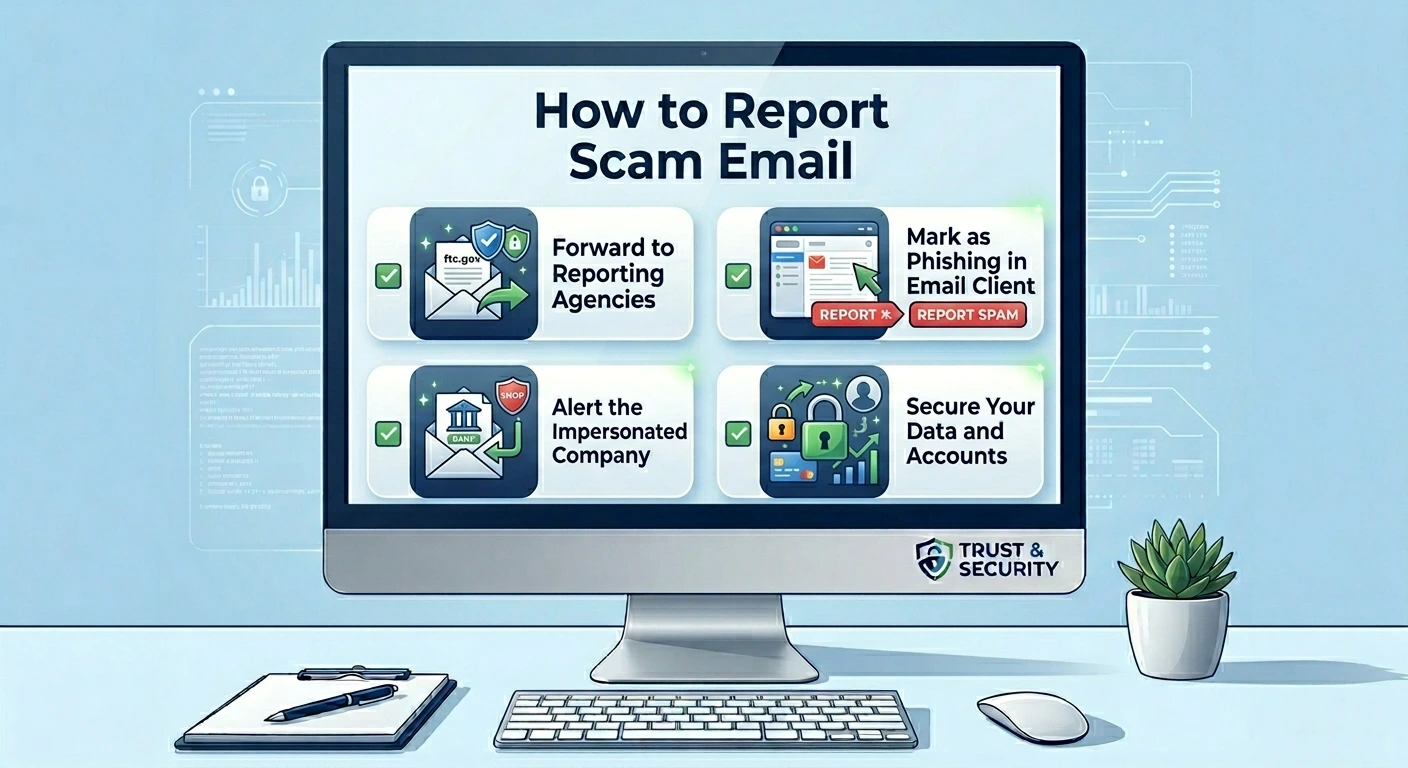
How to Report a Scam Email — Complete Step by Step
- 1
Report to your email provider first
This is the fastest and most impactful action. In Gmail: open the email, click the three dots next to Reply, and select Report phishing. In Outlook: click Report Message in the toolbar and select Phishing. In Apple Mail: mark as Junk. Your provider will investigate and use the report to update filters for all users.
- 2
Forward the email to the FTC
Forward the phishing email to spam@uce.gov — this goes directly to the Federal Trade Commission which maintains the largest database of spam and phishing emails in the US. Also file a detailed report at ReportFraud.ftc.gov where you can describe what happened and provide context.
- 3
Report to the Anti-Phishing Working Group
Forward the email to reportphishing@apwg.org. The APWG is a global coalition of companies including Microsoft, Google, Apple, and financial institutions. They use reports to get phishing sites taken down — often within hours. This is especially effective for emails containing active malicious links.
- 4
Report to the impersonated company
Forward the phishing email to the company being impersonated. Most major companies have dedicated phishing report addresses: Amazon (stop-spoofing@amazon.com), PayPal (spoof@paypal.com), Microsoft (phish@office365.microsoft.com), Google (phishing-report@google.com), IRS (phishing@irs.gov). These companies take legal action against phishing operations.
- 5
File with the FBI if you lost money
If you were defrauded — lost money, had accounts compromised, or had identity stolen — file a report with the FBI Internet Crime Complaint Center at ic3.gov. Include the sender email address, the content of the email, any links, and the amount lost. FBI reports are used in federal fraud investigations.
- 6
Report the malicious domain to Google Safe Browsing
If the phishing email contained a link, copy that link and report it at safebrowsing.google.com/safebrowsing/report_phish. Google Safe Browsing protects Chrome, Firefox, Safari, and many other browsers — adding the domain to the blocklist protects billions of users from clicking the same link.
ℹ️ Note
You can report a scam email even if you did not click anything and lost nothing. Early reports — made within minutes or hours of a campaign launching — are the most valuable because they stop the campaign before others fall victim.
Where to Report Specific Types of Email Fraud
Bank and Financial Phishing Emails
Report to your bank fraud department immediately — call the number on the back of your card. Also forward the email to your bank phishing team. Chase: phishing@chase.com. Bank of America: abuse@bankofamerica.com. Wells Fargo: reportphish@wellsfargo.com. For other banks, search your bank name plus phishing report email.
IRS and Government Impersonation Emails
Forward IRS phishing emails to phishing@irs.gov. The IRS Phishing team actively investigates these. For Social Security impersonation, report to the SSA Office of Inspector General at oig.ssa.gov/report. For Medicare fraud, report to the HHS Office of Inspector General at oig.hhs.gov/fraud/report-fraud.
Job Offer and Employment Email Scams
Report to the FTC at ReportFraud.ftc.gov. Also report to the job platform where the scammer may have found your resume — LinkedIn, Indeed, ZipRecruiter all have fraud reporting options. If the scam involved a fake check, report to your bank and to the National Check Fraud Center.
Business Email Compromise (BEC)
BEC attacks targeting businesses should be reported to the FBI IC3 immediately at ic3.gov — they have a dedicated BEC team. Also report to your company IT and security team immediately. Time is critical in BEC cases because wire transfers can sometimes be recalled if reported within hours.
Romance and Relationship Scams via Email
Report to the FTC at ReportFraud.ftc.gov and to the FBI at ic3.gov. Romance scam reports are also valuable to the Internet Crime Complaint Center which tracks these operations internationally. If a dating site was used to initiate contact, report to that platform as well.
How to Reduce Scam Emails Going Forward
- 1
Use a strong spam filter
Make sure your email provider spam filter is enabled and set to its highest setting. In Gmail: Settings → See all settings → Filters and Blocked Addresses. In Outlook: Settings → Mail → Junk Email → Blocked senders and domains.
- 2
Never post your email address publicly
Bots constantly scrape websites, forums, and social media for email addresses. If you need to share your email publicly, use a format like name AT domain DOT com to make automated scraping harder.
- 3
Use email aliases for online accounts
Services like SimpleLogin, AnonAddy, or Apple Hide My Email create disposable addresses that forward to your real inbox. If one alias starts receiving spam, delete it without affecting your real email address.
- 4
Unsubscribe from legitimate marketing emails
A cluttered inbox makes it harder to spot phishing. Regularly unsubscribe from marketing emails you no longer want from legitimate companies — this reduces noise and makes real threats easier to notice.
- 5
Check HaveIBeenPwned.com regularly
Visit haveibeenpwned.com and enter your email address to see which data breaches have exposed it. If your address was in a breach, expect more phishing targeting that address and consider creating a new primary email.
Quick Reference — Where to Report Email Scams
Your email provider: use the Report Phishing option inside Gmail, Outlook, or Apple Mail.
FTC: forward to spam@uce.gov and file a report at ReportFraud.ftc.gov.
Anti-Phishing Working Group: forward to reportphishing@apwg.org to get malicious links taken down.
Google Safe Browsing: report malicious links at safebrowsing.google.com/safebrowsing/report_phish.
FBI: file at ic3.gov if you lost money or had accounts compromised.
Impersonated company: forward to their dedicated phishing email (spoof@paypal.com, phishing@irs.gov, etc.).
Frequently Asked Questions About Reporting Email Fraud
✅ Good to know
Got a suspicious email right now? Paste it into the free Scam Detector at WhatIsThisCharge.net for an instant AI-powered analysis — no sign up required. Then report it using the channels above to help protect others.
Was this article helpful?