Phishing Email: What to Do If You Received One
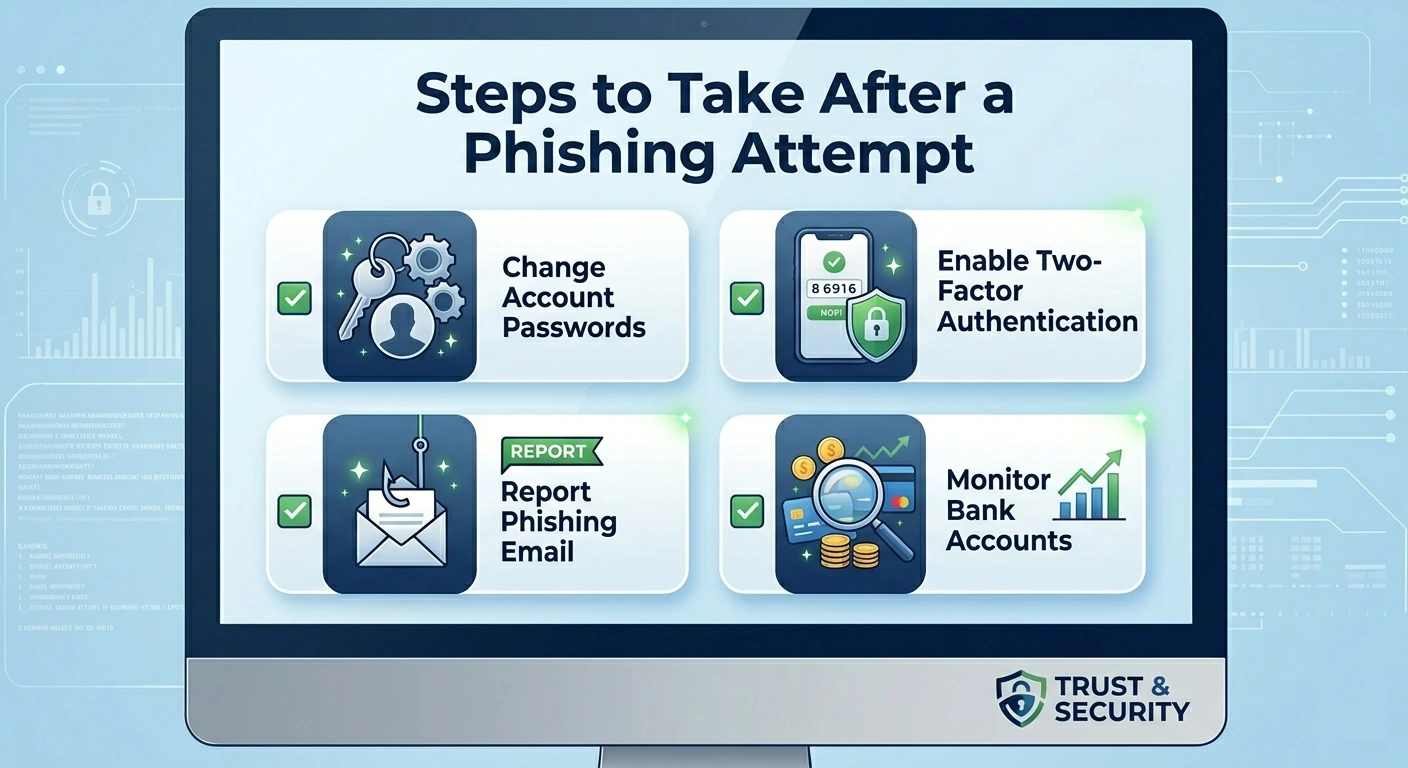
Do Not Panic — Here Is What Actually Matters
The first thing to understand is that your level of risk depends entirely on what you did after receiving the email:
- You received it and did nothing → You are safe. Delete it and move on.
- You opened the email → Still almost certainly safe. Opening alone does not install malware in modern email clients.
- You clicked a link but entered nothing → Low risk but take precautions. The site may have tried to fingerprint your device or load tracking pixels.
- You entered your email or password → Act immediately. Change passwords now.
- You entered card or bank details → Call your bank now. Do not wait.
- You downloaded and opened an attachment → Your device may be compromised. Run a security scan immediately.
Work out which category applies to you and follow the steps below for that specific situation.
What to Do If You Just Received a Phishing Email
- 1
Do not click anything in the email
No links, no images, no unsubscribe button, no attachments. Even images in emails can be used to track that your address is active. If the email is suspicious, the safest action is to not interact with any element inside it.
- 2
Do not reply to the email
Replying confirms your email address is active and monitored. This can result in your address being sold to other scammers and a significant increase in phishing emails going forward.
- 3
Mark it as phishing or spam
In Gmail: click the three dots next to Reply and select Report phishing. In Outlook: click Report Message and select Phishing. This helps train your email provider spam filters to protect you and other users.
- 4
Delete the email
After reporting, delete the email from your inbox and from your trash or deleted items folder. You do not need to keep it unless you are going to report it to authorities.
What to Do If You Clicked a Link in a Phishing Email
- 1
Close the page immediately
If you clicked a link and realize it is suspicious, close the tab or browser immediately. Do not enter any information on the page. The longer the page is open, the more opportunity it has to attempt exploits.
- 2
Do not enter any information on the page
Even if the page looks exactly like your bank or PayPal login, do not enter your username, password, or any other information. The page is a fake designed to capture whatever you type.
- 3
Check if the link downloaded anything
Check your Downloads folder for any files that may have automatically downloaded when you visited the page. Delete anything you did not intentionally download. On Windows, also check your temp folder.
- 4
Run a malware scan
Run a full scan using your device security software. On Windows, Microsoft Defender is built in — open it and run a full scan. On Mac, Malwarebytes for Mac is a reliable free option. On mobile, restart your device — most mobile malware cannot survive a restart.
- 5
Change passwords for important accounts as a precaution
Even if you did not enter anything, change the passwords for your most important accounts — email, banking, and any account you use frequently. Enable two-factor authentication on each while you are doing this.
⚠️ Warning
If you clicked a link and it asked you to enter a verification code sent to your phone — do not enter it. This is a real-time phishing attack where the scammer is simultaneously trying to log into your actual account and needs your 2FA code to complete access.
What to Do If You Entered Your Password or Personal Information
- 1
Change your password immediately
Go directly to the real website — type the address yourself, do not use any link — and change your password immediately. If you use the same password on other accounts, change those too. Use a unique strong password for each account going forward.
- 2
Enable two-factor authentication
Enable 2FA on the compromised account immediately. Even if the scammer has your password, they cannot access the account without also having your phone or authentication app. This is the single most effective protection.
- 3
Check for unauthorized account activity
Log into the account and check for any changes — email address, phone number, recovery options, or sent messages. Scammers often change recovery details to lock you out. If changes were made, contact the company support team immediately.
- 4
Alert your contacts if your email was compromised
If your email account was accessed, the scammer may send phishing emails to everyone in your contacts list using your account. Send a message to your contacts letting them know your email was compromised and to ignore any suspicious emails from you.
- 5
Monitor for identity theft
If you entered personal details like your name, address, date of birth, or Social Security Number, place a fraud alert with the three credit bureaus: Equifax, Experian, and TransUnion. Consider a full credit freeze if you entered highly sensitive information.
What to Do If You Entered Card or Bank Details
- 1
Call your bank immediately
Call the number on the back of your card right now. Tell them your card details may have been compromised. They will cancel your current card and issue a new one. Most banks can do this within minutes over the phone.
- 2
Monitor your account for unauthorized transactions
Check your bank and card statements immediately and set up real-time transaction alerts if you have not already. Report any unauthorized charge to your bank as soon as you see it — the faster you report, the higher your chance of a full refund.
- 3
File a fraud report
Report the incident to the FTC at ReportFraud.ftc.gov. If you lost money, also file a report with the FBI at ic3.gov. These reports are used in investigations and may be required by your bank to process a fraud claim.
- 4
Place a fraud alert on your credit
Contact one of the three credit bureaus — Equifax, Experian, or TransUnion — and place a fraud alert. This requires lenders to verify your identity before opening new accounts in your name. The alert is free and lasts one year.
How to Prevent Phishing Email Attacks in the Future
Enable two-factor authentication on every important account — this is the most effective single protection against phishing.
Use a password manager so every account has a unique strong password — if one is stolen, others remain safe.
Use email aliasing for online accounts — services like SimpleLogin let you create disposable addresses that forward to your real inbox.
Use WhatIsThisCharge.net Scam Detector to check any suspicious email or link before acting on it.
Always verify the sender email address — hover or click the sender name to see the real address behind it.
Keep your devices and apps updated — security patches close the vulnerabilities that phishing attacks exploit.
Frequently Asked Questions — Phishing Email What to Do
💡 Tip
Not sure if an email is legitimate? Paste it into the free Scam Detector at WhatIsThisCharge.net before taking any action. It analyzes the content and links in seconds and tells you whether it is safe.
Was this article helpful?