Why You're Seeing "CASH APP*CASH OUT" on Your Bank Statement
Why You're Seeing "CASH APP*CASH OUT" on Your Bank Statement
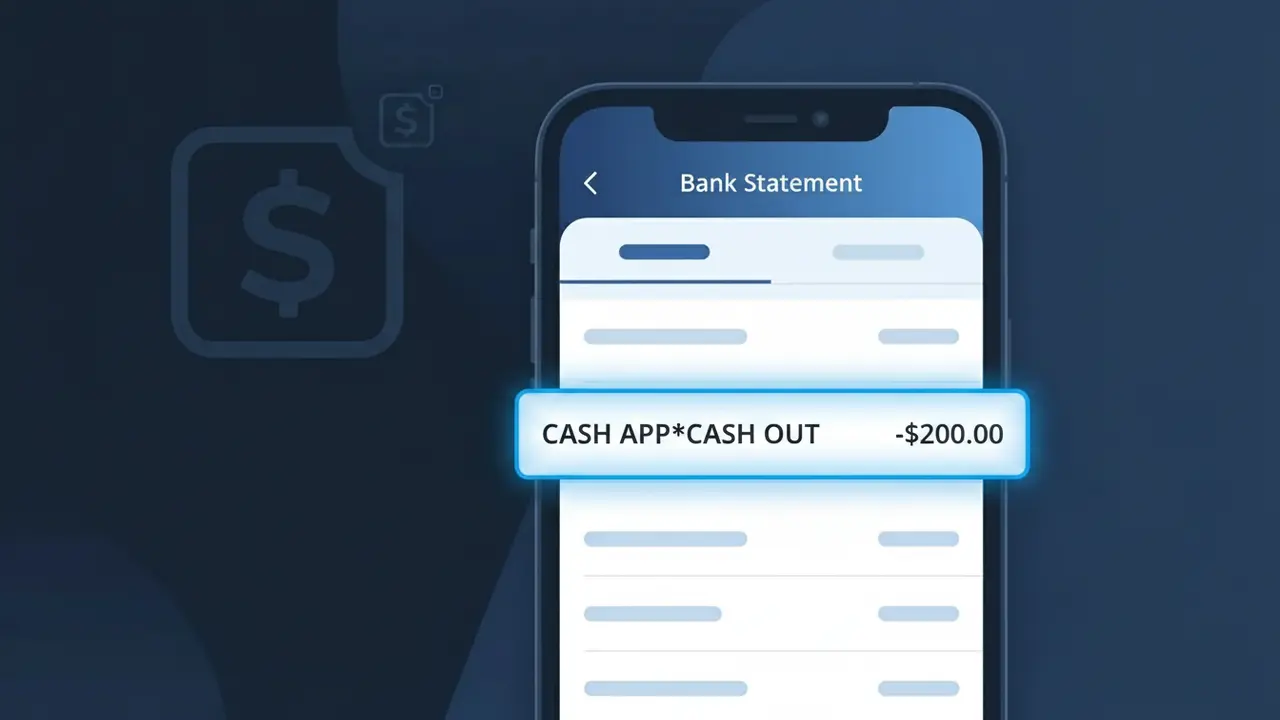
The CASH APP*CASH OUT charge on your bank statement comes from Cash App, the popular peer-to-peer payment service operated by Block, Inc. This descriptor appears when you transfer money from your Cash App balance directly to a linked bank account, a process commonly known as a 'Cash Out.' Whether you requested a standard free transfer or paid for an instant deposit, this is the charge descriptor that will show up on your statement. If you recognize using Cash App recently, this entry is simply confirmation that your funds were successfully moved to your bank.
Cash App uses the descriptor CASH APP*CASH OUT to distinguish outgoing balance transfers from other types of transactions, such as purchases or incoming payments, making it easier to identify the nature of the activity at a glance. The asterisk format is a standard convention used by many payment processors to append a transaction type or sub-service name to the brand identifier. This specific descriptor is tied to the Cash Out feature within the Cash App platform, so it reflects the action taken rather than just the company name alone.
Is the CASH APP*CASH OUT Charge Legitimate or Fraud?
The CASH APP*CASH OUT charge on your bank or card statement is typically a legitimate transaction from Cash App (Transfer), reflecting money you transferred out of your Cash App balance to your linked bank account or debit card. This descriptor is how Cash App identifies cash-out transfers in your financial records. However, if you don't recognize the amount or timing, it's worth investigating further.
- You or someone with access to your Cash App account initiated a cash-out transfer to a linked bank account
- A scheduled or automatic transfer from your Cash App balance was processed
- A family member or authorized user cashed out funds from a shared or linked Cash App account
- An unauthorized party accessed your Cash App account and initiated a fraudulent transfer
How to Verify the CASH APP*CASH OUT Charge
- 1
Check your Cash App activity
Log into your Cash App (Transfer) account and tap the clock icon to review your transaction history. Look for a cash-out transfer matching the date and amount of the CASH APP*CASH OUT charge on your statement.
- 2
Search your email for receipts
Search your inbox for emails from Cash App (Transfer) with subject lines like 'You cashed out' or 'Transfer complete.' Cash App sends confirmation emails for every CASH APP*CASH OUT transaction processed.
- 3
Check with household members
Ask anyone who may have access to your linked bank account or debit card whether they initiated a Cash App (Transfer) cash-out. Family members sharing payment methods can sometimes trigger unexpected CASH APP*CASH OUT charges.
- 4
Review your linked accounts
In your Cash App (Transfer) settings, check which bank accounts and debit cards are linked. A CASH APP*CASH OUT charge will always correspond to a transfer sent to one of these linked destinations.
- 5
Contact your bank
If you still can't verify the CASH APP*CASH OUT charge, call the number on the back of your card. Your bank can provide the exact transaction date, amount, and merchant details to help confirm whether it's legitimate.
How to Dispute a CASH APP*CASH OUT Charge
- 1
Act within 60 days
Report the unauthorized CASH APP*CASH OUT charge to your bank within 60 days of your statement date to remain eligible for chargeback protections. Delaying beyond this window can limit your options for recovering funds.
- 2
Contact Cash App (Transfer) first
Open Cash App, go to your profile, and tap 'Support' to report the unauthorized CASH APP*CASH OUT transaction. Cash App (Transfer) may be able to reverse the transfer or investigate the activity faster than a bank dispute.
- 3
File a chargeback with your bank
If Cash App (Transfer) does not resolve the issue, contact your bank or card issuer to file a formal chargeback for the CASH APP*CASH OUT charge. Provide your Cash App transaction history as supporting documentation.
- 4
Request a new card
If you suspect your debit or credit card details were compromised and used to link a fraudulent Cash App (Transfer) account, ask your bank to issue a new card immediately to prevent further CASH APP*CASH OUT charges.
Tips for Managing Cash App (Transfer) Charges
Enable Cash App notifications so you're alerted instantly whenever a CASH APP*CASH OUT transfer is initiated.
Keep a record of your Cash App (Transfer) cash-out amounts and dates to quickly match them to bank statement charges.
Secure your Cash App (Transfer) account with a unique PIN and enable Face ID or Touch ID to prevent unauthorized cash-outs.
Note that CASH APP*CASH OUT charges may take 1–3 business days to appear, so account for processing delays in your records.
Only link trusted bank accounts to Cash App (Transfer) and regularly audit linked accounts to spot any unauthorized connections.
Use WhatIsThisCharge.net to identify related charges from Cash App (Transfer) or other unfamiliar financial descriptors.
Frequently Asked Questions About the CASH APP*CASH OUT Charge
ℹ️ Note
In most cases, a CASH APP*CASH OUT charge is simply a routine transfer you initiated through Cash App (Transfer) to move your balance to a linked bank account — a normal and expected transaction for regular Cash App users. If the amount and timing match a recent transfer you made, there is no cause for concern.
🔍 Decode this charge instantly
Search our database for CASH APP*CASH OUT and similar charges.
Decode CASH APP*CASH OUT →Was this article helpful?