Why You're Seeing "GRAMMARLY*" on Your Bank Statement
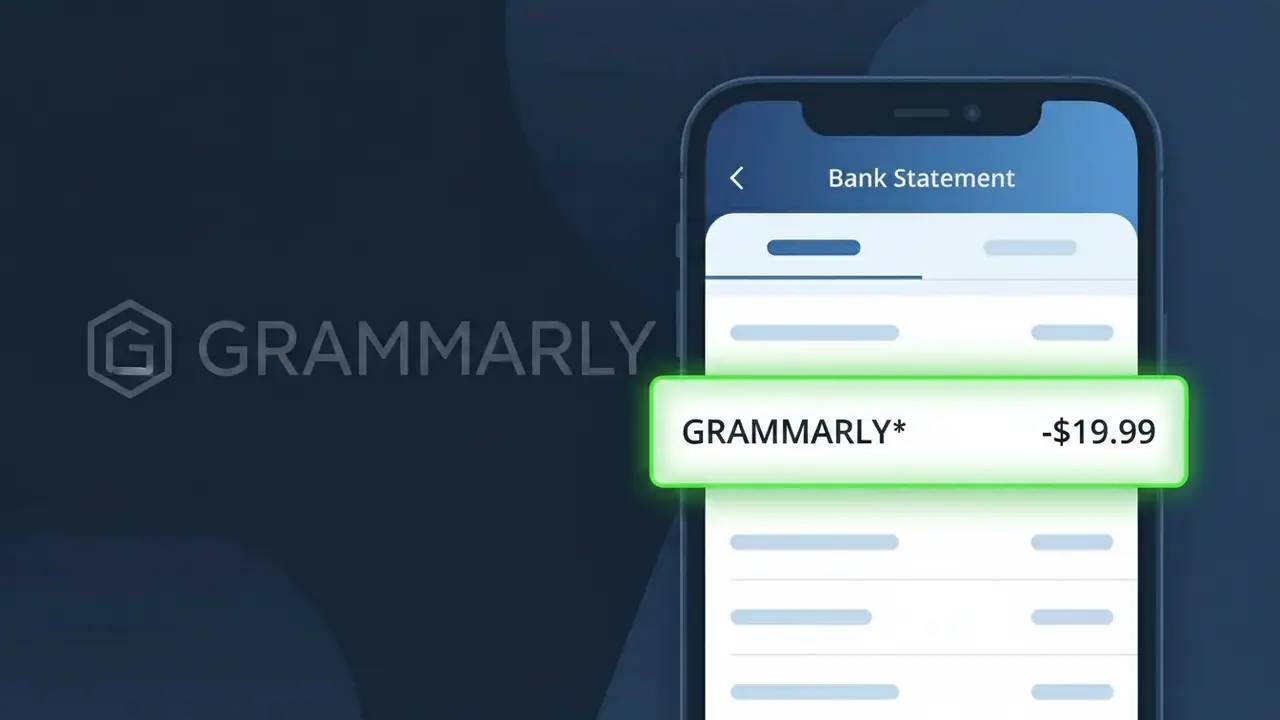
Why You're Seeing "GRAMMARLY*" on Your Bank Statement
A charge labeled GRAMMARLY* on your bank statement comes from Grammarly Premium, a popular AI-powered writing assistant service based in the United States. This charge represents a recurring subscription fee for access to Grammarly's premium writing tools, which include advanced grammar checking, style suggestions, plagiarism detection, and tone analysis. You may see this charge monthly or annually depending on the billing plan you selected when signing up. If you don't remember subscribing, it's possible a free trial converted to a paid plan or a family member signed up using your payment details.
The descriptor GRAMMARLY* appears on your bank statement because payment processors often use a shortened or coded version of a merchant's name to identify transactions, and Grammarly uses this format as their official billing descriptor with major card networks. The asterisk following the name is commonly used by subscription-based SaaS companies to indicate a recurring or membership-type charge. If additional characters follow the asterisk on your statement, they may indicate the specific subscription tier or billing period associated with your Grammarly Premium account.
Is the GRAMMARLY* Charge Legitimate or Fraud?
If you see GRAMMARLY* on your bank or credit card statement, it is almost certainly a legitimate charge from Grammarly Premium, the popular AI-powered writing assistant subscription service. Grammarly bills subscribers automatically on a monthly or annual cycle, and the descriptor GRAMMARLY* is the standard way this charge appears across most financial institutions.
- You or someone in your household signed up for a Grammarly Premium free trial that has since converted to a paid plan
- Your annual or monthly Grammarly Premium subscription has automatically renewed as per the terms you agreed to at sign-up
- A family member or colleague used your payment method to purchase a Grammarly Premium plan without notifying you
- You upgraded from Grammarly's free tier to Grammarly Premium and the first billing cycle has begun
How to Verify the GRAMMARLY* Charge
- 1
Log into your Grammarly account
Visit grammarly.com and sign in. Navigate to 'Account' > 'Subscription' to confirm whether you have an active Grammarly Premium plan and check the billing date and amount.
- 2
Search your email for Grammarly receipts
Search your inbox for emails from 'noreply@grammarly.com' or the subject line 'Grammarly Premium receipt.' These automated emails are sent immediately after each GRAMMARLY* charge is processed.
- 3
Check with household members
Ask family members or roommates whether they signed up for Grammarly Premium using your shared payment method. A spouse, student, or teenager may have started a subscription without mentioning it.
- 4
Review your saved payment methods
Inside your Grammarly account settings under 'Billing,' you can see which card is on file. If the card matches the one showing the GRAMMARLY* charge, the subscription is confirmed as yours.
- 5
Contact your bank for transaction details
If you still cannot verify the GRAMMARLY* charge, call the number on the back of your card and ask for the full merchant details. This can help confirm whether the charge originated from Grammarly Premium or is potentially fraudulent.
How to Dispute a GRAMMARLY* Charge
- 1
Act within 60 days of the charge
Most banks require you to dispute unauthorized charges within 60 days of the statement date. If you believe the GRAMMARLY* charge is fraudulent or unauthorized, do not wait — begin the dispute process as soon as possible.
- 2
Contact Grammarly Premium support first
Before filing a bank dispute, reach out to Grammarly's support team at support.grammarly.com. Grammarly Premium offers refunds in certain cases, especially for annual renewals noticed shortly after billing, and resolving it directly is often faster.
- 3
File a chargeback with your bank
If Grammarly Premium support does not resolve the issue, contact your bank or credit card issuer and formally dispute the GRAMMARLY* charge. Provide any correspondence with Grammarly and state whether the charge was unauthorized or a billing error.
- 4
Request a new card number if fraud is suspected
If you believe your card details were stolen and used to purchase Grammarly Premium without your knowledge, ask your bank to cancel the compromised card and issue a replacement to prevent any additional unauthorized GRAMMARLY* charges.
Tips for Managing Grammarly Premium Charges
Enable billing alerts in your Grammarly account so you're notified before each GRAMMARLY* charge is processed.
Save your Grammarly Premium receipts in a dedicated email folder for easy reference during bank reconciliation.
Use a unique email and strong password for your Grammarly Premium account to prevent unauthorized access and surprise charges.
Note your Grammarly Premium renewal date in your calendar — annual plans renew quietly and can cause a large unexpected GRAMMARLY* charge.
Use a virtual card number for Grammarly Premium to isolate GRAMMARLY* charges and simplify cancellation if needed.
Use WhatIsThisCharge.net to identify any other unfamiliar charges that appear alongside GRAMMARLY* on your statement.
Frequently Asked Questions About the GRAMMARLY* Charge
ℹ️ Note
In the vast majority of cases, a GRAMMARLY* charge is a legitimate, expected billing from your active Grammarly Premium subscription — most people who are surprised by it simply forgot about a free trial conversion or an annual plan renewal. A quick check of your Grammarly account settings will usually clear up any confusion in under a minute.
🔍 Decode this charge instantly
Search our database for GRAMMARLY* and similar charges.
Decode GRAMMARLY* →Was this article helpful?