Why You're Seeing "ETISALAT*" on Your Bank Statement
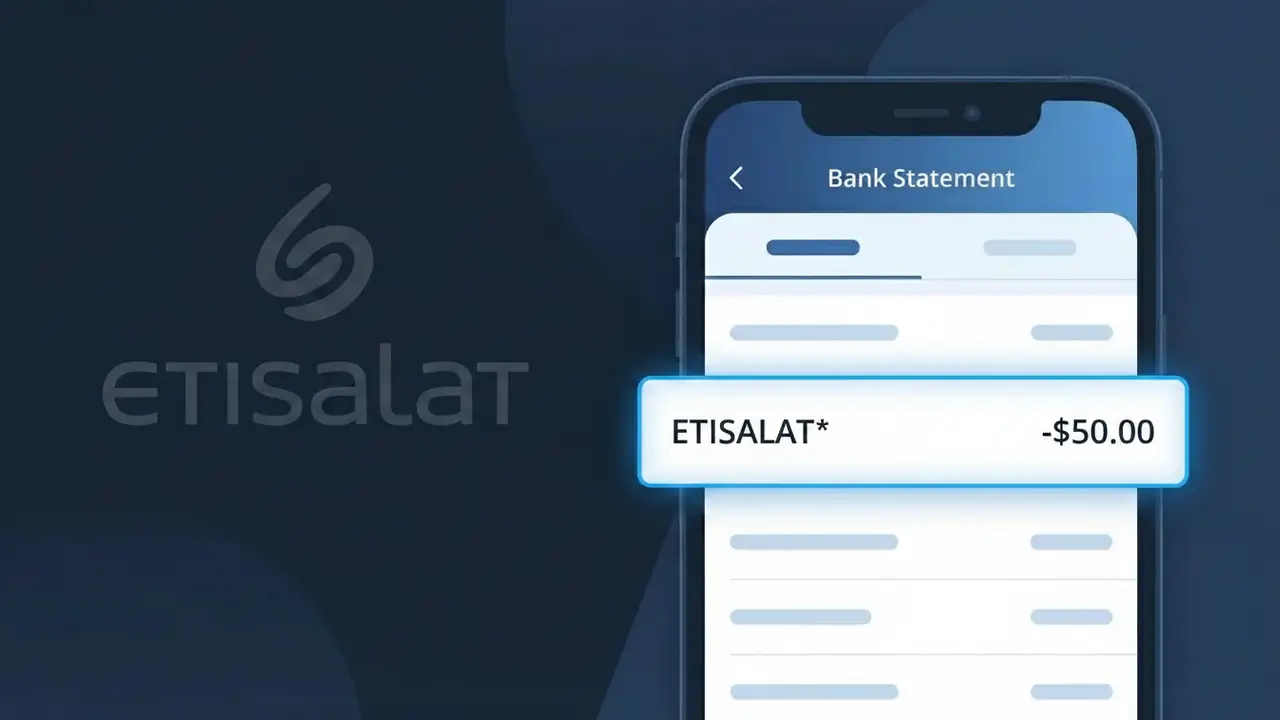
Why You're Seeing "ETISALAT*" on Your Bank Statement
The ETISALAT* charge on your bank statement comes from Etisalat (e&), one of the largest telecommunications providers in the United Arab Emirates. This charge typically represents your monthly telecom bill, which may cover mobile phone plans, home internet, landline services, or bundled packages. If you are living in or have recently visited the UAE and signed up for any Etisalat service, this charge is expected and legitimate. The asterisk following ETISALAT* in the descriptor is commonly used by payment processors to indicate a direct billing relationship with the company.
The ETISALAT* descriptor appears on your bank statement because Etisalat (e&) uses this shorthand identifier when processing payments through international and local card networks. Telecom companies often register a simplified version of their brand name with payment processors, which is what gets displayed on your statement rather than the full company name. This is standard practice across the telecommunications industry and does not indicate any suspicious or unauthorized activity.
Is the ETISALAT* Charge Legitimate or Fraud?
The ETISALAT* charge on your bank or credit card statement is most commonly a legitimate billing from Etisalat (e&) UAE, one of the largest telecommunications providers in the United Arab Emirates. This charge typically appears when you have an active mobile, home internet, or business telecom plan billed through Etisalat (e&) UAE's automated payment system.
- Monthly postpaid mobile or data plan billed by Etisalat (e&) UAE
- Home broadband or eLife TV subscription renewal from Etisalat (e&) UAE
- International roaming or add-on service charges applied mid-cycle
- Business telecom services or corporate account billings from Etisalat (e&) UAE
How to Verify the ETISALAT* Charge
- 1
Log into your Etisalat (e&) UAE account
Visit the official Etisalat (e&) UAE app or website at etisalat.ae and check your billing history to see if the ETISALAT* amount matches a recent invoice or renewal date.
- 2
Search your email for receipts
Look in your inbox for billing notifications or e-invoices sent by Etisalat (e&) UAE. Search keywords like 'Etisalat invoice' or 'e& bill' to find matching records for the ETISALAT* charge.
- 3
Check with household members
If your card is shared or linked to a family plan, ask other members whether they activated a new Etisalat (e&) UAE service, roaming pack, or add-on that could have triggered the ETISALAT* charge.
- 4
Review active subscriptions and add-ons
Log into the My Etisalat app and review all active services, including data boosters, streaming bundles, or international call packages that Etisalat (e&) UAE may be billing under the ETISALAT* descriptor.
- 5
Contact your bank for transaction details
Call the number on the back of your card and ask for the full merchant details behind the ETISALAT* charge, including the transaction date, amount, and any merchant reference number provided by Etisalat (e&) UAE.
How to Dispute a ETISALAT* Charge
- 1
Act within 60 days of the charge
Most banks require disputes to be filed within 60 days of the ETISALAT* charge appearing on your statement. Act quickly to preserve your right to a chargeback or refund investigation.
- 2
Contact Etisalat (e&) UAE directly first
Call Etisalat (e&) UAE customer service at 101 (UAE) or use the live chat on etisalat.ae. Explain the unexpected ETISALAT* charge and request a detailed bill breakdown or immediate reversal if it is an error.
- 3
File a chargeback with your bank
If Etisalat (e&) UAE cannot resolve the issue, contact your bank or card issuer and formally dispute the ETISALAT* transaction. Provide any correspondence with Etisalat (e&) UAE as supporting evidence.
- 4
Request a new card if fraud is suspected
If you believe the ETISALAT* charge is fraudulent and you never had an Etisalat (e&) UAE account, ask your bank to cancel your current card and issue a replacement to prevent further unauthorized charges.
Tips for Managing Etisalat (e&) UAE Charges
Enable SMS or app alerts from Etisalat (e&) UAE to get notified every time an ETISALAT* charge is processed.
Download your monthly Etisalat (e&) UAE e-invoice and compare it against the ETISALAT* amount on your bank statement.
Keep your Etisalat (e&) UAE My Account login active so you can quickly audit services if an unexpected ETISALAT* charge appears.
Note your Etisalat (e&) UAE billing cycle date so you can anticipate when the ETISALAT* charge will appear each month.
Use a dedicated card for Etisalat (e&) UAE payments to isolate ETISALAT* charges and simplify fraud monitoring.
Use WhatIsThisCharge.net to identify related charges that may appear alongside ETISALAT* on your statement.
Frequently Asked Questions About the ETISALAT* Charge
ℹ️ Note
In most cases, the ETISALAT* charge is a completely normal and expected billing from Etisalat (e&) UAE for your monthly mobile, internet, or TV subscription — seeing it on your statement simply means your telecom services are active and your auto-payment went through successfully.
🔍 Decode this charge instantly
Search our database for ETISALAT* and similar charges.
Decode ETISALAT* →Was this article helpful?