Why You're Seeing "COINBASE*" on Your Bank Statement
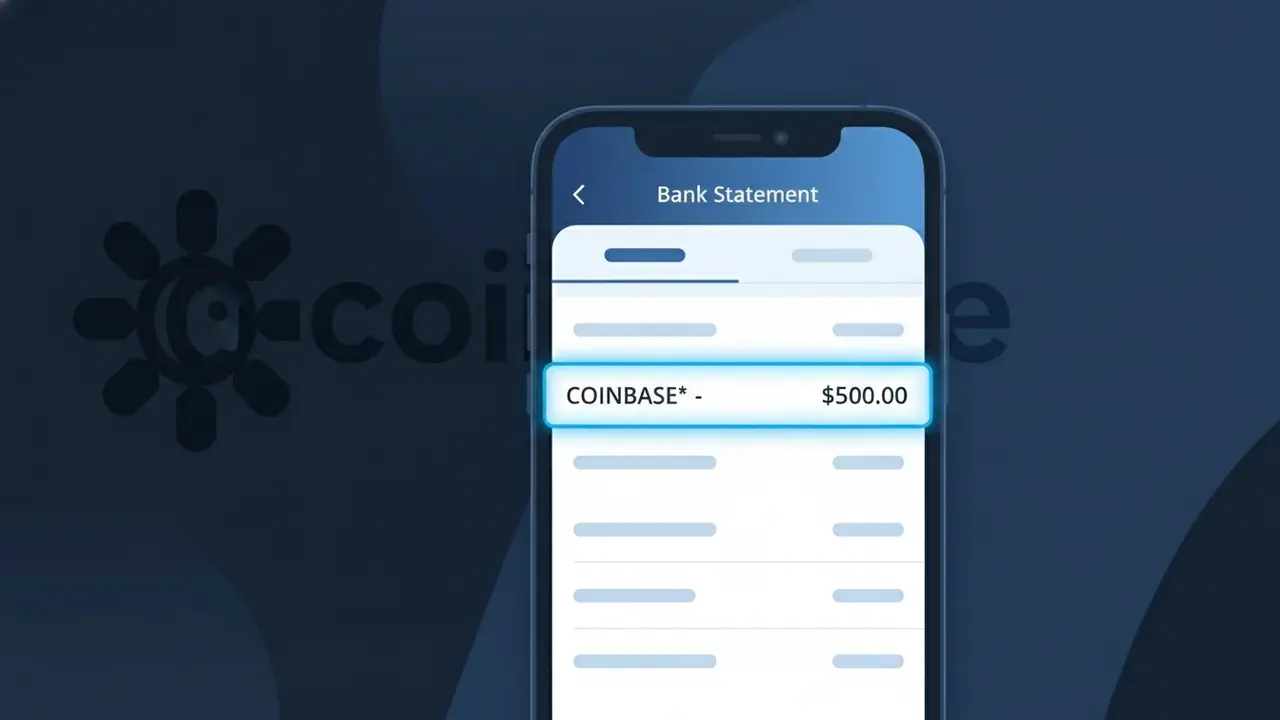
Why You're Seeing "COINBASE*" on Your Bank Statement
A COINBASE* charge on your bank statement comes from Coinbase, one of the world's largest cryptocurrency exchanges. This charge typically appears when you purchase cryptocurrency, pay trading fees, or subscribe to Coinbase One through your linked bank account or debit card. The asterisk following 'COINBASE' is a standard billing notation used to separate the company name from additional transaction details such as a reference number. If you've recently bought Bitcoin, Ethereum, or any other digital asset on the platform, this is almost certainly the source of the charge.
The COINBASE* descriptor appears on your bank statement because Coinbase uses a truncated billing name followed by an asterisk, which is a common practice among digital payment processors to flag that additional transaction detail may follow. Your bank's character limit for merchant names can cause the full transaction description to be cut short, leaving only the COINBASE* prefix visible. This format is consistently used across Coinbase's payment processing systems, so any crypto purchase, conversion fee, or subscription tied to your account will show up under this same descriptor.
Is the COINBASE* Charge Legitimate or Fraud?
A COINBASE* charge on your bank or credit card statement is almost always a legitimate transaction from Coinbase, one of the world's largest cryptocurrency exchanges. This descriptor appears when you buy, sell, or convert cryptocurrency, pay Coinbase fees, or are billed for a Coinbase One subscription. However, if you don't recognize the charge, it's worth investigating — unauthorized use of your payment details on Coinbase is possible if your card was compromised.
- Coinbase uses the billing name COINBASE* for crypto purchases (Bitcoin, Ethereum, etc.) and trading fees
- A COINBASE* COINBASE.COM descriptor may appear for Coinbase One monthly or annual subscription charges
- Small micro-verification charges (under $1) labeled COINBASE* are sometimes posted temporarily when linking a new card
- If you've never created a Coinbase account but see this charge, your card details may have been used fraudulently and you should dispute immediately
How to Verify the COINBASE* Charge
- 1
Log into your Coinbase account
Visit coinbase.com or open the Coinbase app and navigate to 'Activity' or 'Transaction History' to find a matching charge amount and date.
- 2
Search your email for Coinbase receipts
Search your inbox for emails from no-reply@coinbase.com — Coinbase sends confirmation emails for every purchase, fee, and subscription renewal labeled COINBASE*.
- 3
Check if a household member used Coinbase
A family member or partner may have used your shared payment method to buy crypto or subscribe to Coinbase One, which would generate a COINBASE* charge.
- 4
Review your Coinbase subscription status
Go to Settings > Billing in your Coinbase account to see if a Coinbase One subscription is active — these recurring charges appear as COINBASE* each billing period.
- 5
Contact your bank for more details
Ask your bank for the full merchant descriptor and transaction ID for the COINBASE* charge — this can help you match it to a specific Coinbase transaction.
How to Dispute a COINBASE* Charge
- 1
Act within 60 days of the charge
Most banks require you to dispute an unrecognized COINBASE* charge within 60 days of your statement date, so don't delay if you believe the charge is unauthorized.
- 2
Contact Coinbase support first
Visit support.coinbase.com and submit a support ticket explaining the unrecognized COINBASE* charge — Coinbase may resolve it faster than a formal bank dispute.
- 3
File a chargeback with your bank
If Coinbase doesn't resolve the issue, call the number on the back of your card and formally dispute the COINBASE* charge as unauthorized to initiate a chargeback.
- 4
Request a new card number
If the COINBASE* charge was truly fraudulent, ask your bank to cancel your current card and issue a new one to prevent further unauthorized charges.
Tips for Managing Coinbase Charges
Enable transaction alerts in the Coinbase app so every COINBASE* charge triggers an instant notification.
Download your Coinbase transaction history monthly to easily reconcile COINBASE* charges on your bank statement.
Enable two-factor authentication on your Coinbase account to prevent unauthorized purchases that generate COINBASE* charges.
Note your Coinbase One renewal date — recurring COINBASE* subscription charges hit on the same day each month or year.
Use a dedicated card for Coinbase to isolate all COINBASE* charges and spot anomalies quickly.
Use WhatIsThisCharge.net to identify related charges that may appear alongside COINBASE* on your statement.
Frequently Asked Questions About the COINBASE* Charge
ℹ️ Note
In most cases, a COINBASE* charge simply reflects a recent cryptocurrency purchase, trading fee, or Coinbase One subscription renewal — logging into your Coinbase account and checking your transaction history will typically identify the charge within seconds.
🔍 Decode this charge instantly
Search our database for COINBASE* and similar charges.
Decode COINBASE* →Was this article helpful?