Why You're Seeing "COSTCO*" on Your Bank Statement
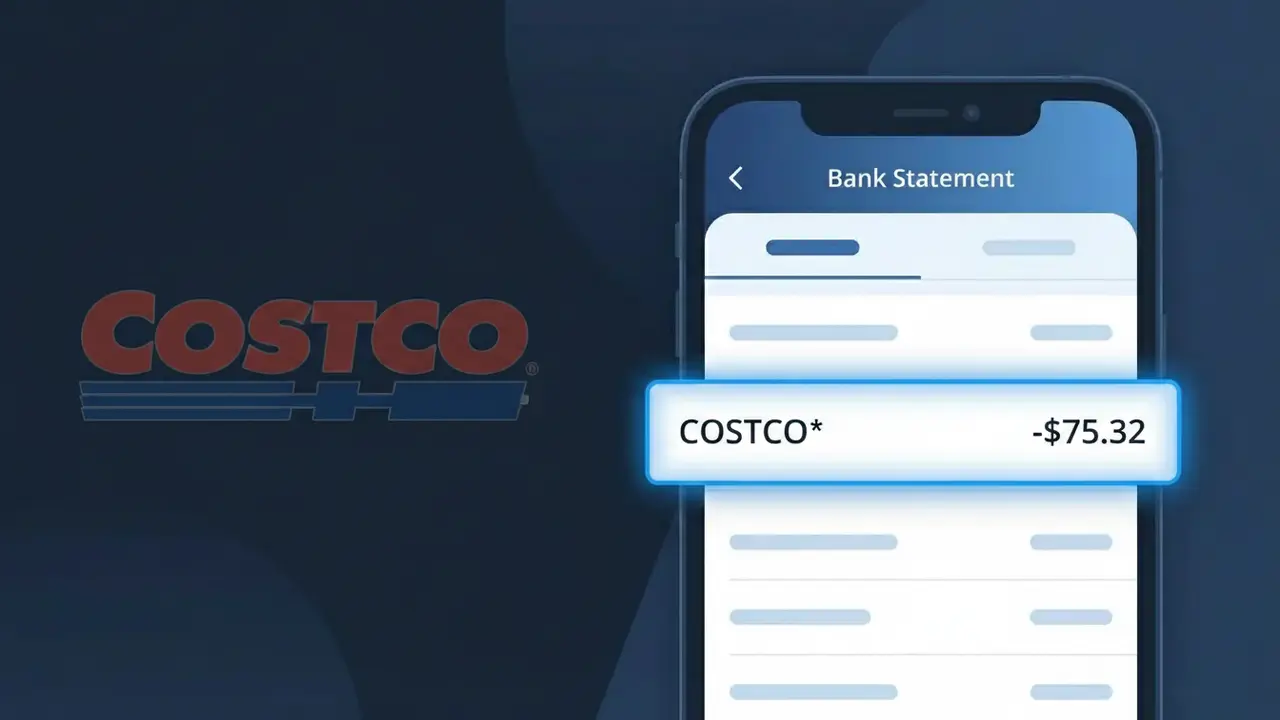
Why You're Seeing "COSTCO*" on Your Bank Statement
A charge showing COSTCO* on your bank statement comes from Costco Wholesale, one of the largest membership-based warehouse retailers in the United States. This charge typically appears when you've made a purchase at a Costco warehouse location or paid your annual Costco membership fee. You might also see this descriptor if a family member on your account has shopped at Costco using a linked card. If you don't recognize the charge, it's worth checking with household members before assuming it's unauthorized.
The COSTCO* descriptor appears on bank statements because Costco Wholesale uses a shortened version of their brand name followed by an asterisk when processing card transactions through their payment systems. The asterisk typically indicates a direct merchant charge and is a standard formatting convention used by many large retailers. This truncated format is required to fit within the character limits imposed by card networks and banking systems for transaction descriptions.
Is the COSTCO* Charge Legitimate or Fraud?
A COSTCO* charge on your bank or credit card statement is typically a legitimate transaction from Costco Wholesale, one of the largest membership-based warehouse retailers in the world. The asterisk in COSTCO* is a standard formatting convention used by payment processors and does not indicate anything suspicious. Common reasons you might see this charge include:
- An in-warehouse purchase at a Costco location using your debit or credit card
- An online order placed at Costco.com for delivery or pickup
- An annual Costco membership renewal fee (Gold Star or Executive tier)
- A Costco pharmacy, optical, or gas station purchase billed separately
How to Verify the COSTCO* Charge
- 1
Log into your Costco account
Visit Costco.com and sign in to review your order history and recent purchases. Match the charge amount and date to a specific transaction in your account.
- 2
Search your email for Costco receipts
Search your inbox for emails from Costco.com or noreply@costco.com. Costco sends order confirmation and receipt emails for online purchases that should match the COSTCO* charge amount.
- 3
Check if a household member shopped at Costco
Costco memberships allow additional cardholders. Ask family members or anyone sharing your Costco account if they made a recent in-store or online purchase that could explain the COSTCO* charge.
- 4
Review your Costco membership renewal date
Costco charges annual membership fees — $65 for Gold Star and $130 for Executive members. Check if the COSTCO* charge amount matches your membership tier's annual renewal fee.
- 5
Contact your bank for transaction details
If you still can't verify the COSTCO* charge, call your bank and request the full merchant descriptor and transaction date to help pinpoint whether the charge is from a Costco store, gas station, or online purchase.
How to Dispute a COSTCO* Charge
- 1
Act within 60 days of the charge
Most banks require disputes to be filed within 60 days of the COSTCO* charge appearing on your statement. Act quickly to preserve your right to a chargeback if the charge turns out to be unauthorized or incorrect.
- 2
Contact Costco Member Services first
Call Costco Member Services at 1-800-774-2678 or visit your local warehouse. Costco has a generous return and refund policy and may resolve billing errors or unauthorized COSTCO* charges faster than a bank dispute.
- 3
File a chargeback with your bank or card issuer
If Costco cannot resolve the issue, contact your bank or credit card issuer to formally dispute the COSTCO* charge. Provide any receipts, email confirmations, or communication with Costco to support your case.
- 4
Request a new card if fraud is suspected
If the COSTCO* charge appears to be fraudulent and you did not authorize it, ask your bank to cancel your current card and issue a replacement to prevent any further unauthorized charges.
Tips for Managing Costco Charges
Set up bank alerts for any COSTCO* charge over a custom threshold to catch unexpected transactions immediately.
Keep your Costco paper and digital receipts for 60 days to easily match any COSTCO* charge on your statement.
Regularly review your Costco.com account to monitor all linked payment methods and authorized cardholders.
Note your Costco membership renewal month so an annual COSTCO* fee charge never catches you off guard.
Use a credit card for Costco purchases — credit cards offer stronger fraud protection than debit cards for COSTCO* charges.
Use WhatIsThisCharge.net to identify related charges that may appear alongside COSTCO* on your statement.
Frequently Asked Questions About the COSTCO* Charge
ℹ️ Note
In most cases, a COSTCO* charge is completely legitimate — it simply reflects a recent purchase, membership renewal, or gas station visit at Costco Wholesale. If the amount matches a recent Costco trip or your annual membership fee, there is no cause for concern.
Was this article helpful?