Why You're Seeing "EXPRESSVPN*" on Your Bank Statement
Why You're Seeing "EXPRESSVPN*" on Your Bank Statement
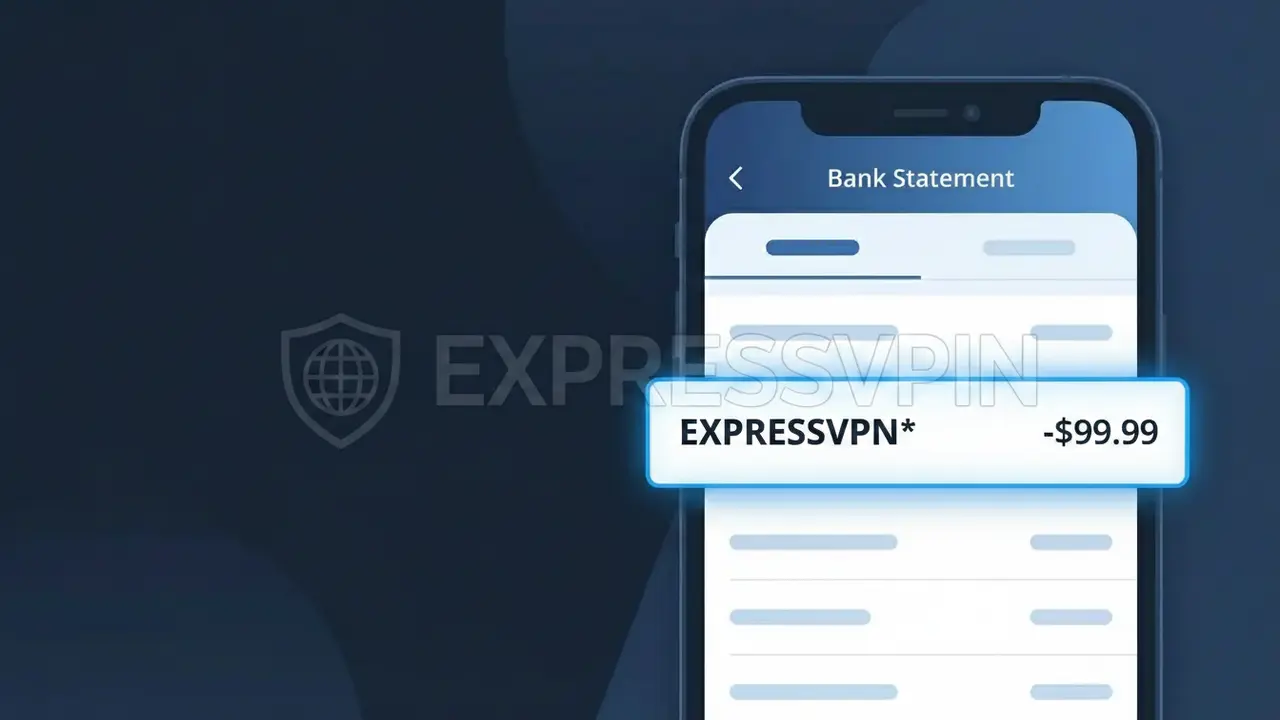
The EXPRESSVPN* charge on your bank statement comes from ExpressVPN, a popular virtual private network (VPN) service based in the United States. This charge represents a subscription payment for ExpressVPN's privacy and security service, which encrypts your internet connection and masks your online activity. The charge typically appears when you sign up for a monthly, six-month, or annual plan through the ExpressVPN website or app. If you see this descriptor and recognize using a VPN service, this is almost certainly your legitimate ExpressVPN subscription billing.
The EXPRESSVPN* descriptor appears on your bank statement because payment processors often use a shortened or abbreviated version of a company's name to identify transactions. The asterisk (*) following the name is commonly used by billing systems to indicate a subscription-based or recurring charge. This format is standard practice for many digital subscription services and helps distinguish individual transactions when a company processes payments through a third-party payment gateway.
Is the EXPRESSVPN* Charge Legitimate or Fraud?
If you see EXPRESSVPN* on your bank or credit card statement, this charge is almost certainly from ExpressVPN, a widely used virtual private network service that encrypts your internet connection and protects your online privacy. ExpressVPN bills customers automatically on a recurring basis, which is why this charge may appear unexpectedly if you forgot about an active subscription.
- ExpressVPN uses the descriptor EXPRESSVPN* for all subscription billing transactions
- Charges typically reflect monthly, 6-month, or annual VPN subscription plan renewals
- ExpressVPN is a legitimate, globally recognized cybersecurity company trusted by millions
- A family member or household user may have signed up using your shared payment method
How to Verify the EXPRESSVPN* Charge
- 1
Log into your ExpressVPN account
Visit expressvpn.com and sign in to your account. Navigate to the 'Subscription' or 'Billing' section to confirm your active plan and view recent payment history matching the EXPRESSVPN* charge.
- 2
Search your email for ExpressVPN receipts
Search your inbox for emails from ExpressVPN (support@expressvpn.com or noreply@expressvpn.com). ExpressVPN sends confirmation emails for every billing transaction, so a matching receipt should be easy to find.
- 3
Check with household members
Ask family members or roommates if they signed up for an ExpressVPN subscription using your card. ExpressVPN accounts can be used on multiple devices, so someone else in your household may have enrolled.
- 4
Review your subscription apps and services
Check subscription management tools like your phone's app store subscriptions or a service like Rocket Money to confirm whether an ExpressVPN plan is listed among your active recurring charges.
- 5
Contact your bank for transaction details
If you still cannot identify the EXPRESSVPN* charge, call your bank and request the full merchant details. Your bank can sometimes provide additional transaction metadata that helps confirm the charge origin.
How to Dispute a EXPRESSVPN* Charge
- 1
Act within 60 days of the charge
Most banks require you to dispute an unrecognized EXPRESSVPN* charge within 60 days of your statement date. Act quickly to preserve your right to a full chargeback if the charge turns out to be unauthorized.
- 2
Contact ExpressVPN support first
Reach out to ExpressVPN's 24/7 live chat support at expressvpn.com/support before escalating to your bank. ExpressVPN has a 30-day money-back guarantee and may issue a refund directly, resolving the dispute faster.
- 3
File a chargeback with your bank
If ExpressVPN does not resolve your issue, contact your bank or credit card issuer to file a formal chargeback against the EXPRESSVPN* charge. Provide your communication with ExpressVPN as supporting evidence.
- 4
Request a new card number
If you suspect the EXPRESSVPN* charge is truly fraudulent and your card details were compromised, ask your bank to cancel the card and issue a new one to prevent any further unauthorized charges.
Tips for Managing ExpressVPN Charges
Enable billing alerts on your bank account to get notified instantly when EXPRESSVPN* posts a charge.
Save your ExpressVPN confirmation email so you can quickly match EXPRESSVPN* charges on your statement.
Keep your ExpressVPN account login saved so you can quickly verify your subscription status at any time.
Note your ExpressVPN renewal date — annual plans renew once a year, making the EXPRESSVPN* charge easy to miss.
If you no longer use ExpressVPN, cancel your subscription before the renewal date to avoid an unwanted EXPRESSVPN* charge.
Use WhatIsThisCharge.net to identify related charges that may appear alongside EXPRESSVPN* on your statement.
Frequently Asked Questions About the EXPRESSVPN* Charge
ℹ️ Note
The EXPRESSVPN* charge is most commonly a legitimate, expected renewal from ExpressVPN — especially if you signed up for an annual or multi-month VPN plan and forgot about the upcoming billing date. Check your ExpressVPN account or inbox for a matching receipt before assuming the charge is fraudulent.
🔍 Decode this charge instantly
Search our database for EXPRESSVPN* and similar charges.
Decode EXPRESSVPN* →Was this article helpful?