Why You're Seeing "GODADDY*" on Your Bank Statement
Why You're Seeing "GODADDY*" on Your Bank Statement
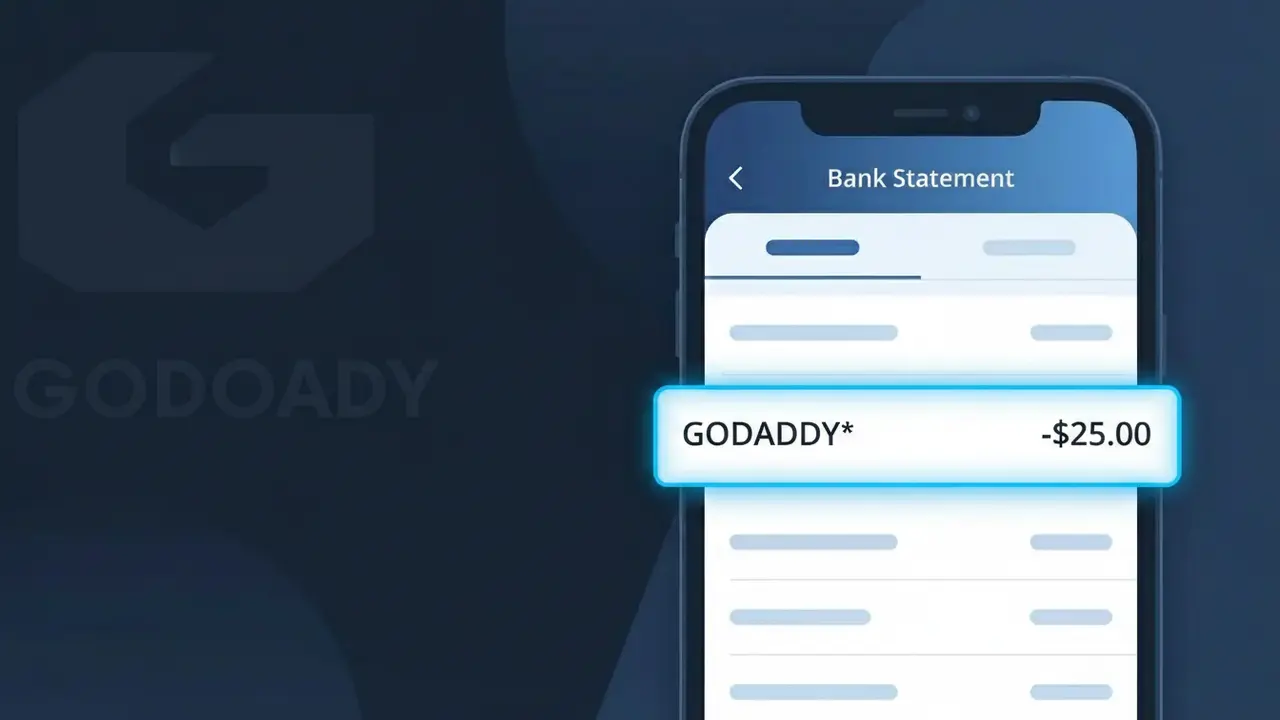
A GODADDY* charge on your bank statement comes from GoDaddy, one of the world's largest domain registrar and web hosting companies. This charge typically represents a payment for a domain name registration, website hosting plan, SSL certificate, or another GoDaddy service subscription. GoDaddy bills customers both as one-time purchases and as recurring annual or monthly subscriptions, so the charge may appear unexpectedly if an auto-renewal has processed. If you or someone in your household owns a website or has ever registered a domain, this charge is very likely legitimate.
The GODADDY* descriptor appears on your bank statement because GoDaddy uses a truncated version of their brand name when processing card transactions through their payment system. The asterisk following the name is commonly used by merchants to separate the company identifier from additional transaction details such as a product code or order reference. This is standard practice for large online service providers and does not indicate anything unusual about the charge.
Is the GODADDY* Charge Legitimate or Fraud?
A GODADDY* charge on your bank or credit card statement is almost always a legitimate billing from GoDaddy, one of the world's largest domain registrar and web hosting providers. The asterisk and truncated format is simply how GoDaddy's merchant name appears when processed through payment networks. Common reasons you may see this charge include:
- Annual or monthly domain name renewal for a website you own
- Web hosting, WordPress hosting, or website builder subscription
- SSL certificate, email hosting, or security product auto-renewal
- A one-time purchase of a new domain or add-on service from GoDaddy
How to Verify the GODADDY* Charge
- 1
Log into your GoDaddy account
Visit godaddy.com and sign in, then navigate to 'Billing History' under your account settings to see all recent GODADDY* transactions and what products they cover.
- 2
Search your email for GoDaddy receipts
Search your inbox for emails from 'noreply@godaddy.com' or 'support@godaddy.com' — GoDaddy sends itemized receipts for every charge that match the GODADDY* line on your statement.
- 3
Check household or team members
If you share finances with others, ask if they registered a domain or purchased a GoDaddy service recently, as the GODADDY* charge may be theirs.
- 4
Review your GoDaddy product subscriptions
In your GoDaddy account, go to 'My Products' to see all active domains, hosting plans, and add-ons — any of these can trigger an automatic GODADDY* renewal charge.
- 5
Contact your bank for transaction details
Ask your bank for the full merchant descriptor and transaction date for the GODADDY* charge, which can help you pinpoint the exact product or renewal that was billed.
How to Dispute a GODADDY* Charge
- 1
Act within 60 days
Most banks require disputes to be filed within 60 days of the GODADDY* charge appearing on your statement, so act quickly if you believe the charge is unauthorized or incorrect.
- 2
Contact GoDaddy support first
Reach GoDaddy's customer support at godaddy.com/help or by phone 24/7. GoDaddy often offers refunds for accidental renewals within a short window, which is faster than a bank dispute.
- 3
File a chargeback with your bank
If GoDaddy cannot resolve the issue, contact your bank or card issuer to dispute the GODADDY* charge as unauthorized or unrecognized and provide any supporting email receipts.
- 4
Request a new card number
If you suspect your card details were compromised and used fraudulently at GoDaddy, ask your bank to cancel the card and issue a new one to prevent further GODADDY* charges.
Tips for Managing GoDaddy Charges
Enable renewal reminder emails in GoDaddy settings so GODADDY* charges never catch you off guard.
Keep a list of all GoDaddy domains and products so you can quickly match any GODADDY* charge to a specific service.
Use a strong, unique password for your GoDaddy account and enable two-factor authentication to prevent unauthorized purchases.
Check your GoDaddy renewal dates annually — domain and hosting renewals often trigger GODADDY* charges on the same date each year.
Turn off auto-renew in GoDaddy for products you no longer need to stop future GODADDY* charges automatically.
Use WhatIsThisCharge.net to identify related charges that may appear alongside GODADDY* on your statement.
Frequently Asked Questions About the GODADDY* Charge
ℹ️ Note
In most cases, a GODADDY* charge is simply GoDaddy automatically renewing one of your domains or hosting services — a common and expected billing that millions of website owners see each year. A quick login to your GoDaddy account will usually identify the exact product and put your mind at ease.
🔍 Decode this charge instantly
Search our database for GODADDY* and similar charges.
Decode GODADDY* →Was this article helpful?