Why You're Seeing "HINGE*" on Your Bank Statement
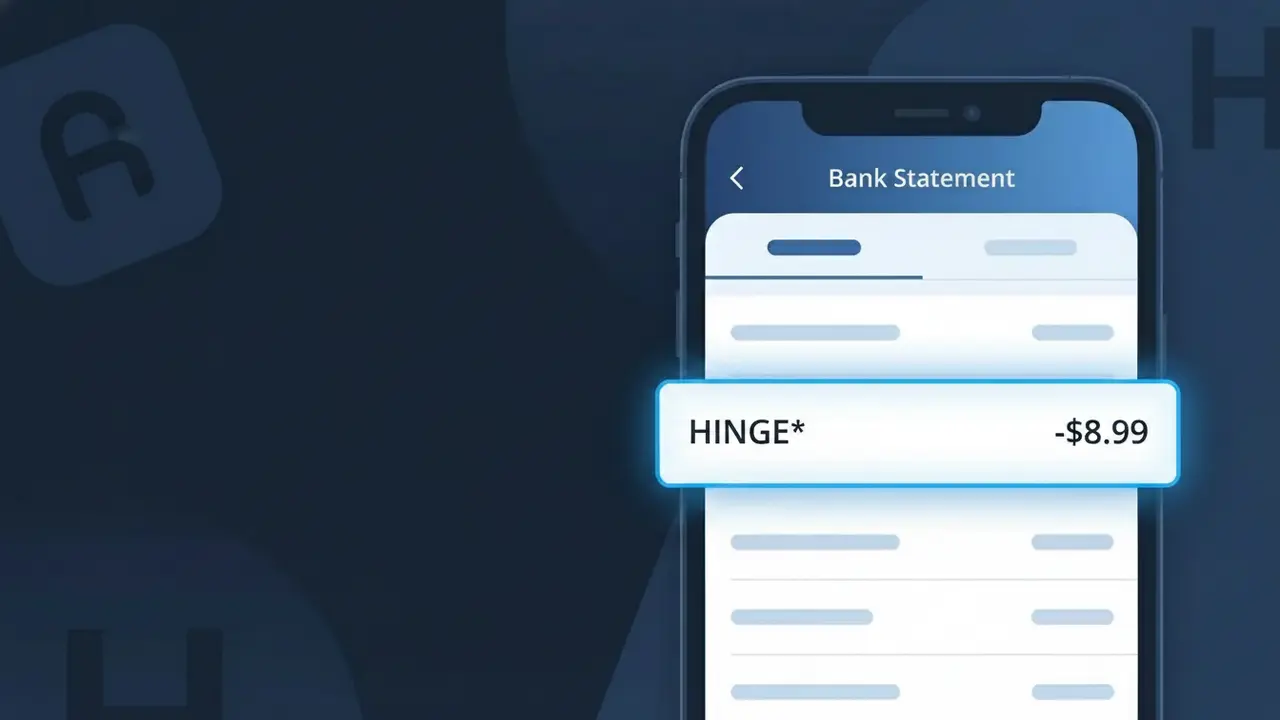
Why You're Seeing "HINGE*" on Your Bank Statement
A charge labeled HINGE* on your bank statement comes from Hinge, the popular dating app known for its relationship-focused approach. This charge typically represents a subscription to Hinge's premium tier, called HingeX or Hinge+, which unlocks additional features like unlimited likes, advanced filters, and profile boosts. The asterisk following HINGE* is standard formatting used by app stores and payment processors to indicate a subscription or recurring billing entry. If you or someone with access to your payment method has an active Hinge premium plan, this is the expected charge you would see.
The descriptor HINGE* appears on your bank statement because payment processors and app stores often truncate or abbreviate merchant names, with the asterisk (*) acting as a wildcard symbol indicating a subscription-based charge. Depending on whether the subscription was purchased directly through Hinge's website or through a mobile app store like Apple or Google Play, the descriptor format may vary slightly. Hinge uses this shortened identifier to represent their billing activity, which is why you may not see the full company name spelled out on your statement.
Is the HINGE* Charge Legitimate or Fraud?
The HINGE* charge on your bank or credit card statement is most commonly a legitimate billing from Hinge, the popular dating app owned by Match Group. It typically appears when you subscribe to Hinge's premium tier, HingeX or Hinge+, which unlock additional features like unlimited likes, advanced filters, and profile boosts. If you don't recall signing up, consider these common legitimate reasons the charge may appear:
- You subscribed to Hinge+ or HingeX and your subscription auto-renewed
- A free trial period on Hinge ended and converted to a paid subscription
- A family member or partner used your payment method to purchase a Hinge subscription
- You purchased a one-time Hinge feature such as a Rose boost or additional Roses
How to Verify the HINGE* Charge
- 1
Check your Hinge account
Log into the Hinge app, tap your profile icon, and navigate to Settings > Manage Membership to confirm your current subscription status and billing date.
- 2
Search your email for Hinge receipts
Search your inbox for emails from 'no-reply@hinge.co' or 'support@hinge.co' — Hinge sends confirmation emails for every subscription purchase and renewal.
- 3
Check household members
Ask partners, roommates, or family members if they used your payment method to sign up for a Hinge subscription, since the HINGE* descriptor can appear without prior notice.
- 4
Review app store subscriptions
If you signed up through Apple or Google, check your App Store or Google Play subscriptions — the charge may appear as HINGE* through the app store billing system.
- 5
Contact your bank
If you still can't place the HINGE* charge, call the number on the back of your card and ask for the full merchant details, including the transaction date and amount billed.
How to Dispute a HINGE* Charge
- 1
Act within 60 days
Most banks require disputes to be filed within 60 days of the statement date. If you believe the HINGE* charge is unauthorized or incorrect, act promptly to preserve your right to a chargeback.
- 2
Contact Hinge support first
Reach out to Hinge directly at hinge.co/support or through the app's Help section. Hinge may issue a refund for accidental charges or duplicate billing faster than a bank dispute.
- 3
File a chargeback with your bank
If Hinge does not resolve the issue, contact your bank or card issuer to dispute the HINGE* charge as unauthorized. Provide any correspondence with Hinge support as evidence.
- 4
Request a new card number
If you suspect your payment details were used fraudulently to purchase a Hinge subscription, ask your bank to issue a new card number to prevent future unauthorized HINGE* charges.
Tips for Managing Hinge Charges
Enable billing notifications on your bank app so you're alerted the moment any HINGE* charge posts to your account.
Screenshot your Hinge subscription confirmation so you have proof of the agreed price if a billing discrepancy occurs.
Secure your Hinge account with a strong, unique password to prevent unauthorized access and unexpected subscription purchases.
Note your Hinge renewal date in your calendar — subscriptions auto-renew, so cancel at least 24 hours before the next billing cycle.
Use a virtual card number for Hinge subscriptions to easily block future HINGE* charges without canceling your main card.
Use WhatIsThisCharge.net to identify related charges like MATCH* or TINDER* that may appear alongside HINGE* on your statement.
Frequently Asked Questions About the HINGE* Charge
ℹ️ Note
In most cases, a <strong>HINGE*</strong> charge is a routine, legitimate billing from the Hinge dating app for a subscription or in-app purchase — simply log into your Hinge account to confirm the details and put your mind at ease.
Was this article helpful?