Why You're Seeing "LINE*" on Your Bank Statement
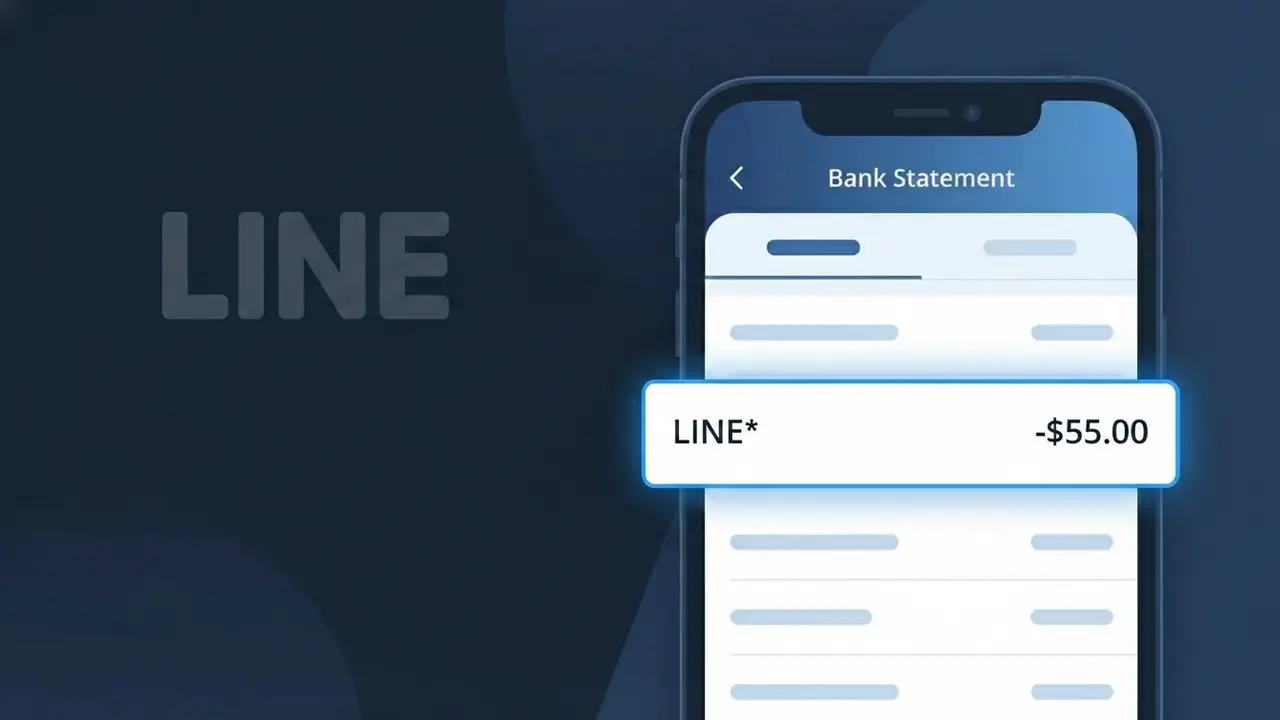
Why You're Seeing "LINE*" on Your Bank Statement
The LINE* charge on your bank statement comes from LINE Corporation, a Japanese messaging and social platform widely popular across Asia. This descriptor typically indicates a purchase of LINE Premium features or digital stickers made through the LINE app. The 'LINE*' prefix is how LINE Corporation identifies its digital transactions on billing statements, often followed by additional characters depending on the specific purchase type. If you use LINE for messaging or have a family member who does, this charge is almost certainly tied to an in-app purchase or subscription.
The LINE* descriptor appears on your bank statement because LINE Corporation uses a shortened billing identifier when processing payments through their payment platform, which is common practice among app-based companies handling high volumes of microtransactions. The asterisk following 'LINE' is a standard formatting convention used by payment processors to separate the company name from additional transaction details. Since LINE operates primarily out of Japan and processes payments through third-party billing systems, the truncated descriptor may not always display the full context of your purchase.
Is the LINE* Charge Legitimate or Fraud?
A LINE* charge on your bank or credit card statement is most commonly a legitimate transaction from LINE, the popular messaging and social platform. LINE uses the LINE* billing descriptor for purchases such as LINE FRIENDS sticker packs, LINE Premium subscriptions, LINE Out calling credits, and in-app coin purchases. If you or someone in your household uses the LINE app, this charge is very likely authorized.
- LINE* appears when you purchase LINE Coins used for stickers, themes, or games
- LINE* is billed for LINE Premium (formerly LINE@ or LINE Official Account) subscriptions
- LINE* charges can originate from LINE Out, the app's VoIP calling credit feature
- LINE* may appear if a family member linked the same payment method to their LINE account
How to Verify the LINE* Charge
- 1
Log into your LINE account
Open the LINE app, go to Settings > Coins or Settings > Premium and review your purchase history to match the LINE* charge amount and date.
- 2
Search your email for LINE receipts
Search your inbox for emails from 'noreply@line.me' or 'LINE' — LINE sends purchase confirmation emails for every LINE* transaction processed.
- 3
Check household members' LINE usage
Ask family members if they purchased LINE stickers, themes, or coins recently, as LINE* charges can come from any account linked to your payment method.
- 4
Review active LINE subscriptions
In the LINE app, navigate to Settings > Account > Subscriptions to see any recurring LINE Premium or other subscription that would generate a recurring LINE* charge.
- 5
Contact your bank for charge details
Ask your bank for the full merchant name behind the LINE* descriptor — this can help confirm whether it originates from LINE Corporation or a different merchant.
How to Dispute a LINE* Charge
- 1
Act within 60 days
Most banks require disputes to be filed within 60 days of the LINE* charge appearing on your statement, so don't delay if you believe it is unauthorized.
- 2
Contact LINE support first
Visit LINE's official Help Center at help.line.me and submit a refund or dispute request for the LINE* charge — LINE may resolve the issue faster than a bank chargeback.
- 3
File a chargeback with your bank
If LINE support cannot resolve the issue, call your bank and formally dispute the LINE* charge as unauthorized, providing any LINE transaction records or email receipts you have.
- 4
Request a new card if fraud is suspected
If the LINE* charge appears fraudulent and you did not make any LINE purchases, ask your bank to cancel your card and issue a new one to prevent further unauthorized charges.
Tips for Managing LINE Charges
Enable LINE app notifications for every coin or sticker purchase so you're alerted the moment a LINE* charge is triggered.
Keep LINE purchase confirmation emails in a dedicated folder to quickly match any LINE* charge on your bank statement.
Secure your LINE account with a strong password and two-step verification to prevent unauthorized purchases that show as LINE* charges.
Note your LINE Premium renewal date so recurring LINE* charges on your billing cycle never come as a surprise.
Remove saved payment methods from your LINE account when not actively purchasing to reduce the risk of accidental LINE* charges.
Use WhatIsThisCharge.net to identify any related LINE* charges or similar tech subscription descriptors on your statement.
Frequently Asked Questions About the LINE* Charge
ℹ️ Note
In most cases, a LINE* charge is a legitimate and expected transaction from LINE Corporation, typically linked to a sticker pack, coin purchase, or LINE Premium subscription you or a family member set up. Checking your LINE app's purchase history usually resolves any confusion within minutes.
Was this article helpful?