Why You're Seeing "NOOM*" on Your Bank Statement
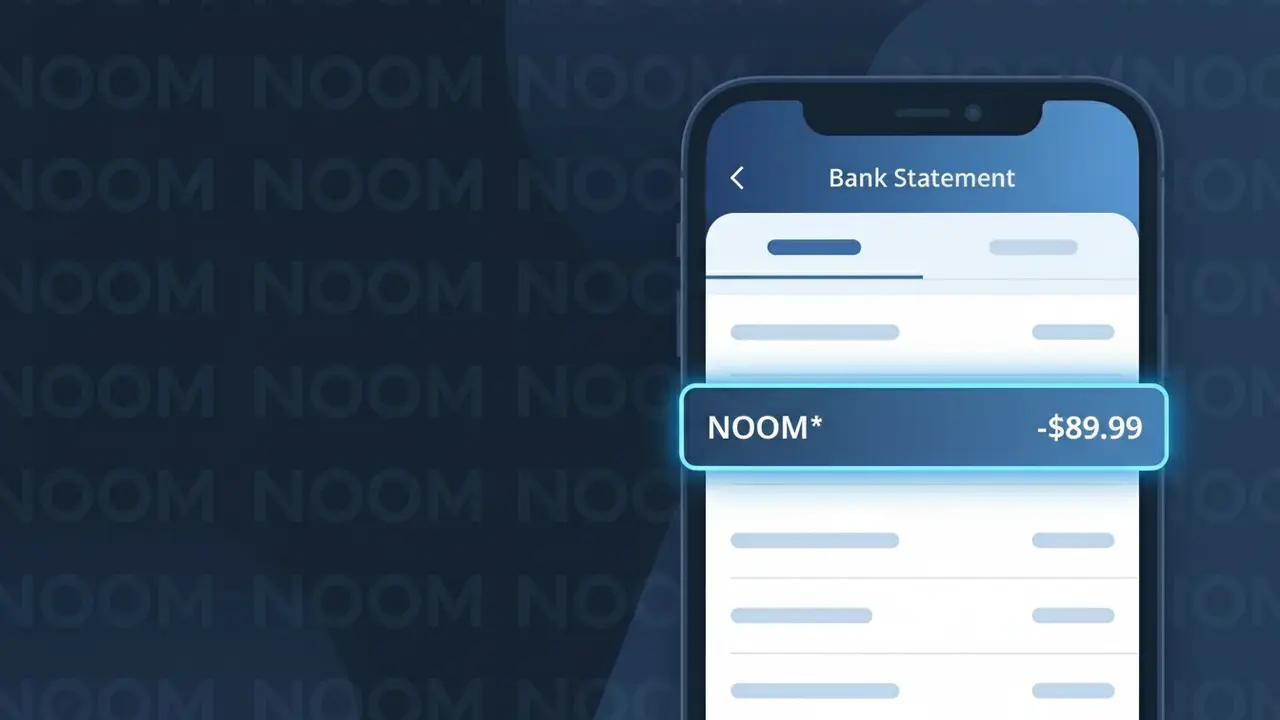
Why You're Seeing "NOOM*" on Your Bank Statement
A charge labeled NOOM* on your bank statement comes from Noom, a popular digital health and weight loss program. This charge represents a subscription fee for access to Noom's app-based coaching platform, which uses psychology-based methods to help users build healthier habits and manage their weight. The NOOM* descriptor typically appears when you have signed up for one of Noom's subscription plans, which can be billed monthly, quarterly, or annually. If you see this charge and don't recognize it, it's possible a family member signed up or a free trial automatically converted to a paid subscription.
The NOOM* descriptor appears on your bank statement because this is the truncated billing name Noom uses when processing subscription payments through their payment system. The asterisk following the name is commonly used by subscription-based services to indicate a recurring charge tied to a specific plan or account. Payment processors often shorten or stylize company names to fit within the limited character space available on bank statement transaction records.
Is the NOOM* Charge Legitimate or Fraud?
A NOOM* charge on your bank or credit card statement is almost always a legitimate billing from Noom, the popular weight management and wellness app. Noom uses the prefix NOOM* as its merchant descriptor, which can sometimes be followed by additional characters depending on your bank. Here are the most common reasons you may see this charge:
- You signed up for a Noom monthly or annual subscription plan
- Your free trial with Noom ended and automatically converted to a paid subscription
- A household member enrolled in Noom using your payment method
- Noom renewed your existing subscription on its regular billing cycle
How to Verify the NOOM* Charge
- 1
Log into your Noom account
Visit noom.com or open the Noom app and navigate to 'Settings' > 'Subscription' to confirm your active plan and the date of your last billing cycle.
- 2
Search your email for Noom receipts
Search your inbox for emails from Noom (hello@noom.com or support@noom.com) — Noom sends a receipt each time a NOOM* charge is processed.
- 3
Check household members
Ask family members or anyone with access to your payment details whether they signed up for a Noom plan, as Noom accounts are tied to individual email addresses.
- 4
Review your subscription apps
If you subscribed to Noom via the Apple App Store or Google Play, check your subscription list there — the NOOM* charge may appear through those platforms instead.
- 5
Contact your bank for details
Ask your bank to provide the full merchant descriptor and transaction date for the NOOM* charge, which can help you cross-reference it against your Noom account history.
How to Dispute a NOOM* Charge
- 1
Act within 60 days
Most banks require you to dispute an unrecognized NOOM* charge within 60 days of the statement date — act quickly to preserve your right to a chargeback.
- 2
Contact Noom support first
Reach out to Noom directly at support.noom.com before filing a dispute — Noom's support team can often issue a refund faster than the bank chargeback process.
- 3
File a chargeback with your bank
If Noom does not resolve the issue, contact your bank or credit card issuer and state that you do not recognize the NOOM* charge or that you were billed after cancellation.
- 4
Request a new card if needed
If you suspect your card details were used fraudulently to sign up for Noom, ask your bank to cancel and reissue your card to prevent further unauthorized NOOM* charges.
Tips for Managing Noom Charges
Set a calendar reminder before your Noom free trial ends to avoid an unexpected NOOM* charge on your statement.
Save all Noom email receipts so you can quickly match any NOOM* charge to a specific billing date.
Keep your Noom account credentials up to date so you can always access your subscription and billing details quickly.
Know your Noom renewal date — annual plans renew once a year, while monthly plans generate a recurring NOOM* charge each month.
Use a virtual card number for your Noom subscription so you can easily block future NOOM* charges if needed.
Use WhatIsThisCharge.net to identify related charges that may appear alongside NOOM* on your statement.
Frequently Asked Questions About the NOOM* Charge
ℹ️ Note
In most cases, a NOOM* charge simply means your Noom weight management subscription has renewed — this is a legitimate and expected charge for active Noom members. If you recognize signing up for Noom or a free trial, there is no cause for alarm.
Was this article helpful?