Why You're Seeing "REVOLUT*" on Your Bank Statement
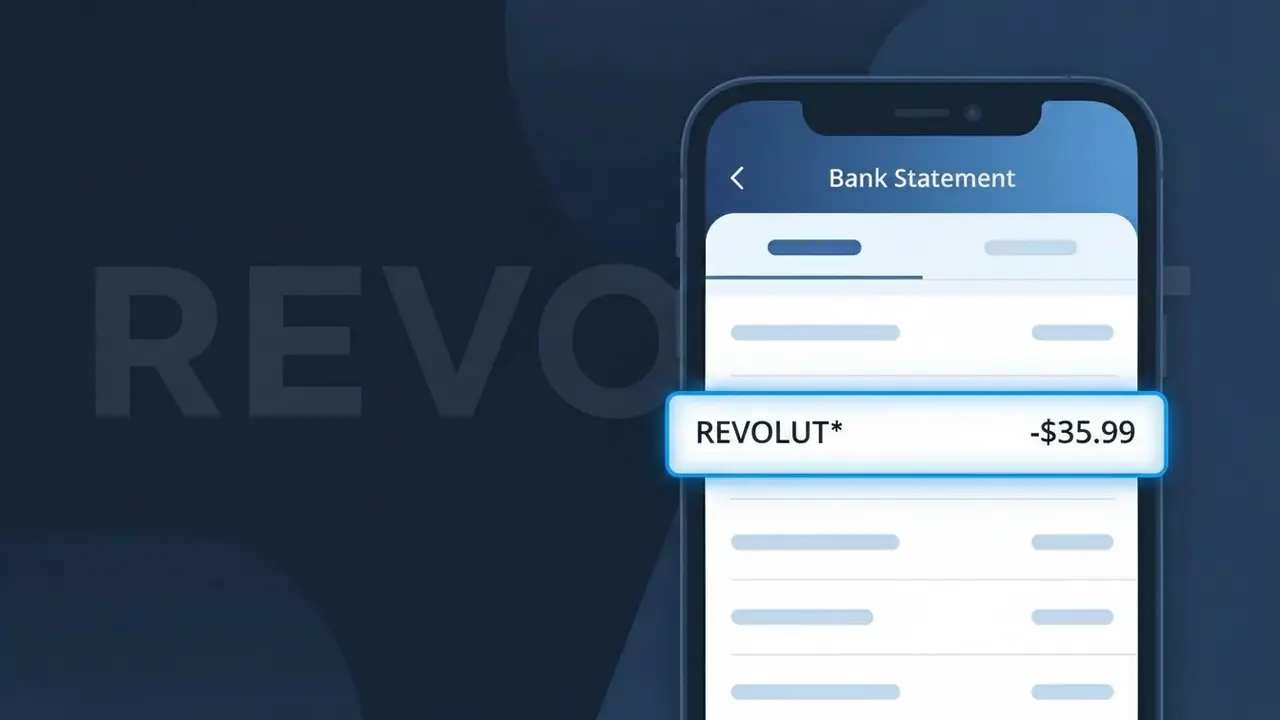
Why You're Seeing "REVOLUT*" on Your Bank Statement
A charge showing REVOLUT* on your bank statement comes from Revolut, the UK-based digital banking and financial services app. This descriptor typically indicates a payment for one of Revolut's premium subscription plans, such as Plus, Premium, or Metal, or possibly a transaction fee associated with your account. Revolut offers a range of financial services including currency exchange, stock trading, and cryptocurrency, and charges users for upgraded tiers of access. If you see REVOLUT* on your statement, it is almost certainly related to your Revolut account activity or subscription billing.
The REVOLUT* descriptor appears on your bank statement because Revolut uses this shortened merchant identifier when processing charges through card payment networks. The asterisk following the name is commonly used by financial service providers to separate the company name from additional transaction details, such as a plan name or reference code. Rather than spelling out the full service description, payment processors truncate merchant names to fit within standard bank statement character limits, which is why you see REVOLUT* instead of a more descriptive label.
Is the REVOLUT* Charge Legitimate or Fraud?
A REVOLUT* charge on your bank or card statement is typically a legitimate transaction associated with Revolut, the global fintech app offering banking, currency exchange, and financial services. This descriptor appears when Revolut processes a payment, subscription fee, or top-up through your linked card. Common legitimate reasons you might see REVOLUT* include:
- A Revolut Premium or Metal plan monthly subscription fee
- A card top-up or money transfer initiated through the Revolut app
- A purchase made using your Revolut virtual or physical card linked to another account
- A currency exchange or international transfer fee charged by Revolut
How to Verify the REVOLUT* Charge
- 1
Log into your Revolut app
Open the Revolut app and check your transaction history. The REVOLUT* charge amount should match a top-up, transfer, or subscription shown in your Revolut account activity.
- 2
Search your email for Revolut receipts
Search your inbox for emails from Revolut (no-reply@revolut.com). Revolut sends notifications for plan charges, top-ups, and major transactions that should correspond to the REVOLUT* charge.
- 3
Check if a household member uses Revolut
If you share finances with family members, ask whether anyone added your card as a funding source in their Revolut account, which would generate a REVOLUT* charge on your statement.
- 4
Review your Revolut subscription plan
In the Revolut app, navigate to Profile > Plan to see your current subscription tier. Premium costs £9.99/month and Metal £16.99/month — these appear as recurring REVOLUT* charges.
- 5
Contact your bank for transaction details
If you still can't identify the REVOLUT* charge, call your bank and request the full merchant descriptor and transaction date to help pinpoint the source of the charge.
How to Dispute a REVOLUT* Charge
- 1
Act within 60 days
Report an unauthorized REVOLUT* charge to your card issuer within 60 days of the statement date to remain eligible for a chargeback under standard consumer protection rules.
- 2
Contact Revolut support first
Reach out to Revolut directly via the in-app chat (Profile > Help) or at support@revolut.com. Revolut can identify the REVOLUT* transaction and issue a refund if it was an error or unauthorized charge.
- 3
File a chargeback with your bank
If Revolut does not resolve the issue, contact your card issuer and formally dispute the REVOLUT* charge. Provide screenshots from the Revolut app and any email correspondence as supporting evidence.
- 4
Request a new card number
If the REVOLUT* charge appears fraudulent and you didn't authorize it, ask your bank to cancel your compromised card and issue a new one to prevent further unauthorized charges.
Tips for Managing Revolut Charges
Enable Revolut push notifications so every REVOLUT* transaction triggers an instant alert on your phone.
Regularly review your Revolut statement in-app to reconcile REVOLUT* charges with your external bank statement.
Secure your Revolut account with a strong PIN and biometric login to prevent unauthorized REVOLUT* charges.
Note your Revolut plan renewal date to anticipate recurring REVOLUT* subscription charges each billing cycle.
Use Revolut's disposable virtual cards for online purchases to limit exposure if your card details are compromised.
Use WhatIsThisCharge.net to identify related charges that may appear alongside REVOLUT* on your statement.
Frequently Asked Questions About the REVOLUT* Charge
ℹ️ Note
In most cases, a REVOLUT* charge is a routine and expected transaction from Revolut — often a subscription fee or card top-up you authorized. If the amount and timing match your Revolut activity, there is nothing to worry about.
🔍 Decode this charge instantly
Search our database for REVOLUT* and similar charges.
Decode REVOLUT* →Was this article helpful?