Why You're Seeing "RING*" on Your Bank Statement
Why You're Seeing "RING*" on Your Bank Statement
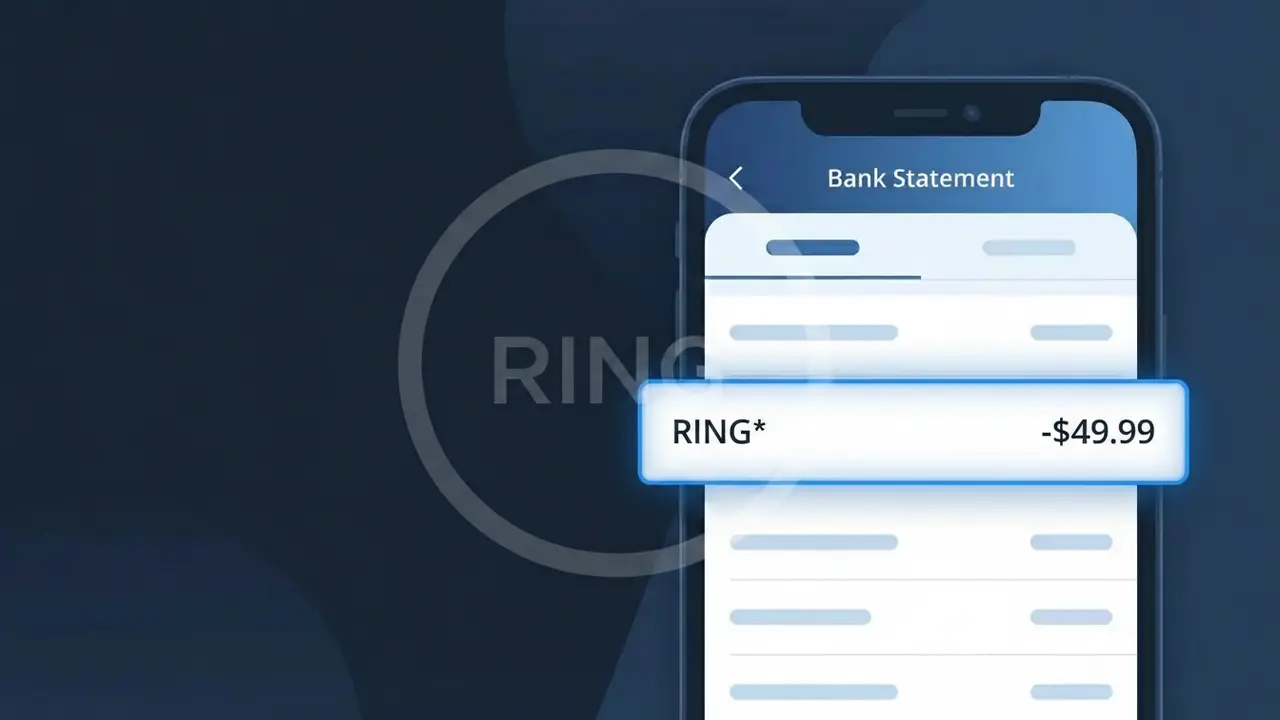
A charge showing RING* on your bank or credit card statement comes from Ring Security, the popular home security company owned by Amazon. This charge typically represents a subscription to Ring Protect, Ring's monitoring plan that enables features like video recording, storage, and alerts for your Ring doorbell or security cameras. The asterisk in the RING* descriptor is commonly used by payment processors to separate the company identifier from additional subscription details. If you've recently purchased a Ring device or signed up for a Protect plan, this charge is almost certainly your recurring monthly or annual security subscription fee.
The RING* descriptor appears on your bank statement because Ring Security uses a truncated merchant identifier when processing payments through their payment gateway, which is standard practice for subscription-based companies. The asterisk (*) acts as a separator and is often followed by additional characters like a plan name or account reference, though these may be cut off depending on your bank's display limits. This abbreviated format is registered with card networks like Visa and Mastercard, which is why it shows up instead of the full brand name "Ring Security" or "Amazon Ring."
Is the RING* Charge Legitimate or Fraud?
The RING* charge on your bank or credit card statement is almost always a legitimate billing from Ring Security, the popular home security company owned by Amazon. This charge typically appears when you subscribe to Ring Protect, Ring's monitoring and cloud video storage plan. Common reasons you may see a RING* charge include:
- An active Ring Protect Basic or Plus plan subscription for your Ring doorbell or security cameras
- An annual or monthly renewal of your Ring Security monitoring plan
- A new Ring device purchase bundled with a trial that converted to a paid subscription
- A family member or housemate who signed up for Ring Protect using a shared payment method
How to Verify the RING* Charge
- 1
Log into your Ring account
Visit ring.com or open the Ring app and navigate to Account > Subscriptions to confirm any active Ring Protect plans tied to your devices.
- 2
Search your email for Ring Security receipts
Search your inbox for emails from 'noreply@ring.com' or subject lines containing 'Ring Protect' to find billing confirmations matching the RING* charge amount and date.
- 3
Check household members
Ask anyone in your home whether they set up a Ring Security account using your card, especially if you share a Ring doorbell or camera system.
- 4
Review your Amazon account
Since Ring is owned by Amazon, check your Amazon account's subscriptions and memberships — some Ring Protect plans may be managed or billed through Amazon.
- 5
Contact your bank for details
If you still can't identify the RING* charge, call the number on the back of your card and ask for the full merchant name and transaction ID to compare against your Ring Security records.
How to Dispute a RING* Charge
- 1
Act within 60 days
Most banks require you to dispute an unrecognized RING* charge within 60 days of the statement date, so don't delay once you've confirmed the charge is unauthorized.
- 2
Contact Ring Security support first
Reach out to Ring Security at support.ring.com or call 1-800-656-1918. Billing issues like duplicate RING* charges or charges after cancellation are often resolved quickly without a formal dispute.
- 3
File a chargeback with your bank
If Ring Security cannot resolve the issue, contact your bank or card issuer and report the RING* charge as unauthorized. Provide any cancellation confirmation emails or account screenshots as evidence.
- 4
Request a new card number
If you suspect your card details were used fraudulently to purchase a Ring Security subscription, ask your bank to issue a replacement card to prevent further unauthorized RING* charges.
Tips for Managing Ring Security Charges
Enable billing notifications in the Ring app so you're alerted before each RING* charge hits your account.
Keep a note of how many Ring devices you own — each device on a Basic plan generates a separate RING* charge.
Secure your Ring Security account with a strong, unique password and two-factor authentication to prevent unauthorized plan upgrades.
Choose an annual Ring Protect plan to reduce the frequency of RING* charges and often save up to 16% versus monthly billing.
Regularly audit your Ring Protect subscriptions to remove plans for devices you no longer use or own.
Use WhatIsThisCharge.net to identify related charges like AMZN* or ADT that may appear alongside your RING* billing.
Frequently Asked Questions About the RING* Charge
ℹ️ Note
In most cases, the RING* charge is a routine and expected billing from Ring Security for your Ring Protect video storage or monitoring plan — if you own a Ring doorbell or camera, this charge is very likely legitimate and tied to keeping your home protected.
Was this article helpful?