Why You're Seeing "SKY*MOBILE" on Your Bank Statement
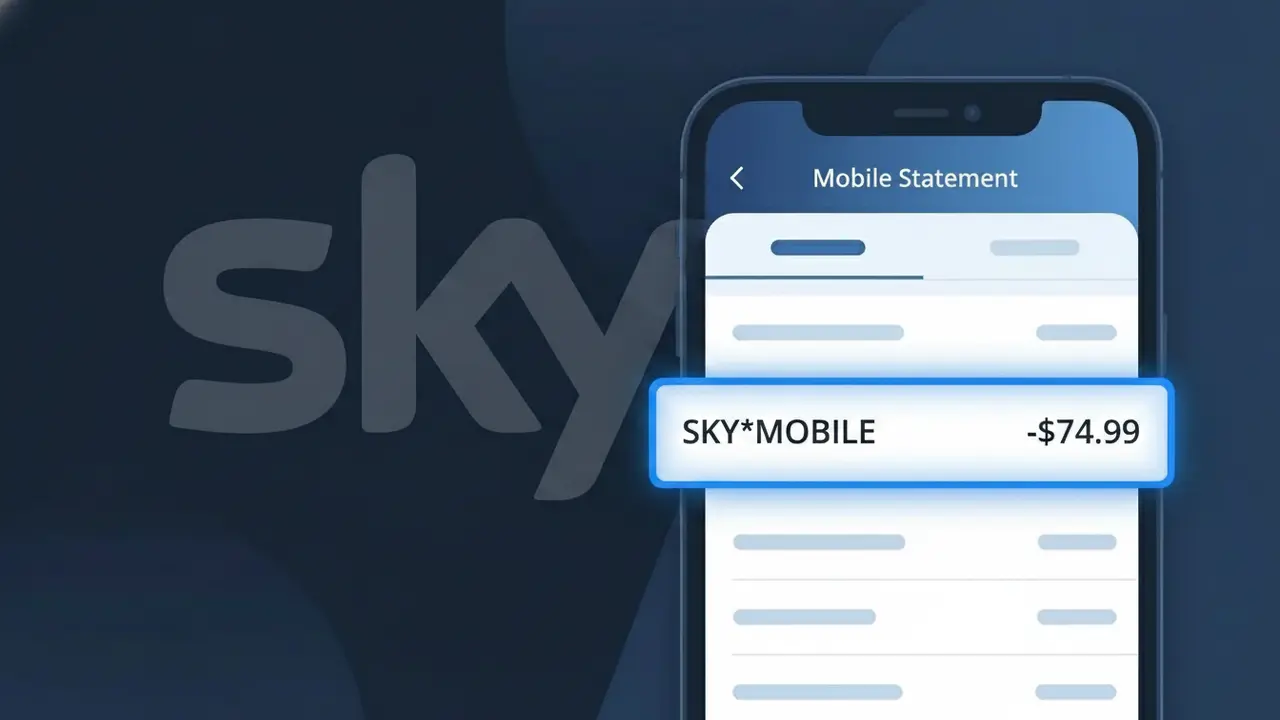
Why You're Seeing "SKY*MOBILE" on Your Bank Statement
The SKY*MOBILE charge on your bank statement is your monthly bill from Sky Mobile, the UK-based mobile phone network operated by Sky. This descriptor appears when Sky Mobile processes your regular subscription payment, which typically covers your airtime plan, data allowance, and any device repayments if you purchased a handset through them. Sky Mobile is a well-established UK telecoms provider offering SIM-only and phone contracts, and the SKY*MOBILE charge is completely normal for anyone who is a customer. If you see this charge and don't recognise it, it's worth checking whether a family member in your household has a Sky Mobile plan linked to your account.
The SKY*MOBILE descriptor is the billing code Sky Mobile uses when submitting payment requests to card networks and banks, and it is designed to identify the specific Sky division handling mobile services separately from other Sky products like broadband or TV. Banks display this shortened code rather than the full brand name because payment systems use standardised merchant identifiers that are often abbreviated. This is standard practice across the telecoms industry and does not indicate any issue with your payment or account.
Is the SKY*MOBILE Charge Legitimate or Fraud?
The SKY*MOBILE charge on your bank or credit card statement is almost always a legitimate billing from Sky Mobile, the UK-based mobile network operator. This descriptor appears when Sky Mobile processes a recurring monthly plan payment, a one-off data add-on, or a device instalment charge against your registered payment card. If you or someone in your household holds a Sky Mobile SIM, handset plan, or data bundle, this charge is expected.
- SKY*MOBILE is the official shortened billing descriptor used by Sky Mobile on card statements
- Monthly SIM-only, pay monthly handset, and data add-on plans all appear under this descriptor
- Sky Mobile may charge mid-cycle if you upgrade your plan, purchase a bolt-on, or change your device
- Family group plans can generate multiple SKY*MOBILE charges if several members share one billing account
How to Verify the SKY*MOBILE Charge
- 1
Log into your Sky Mobile account
Visit sky.com/shop/mobile or open the My Sky app, navigate to Billing, and confirm the charge amount matches the SKY*MOBILE entry on your statement.
- 2
Search your email for Sky Mobile receipts
Search your inbox for 'Sky Mobile' or 'sky.com' to find billing confirmation emails that correspond to the date and amount of the SKY*MOBILE charge.
- 3
Check household or family group members
If you manage a Sky Mobile family group, ask other members whether they recently purchased a bolt-on or upgraded their handset, which would trigger a new SKY*MOBILE charge.
- 4
Review active Sky Mobile subscriptions
In the My Sky app, go to My Account > Plans & Add-ons to see every active Sky Mobile subscription tied to your payment card, including data boosters and roaming passes.
- 5
Contact your bank for transaction details
Ask your bank for the full merchant ID behind the SKY*MOBILE charge. This can confirm the transaction originated from Sky Mobile's payment processor before you take further action.
How to Dispute a SKY*MOBILE Charge
- 1
Act within 60 days of the charge
Most banks allow chargebacks on unauthorised SKY*MOBILE charges within 60 days of the statement date, so begin the process as soon as you spot an unrecognised charge.
- 2
Contact Sky Mobile directly first
Call Sky Mobile on 03300 41 41 41 or use the live chat at sky.com/help to explain the dispute. Sky Mobile can often issue a refund faster than a bank chargeback if the charge was an error.
- 3
File a chargeback with your bank or card provider
If Sky Mobile does not resolve the issue, contact your bank and request a formal chargeback, citing the unrecognised SKY*MOBILE transaction reference and the date it appeared.
- 4
Request a new card if fraud is suspected
If you believe your card details were used fraudulently to sign up for a Sky Mobile plan, ask your bank to cancel the compromised card and issue a replacement to prevent further SKY*MOBILE charges.
Tips for Managing Sky Mobile Charges
Enable billing alerts in the My Sky app so you're notified the moment a SKY*MOBILE charge is processed.
Download your Sky Mobile bill each month and compare it line-by-line against SKY*MOBILE entries on your bank statement.
Keep your Sky Mobile account login secure and enable two-factor authentication to prevent unauthorised plan changes.
Note your Sky Mobile billing date so you can anticipate when SKY*MOBILE will appear and spot any unexpected mid-cycle charges.
Review Sky Mobile add-ons every quarter and remove unused data boosters to avoid surprise SKY*MOBILE charges.
Use WhatIsThisCharge.net to identify related charges that may appear alongside SKY*MOBILE on your statement.
Frequently Asked Questions About the SKY*MOBILE Charge
ℹ️ Note
In most cases, a SKY*MOBILE charge is a routine and expected billing from Sky Mobile for your monthly mobile plan or a recently purchased data add-on. If the amount looks unfamiliar, a quick check of your My Sky account will usually explain it within seconds.
🔍 Decode this charge instantly
Search our database for SKY*MOBILE and similar charges.
Decode SKY*MOBILE →Was this article helpful?