Why You're Seeing "STATEFARM*" on Your Bank Statement
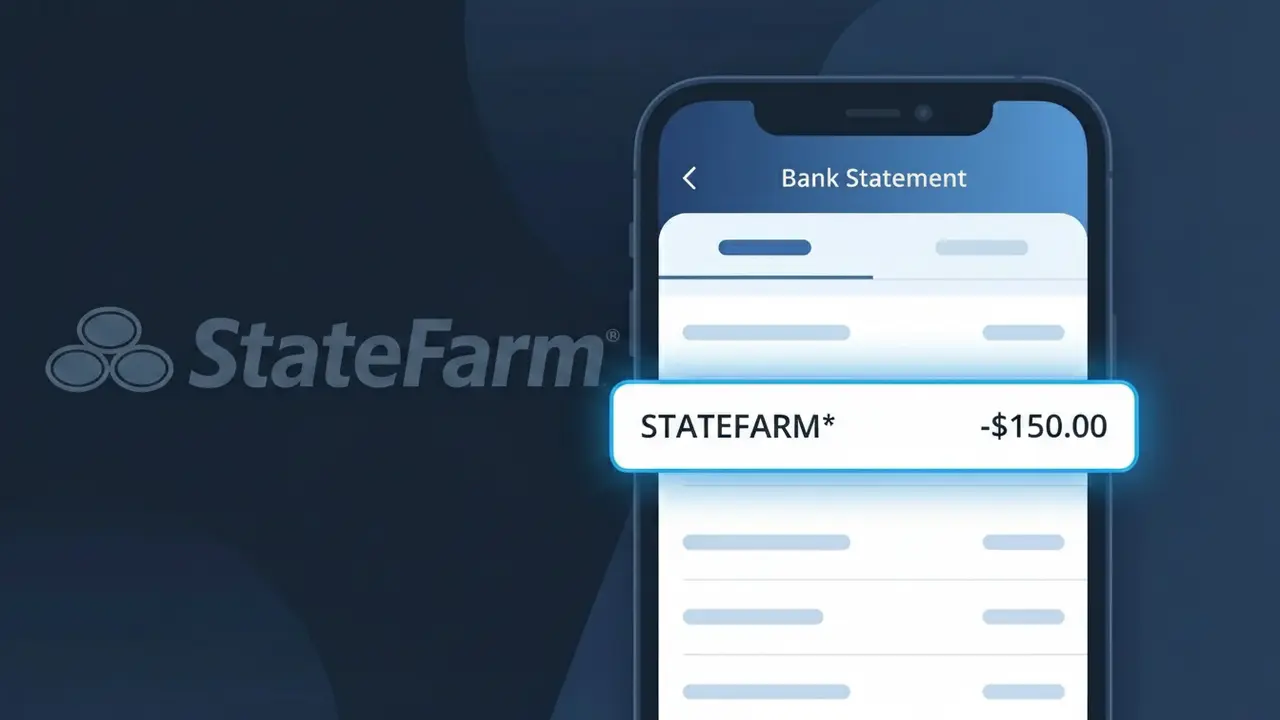
Why You're Seeing "STATEFARM*" on Your Bank Statement
A charge showing STATEFARM* on your bank statement is an insurance premium payment processed by State Farm, one of the largest insurance providers in the United States. This charge typically appears when State Farm automatically debits your account for an active insurance policy, such as auto, home, life, or renters insurance. The asterisk following the descriptor often indicates a recurring or subscription-style billing arrangement. If you have any State Farm policies set up with automatic payments, this charge is almost certainly your scheduled premium.
The STATEFARM* descriptor appears on your bank statement because payment processors and banks truncate or abbreviate merchant names to fit within standardized transaction description fields. The asterisk symbol is commonly used by billing systems to separate the merchant name from additional billing reference data that may follow it. This shortened format is how State Farm's payment processing system identifies itself during electronic fund transfers and automatic premium withdrawals.
Is the STATEFARM* Charge Legitimate or Fraud?
A STATEFARM* charge on your bank or credit card statement is almost always a legitimate billing from State Farm Insurance, one of the largest insurance providers in the United States. This descriptor appears when State Farm processes an automatic premium payment for policies such as auto, home, life, or renters insurance. If you or someone in your household holds a State Farm policy with autopay enabled, this charge is expected and routine.
- State Farm uses the STATEFARM* descriptor for automated insurance premium payments
- The charge often includes a policy number or last few digits after the asterisk (e.g., STATEFARM*AUTO)
- Amounts vary based on your coverage type, deductibles, and payment frequency (monthly, semi-annual, annual)
- If you recently added a new policy or updated coverage, a new or adjusted STATEFARM* charge may appear
How to Verify the STATEFARM* Charge
- 1
Log into your State Farm account
Visit statefarm.com or open the State Farm mobile app and navigate to 'Billing & Payments' to confirm the charge amount and date match your records.
- 2
Search your email for State Farm receipts
Look in your inbox for billing confirmation emails from State Farm. Search for 'State Farm payment confirmation' or 'STATEFARM*' to find matching receipts.
- 3
Check with household members
Ask family members or housemates whether they have an active State Farm policy, such as auto or renters insurance, that may be charged to a shared account.
- 4
Review all active State Farm policies
If you hold multiple State Farm policies — for example, both auto and homeowners — separate STATEFARM* charges may appear for each policy on the same billing cycle.
- 5
Contact your bank for transaction details
Call the number on the back of your card and ask for the full merchant name and any additional identifiers tied to the STATEFARM* transaction to confirm its origin.
How to Dispute a STATEFARM* Charge
- 1
Act within 60 days of the charge
Most banks require you to dispute an unauthorized STATEFARM* charge within 60 days of the statement date. Act quickly to protect your right to a chargeback.
- 2
Contact State Farm directly first
Call State Farm customer service at 1-800-STATE-FARM (1-800-782-8332) to report the unrecognized charge. They can verify whether it's tied to an active policy or flag it as an error.
- 3
File a chargeback with your bank
If State Farm cannot resolve the issue, contact your bank or card issuer to formally dispute the STATEFARM* charge and request a chargeback for the unauthorized amount.
- 4
Request a new card if fraud is suspected
If you believe your payment information was used fraudulently to open a State Farm policy, ask your bank to cancel and reissue your card to prevent further unauthorized STATEFARM* charges.
Tips for Managing State Farm Charges
Enable billing alerts in the State Farm app so you're notified before each STATEFARM* charge hits your account.
Keep a record of all your active State Farm policies and their premium amounts to quickly verify any STATEFARM* charge.
Set up a State Farm online account at statefarm.com to view payment history and manage autopay settings anytime.
Note your State Farm billing cycle dates — monthly or semi-annual — so STATEFARM* charges are never a surprise.
Review your State Farm policy annually to ensure your premium reflects accurate coverage and no duplicate policies exist.
Use WhatIsThisCharge.net to identify related charges that may appear alongside STATEFARM* on your statement.
Frequently Asked Questions About the STATEFARM* Charge
ℹ️ Note
In most cases, a STATEFARM* charge is simply your scheduled State Farm insurance premium being automatically deducted — a routine and expected transaction for millions of policyholders across the U.S. If the amount matches your policy premium, there's no cause for concern.
🔍 Decode this charge instantly
Search our database for STATEFARM* and similar charges.
Decode STATEFARM* →Was this article helpful?