Why You're Seeing "UBER BV*" on Your Bank Statement
Why You're Seeing "UBER BV*" on Your Bank Statement
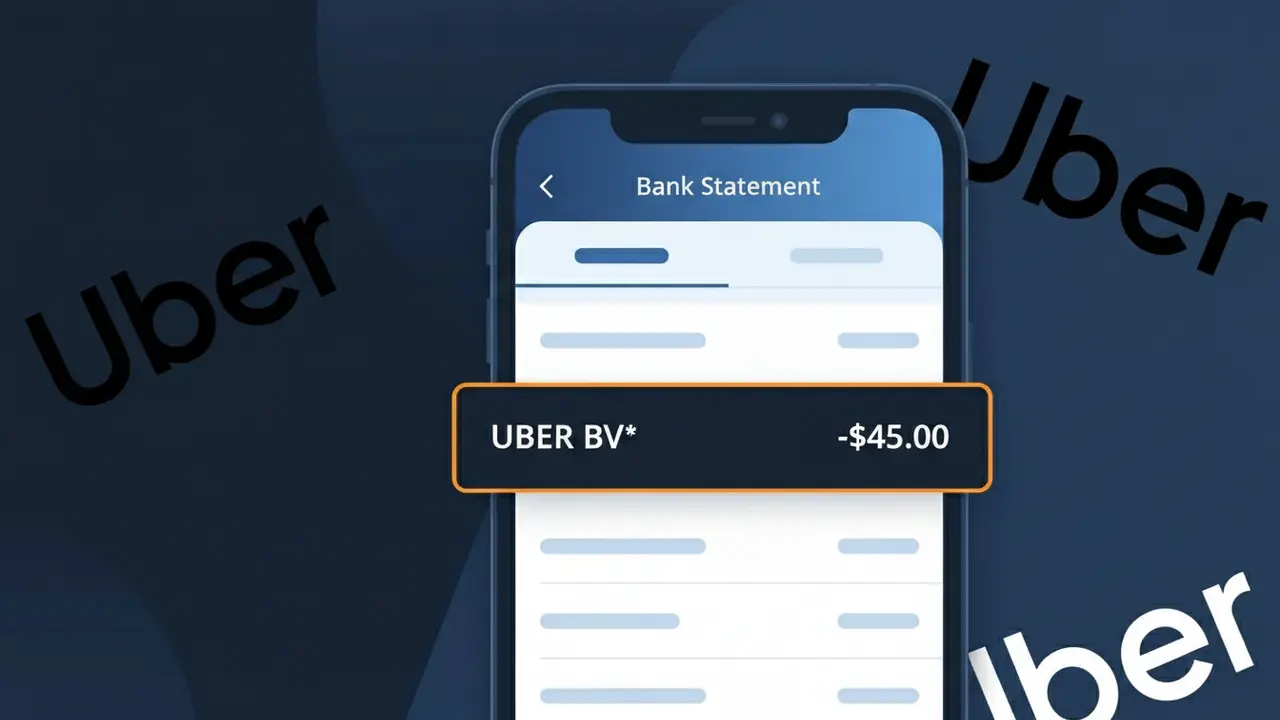
The UBER BV* charge on your bank statement is a payment to Uber, the global ride-hailing and delivery platform. This descriptor appears when you take an Uber ride, with the 'BV' referring to Uber's Netherlands-based European legal entity, Uber B.V. (Besloten Vennootschap, a Dutch private limited company). If you've recently requested a trip through the Uber app, this charge represents the fare for that journey. It's a legitimate transaction and should match a ride in your Uber trip history.
The descriptor UBER BV* appears on your bank statement because Uber processes many of its European transactions through its Dutch subsidiary, Uber B.V., headquartered in Amsterdam, Netherlands. Rather than displaying a generic 'Uber' label, your bank reflects the legal entity name used during payment processing, which is why 'BV' is included alongside the brand name. The asterisk (*) is a standard formatting character used by payment processors to separate the company name from additional transaction details.
Is the UBER BV* Charge Legitimate or Fraud?
The UBER BV* charge on your bank or credit card statement is almost always a legitimate transaction from Uber, the global ride-hailing and delivery platform. "BV" refers to Besloten Vennootschap, a Dutch private company designation, as Uber processes many international payments through its Netherlands-based entity, Uber BV. Here are the most common reasons this charge appears:
- A completed Uber ride booked through the Uber app
- An Uber Eats food delivery order placed recently
- An active Uber One membership subscription billed monthly or annually
- A pending authorization hold placed when you first requested a ride
How to Verify the UBER BV* Charge
- 1
Check your Uber ride and order history
Open the Uber app, go to 'Activity,' and match the UBER BV* charge amount and date to a recent ride or Uber Eats order.
- 2
Search your email for Uber receipts
Search your inbox for emails from 'noreply@uber.com' — Uber sends a receipt for every completed trip or delivery that will match the UBER BV* charge.
- 3
Check household members' Uber accounts
If family members share a payment method, ask if they recently used Uber or Uber Eats, as UBER BV* charges appear regardless of which family profile made the booking.
- 4
Review your Uber One subscription status
Log into your Uber account, navigate to 'Uber One' under Account settings, and check whether a recurring membership fee matches the UBER BV* charge on your statement.
- 5
Contact your bank for details
If you still can't identify the UBER BV* charge, call your bank and ask for the exact merchant descriptor and transaction date to narrow down which Uber service was billed.
How to Dispute a UBER BV* Charge
- 1
Act within 60 days of the charge
Most banks require you to dispute an unauthorized UBER BV* charge within 60 days of the statement date — don't delay if you believe the charge is fraudulent.
- 2
Contact Uber support first
Visit help.uber.com or use the 'Help' section in the Uber app to report an unrecognized UBER BV* charge — Uber can often issue a refund faster than a bank dispute.
- 3
File a chargeback with your bank
If Uber support does not resolve the issue, contact your bank or card issuer and formally dispute the UBER BV* charge as unauthorized, providing any supporting email receipts.
- 4
Request a new card number
If the UBER BV* charge appears to be fraudulent and your card details were compromised, ask your bank to cancel the card and issue a new one to prevent further unauthorized charges.
Tips for Managing Uber Charges
Enable real-time Uber app notifications so you're alerted the moment an UBER BV* charge is processed.
Save Uber email receipts to a dedicated folder — they make matching UBER BV* bank entries quick and easy.
Secure your Uber account with a strong password and two-factor authentication to prevent unauthorized UBER BV* charges.
Note your Uber One renewal date in your calendar so monthly or annual UBER BV* subscription fees never catch you off guard.
Use a dedicated card for Uber to isolate UBER BV* charges and spot any unauthorized activity faster.
Use WhatIsThisCharge.net to identify related charges from Uber or other travel services on your statement.
Frequently Asked Questions About the UBER BV* Charge
ℹ️ Note
In most cases, an UBER BV* charge is a completely normal transaction from Uber — likely a recent ride, Uber Eats delivery, or your Uber One membership renewal. A quick check of your Uber app activity will usually confirm the charge within seconds.
🔍 Decode this charge instantly
Search our database for UBER BV* and similar charges.
Decode UBER BV* →Was this article helpful?