Why You're Seeing "WISH*" on Your Bank Statement
Why You're Seeing "WISH*" on Your Bank Statement
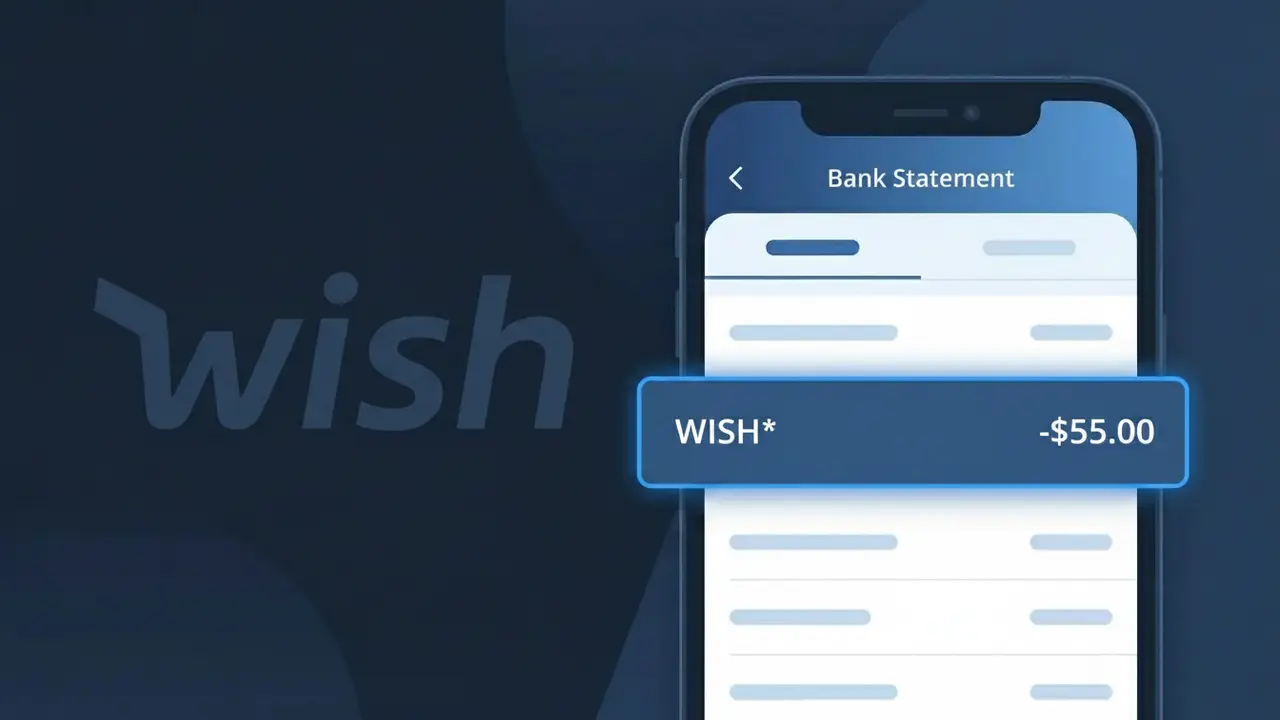
A charge showing WISH* on your bank statement comes from Wish, the popular discount online marketplace known for its deeply discounted products shipped directly from sellers worldwide. This descriptor appears when you make a purchase through the Wish app or website at wish.com. Wish operates as a platform connecting budget-conscious shoppers with third-party sellers, primarily based in China, offering everything from clothing and electronics to home goods and accessories. If you see WISH* followed by additional characters or numbers, this typically represents a specific order or transaction reference tied to your purchase.
The WISH* descriptor appears on your bank statement because Wish registers this shorthand billing identifier with payment processors to represent transactions made on their platform. The asterisk following WISH is a standard billing convention used to separate the merchant name from an order ID or transaction code, which helps Wish track individual purchases on their end.
Rather than displaying the full company name ContextLogic Inc., which is Wish's parent company, or simply 'Wish.com,' the payment system uses the abbreviated WISH* format as it was submitted during merchant account registration with card networks like Visa or Mastercard.
Is the WISH* Charge Legitimate or Fraud?
A WISH* charge on your bank or credit card statement typically comes from Wish (wish.com), a popular online discount shopping marketplace. This charge appears when you purchase products through the Wish app or website, and the billing descriptor is truncated to WISH* followed by an order or merchant identifier. While most WISH* charges are legitimate, unauthorized charges can occur if your Wish account credentials were compromised or your card details were stolen.
- You recently ordered low-cost goods through the Wish app or wish.com
- A family member or household user made a purchase using your saved payment method on Wish
- Wish may split a single order into multiple charges if items ship from different sellers
- Your Wish account was accessed without authorization, resulting in a fraudulent purchase
How to Verify the WISH* Charge
- 1
Log into your Wish account
Visit wish.com or open the Wish app and navigate to your Order History. Match the charge amount and date to a recent Wish purchase to confirm it's legitimate.
- 2
Search your email for Wish receipts
Search your inbox for emails from Wish (noreply@wish.com or support@wish.com). Wish sends order confirmation emails that include the charge amount and item details.
- 3
Check household members
Ask family members or anyone with access to your device whether they placed an order on Wish using your saved payment method, as the Wish app stores card details for easy checkout.
- 4
Review Wish subscription services
Check if you signed up for Wish Cash, Wish Express, or any promotional Wish membership. Some Wish features carry recurring fees that appear as WISH* on your statement.
- 5
Contact your bank
If you still cannot identify the WISH* charge, call the number on the back of your card. Your bank can provide the full merchant details attached to the WISH* transaction.
How to Dispute a WISH* Charge
- 1
Act within 60 days
Report an unauthorized WISH* charge to your bank as soon as possible — most banks require disputes to be filed within 60 days of the statement date to qualify for a chargeback.
- 2
Contact Wish customer support first
Reach out to Wish support at wish.com/support or through the Wish app. Wish can issue a refund directly for unrecognized or fraudulent WISH* charges, which is often faster than a bank dispute.
- 3
File a chargeback with your bank
If Wish does not resolve the issue, contact your bank or card issuer to formally dispute the WISH* charge. Provide your Wish order history and any email correspondence as supporting evidence.
- 4
Request a new card
If you suspect your card details were stolen and used on Wish without your knowledge, ask your bank to cancel the compromised card and issue a new one to prevent further WISH* charges.
Tips for Managing Wish Charges
Enable bank transaction alerts so you're notified instantly when a new WISH* charge posts to your account.
Keep your Wish order confirmation emails — they make it easy to match any WISH* charge on your statement.
Use a strong, unique password for your Wish account and enable two-factor authentication to prevent unauthorized WISH* purchases.
Note that Wish may charge each seller separately, so one order can generate multiple WISH* entries on the same billing cycle.
Use a virtual card number for Wish purchases to limit exposure if your Wish account is ever compromised.
Use WhatIsThisCharge.net to identify any other unfamiliar charges that appear alongside WISH* on your statement.
Frequently Asked Questions About the WISH* Charge
ℹ️ Note
Most WISH* charges are straightforward purchases from Wish's online marketplace — if the amount matches something in your Wish order history, there's no cause for concern. If anything looks unfamiliar, Wish's support team and your bank are both quick to help resolve the issue.
Was this article helpful?