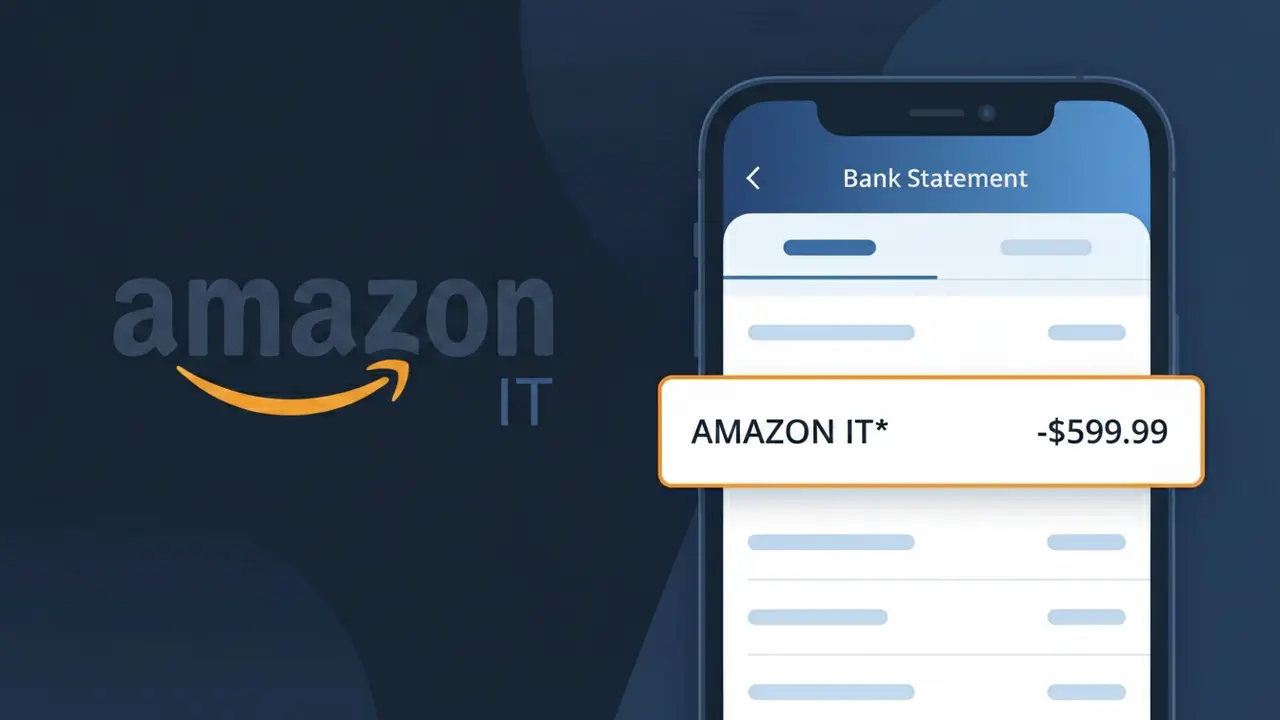
AMAZON IT* Charge (What It Is + Is It Legit?)
✓ LegitimateThe "AMAZON IT*" charge is from Amazon Italy. Purchase or subscription from Amazon Italy. This descriptor appears on Italian bank statements for Amazon marketplace purchases.

Amazon Italy
Purchase or subscription from Amazon Italy. This descriptor appears on Italian bank statements for Amazon marketplace purchases.
Category
Shopping
Avg. Charge
Variable
Country
IT
Billing Cycle
One-time
Cancel At
amazon.it/gp/help/customer/display.html?nodeId=201909600
Support
800-145-681
What is this charge?
When Amazon processes payments through its Italian marketplace, the billing system truncates the company identifier to fit within the character limits imposed by international payment networks, resulting in "AMAZON IT*" appearing on your statement rather than the full "Amazon Italy" name. The "IT" portion is the standard ISO country code for Italy, which Amazon appends to distinguish transactions originating from its regional European entity from those processed through its other country-specific platforms like Amazon UK or Amazon Germany. If you recently made a purchase or signed up for a subscription through Amazon's Italian storefront at amazon.it, this descriptor is the expected confirmation that your payment was successfully processed by Amazon Italy's billing system.
How to handle this charge
Check Your Amazon Italy Order History
Log in to your account at amazon.it and navigate to your order history to match the AMAZON IT* charge with a recent purchase or subscription. The charge amount and date should align with an order confirmation email from Amazon Italy.
Review Active Amazon Italy Subscriptions
Visit amazon.it and check your account settings for any active subscriptions or recurring services such as Amazon Prime Italy or digital content purchases. These can generate recurring AMAZON IT* charges that may be easy to overlook.
Cancel Unwanted Amazon Italy Subscriptions
If you find a subscription tied to the AMAZON IT* charge that you no longer want, visit amazon.it/gp/help/customer/display.html?nodeId=201909600 to manage or cancel your Amazon Italy subscription and prevent future charges from appearing on your statement.
Contact Amazon Italy Customer Support
If the AMAZON IT* charge still cannot be matched to a specific order or subscription after reviewing your account on amazon.it, reach out directly to Amazon Italy customer support through their website to request a detailed breakdown of the charge and resolve any discrepancies.
💡 Tip — call before disputing
Try calling Amazon Italy at 800-145-681 first. Most refund requests get resolved in one call, and bank disputes take 10+ days.
ℹ️ International processing
This charge is processed in IT. You may see a foreign transaction fee from your bank (typically 1-3%).
Quick fraud check
No, this is a legitimate charge from Amazon Italy. However, if you did not authorize this charge or cancelled your subscription, you may be eligible for a refund.
ℹ️ Note
In most cases, seeing "AMAZON IT*" on your statement is completely normal. Before assuming fraud, check your recent purchases — most mystery charges have a simple explanation.
Is the AMAZON IT* Charge Legitimate or Fraud?
If you've spotted AMAZON IT* on your bank or credit card statement, this charge typically originates from AMAZON IT — Amazon's Italian marketplace (amazon.it). This billing descriptor appears when purchases, subscriptions, or digital content are processed through Amazon's Italian platform. While most AMAZON IT* charges are legitimate, it's important to verify the charge if you don't recall making a purchase on the Italian Amazon storefront.
- You or a family member made a purchase on amazon.it
- You subscribed to Amazon Prime through the Italian platform
- A Kindle, Audible, or digital content purchase was made via amazon.it
- An Amazon AWS service or business account billed through the Italian entity
How to Verify the AMAZON IT* Charge
- 1
Log into your Amazon account
Visit amazon.it or amazon.com and check your order history. Look for any recent purchases that match the AMAZON IT* charge amount on your statement.
- 2
Search your email for receipts
Search your inbox for emails from 'amazon.it' or 'no-reply@amazon.it'. AMAZON IT sends order confirmation emails that will match the charge amount and date.
- 3
Check household members
Ask family members or anyone with access to your Amazon account if they placed an order through amazon.it that would appear as AMAZON IT* on your statement.
- 4
Review your Amazon subscriptions
Go to your Amazon account settings and check 'Memberships & Subscriptions' to see if an Amazon Prime Italy or other recurring service is billing as AMAZON IT*.
- 5
Contact your bank
If you still cannot identify the AMAZON IT* charge, call the number on the back of your card and ask your bank for the full merchant details associated with the transaction.
How to Dispute an AMAZON IT* Charge
- 1
Act within 60 days
Credit card dispute windows typically close after 60 days from the statement date. If you see an unrecognized AMAZON IT* charge, start the dispute process as soon as possible.
- 2
Contact AMAZON IT first
Visit amazon.it and go to 'Returns & Orders' or use the Amazon Help Center to request a refund directly. AMAZON IT customer service can often resolve billing issues faster than a bank dispute.
- 3
File a chargeback with your bank
If AMAZON IT does not resolve the issue, contact your bank or credit card issuer and formally dispute the AMAZON IT* charge as unauthorized or unrecognized.
- 4
Request a new card
If you suspect your card details were used fraudulently to make AMAZON IT* purchases, ask your bank to cancel your current card and issue a replacement to prevent further charges.
Tips for Managing AMAZON IT Charges
Enable Amazon order notifications so every AMAZON IT* purchase triggers an instant email alert.
Regularly review your amazon.it order history to reconcile AMAZON IT* charges with your bank statement.
Secure your AMAZON IT account with a strong password and two-factor authentication to prevent unauthorized purchases.
Note your Amazon Prime Italy renewal date to anticipate recurring AMAZON IT* subscription charges each billing cycle.
Use a virtual card number for amazon.it purchases to limit exposure if your payment details are ever compromised.
Use WhatIsThisCharge.net to identify related charges from AMAZON IT and other Amazon billing descriptors.
Frequently Asked Questions
Was this page helpful?
Community Reports (0)
0 votesNo votes yet — be the first to report on this charge!
Have you seen this charge? Help others by voting:
Community Comments (0)
No comments yet. Be the first to share your experience!
Share your experience
Your email is only used to verify your comment and will never be shown publicly.
Search Another Charge
Popular Charges

Amazon Italy
AMZN MKTP IT
Vodafone Italy
VODAFONE IT
Deliveroo Italy
DELIVEROO IT*
ATM (Azienda Trasporti Milanesi)
CLESS TICKET ATM MILAN MILANO ITA
Glovo Italy
GLOVO IT*
Related Charges
Need to dispute this charge?
Generate a professional dispute letter in seconds with our AI tool.
Open Charge AssistantCommunity Verified
Real user reports
Free to Use
Always free to check
Secure & Private
Your data is safe
Help Millions
48K+ charges identified