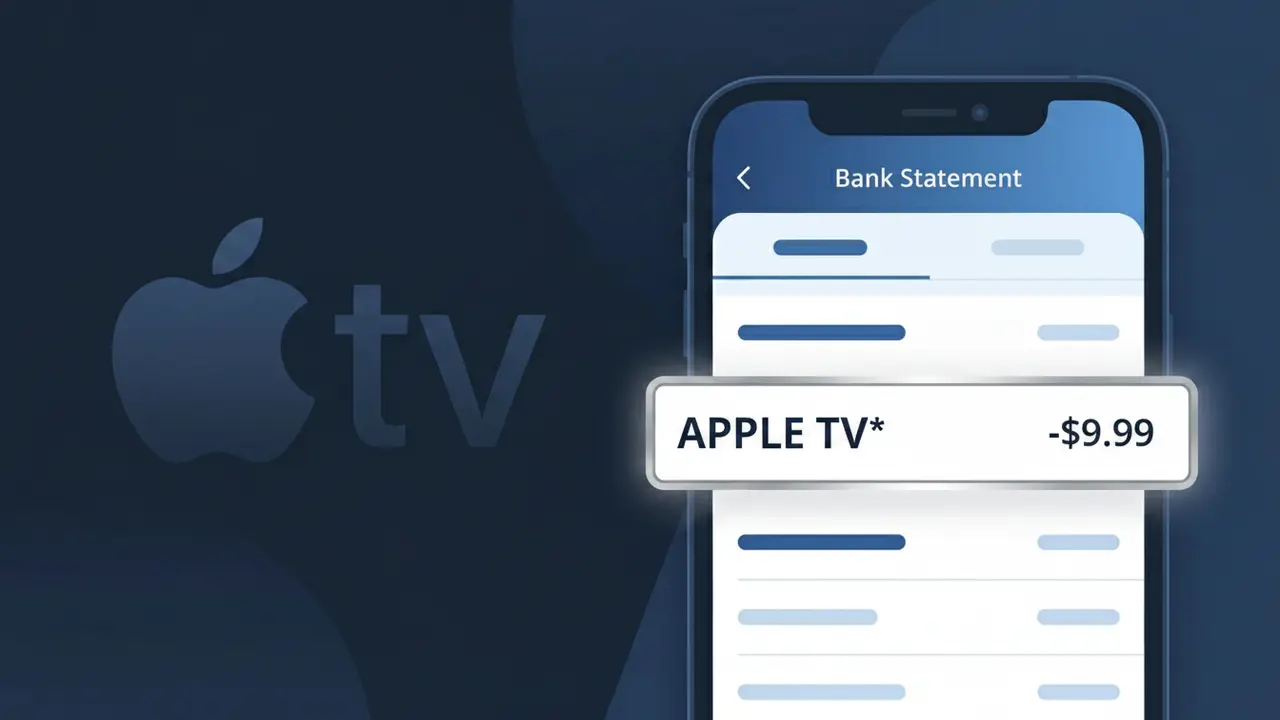
APPLE TV* Charge (What It Is + Is It Legit?)
✓ LegitimateThe "APPLE TV*" charge is from Apple TV+. Apple TV+ streaming subscription.
Apple TV+
Apple TV+ streaming subscription.
Category
Streaming
Avg. Charge
$9.99
Country
US
Billing Cycle
Monthly
Cancel At
tv.apple.com/account
Support
See website
Why this shows on your statement
When Apple processes billing for its Apple TV+ streaming service, the charge descriptor is truncated to "APPLE TV*" on your bank statement because payment networks like Visa and Mastercard enforce a strict character limit on merchant descriptors, typically capping them at around 20-25 characters including spaces. Apple uses the asterisk as a separator character, a common convention in their billing system that distinguishes the service name from any additional identifier that might follow, while the "+" symbol in Apple TV+ is simply dropped since special characters are often stripped or unsupported by legacy banking descriptor systems. If you see "APPLE TV*" on your statement for $9.99, it is almost certainly your monthly Apple TV+ subscription being billed through Apple's standard payment infrastructure.
What should you do?
Confirm Your Apple TV+ Subscription
Visit tv.apple.com and sign in with your Apple ID to verify that you have an active Apple TV+ subscription. The APPLE TV* charge on your statement is the recurring fee for this streaming service.
Check Who in Your Family Is Using It
If you share an Apple Family plan, the Apple TV+ subscription may be shared among family members. Review your Apple ID family sharing settings to confirm who has access and whether the subscription is being actively used.
Review Your Billing Date and Amount
Log in at tv.apple.com/account to see your Apple TV+ billing history and confirm the charge amount matches your current plan. Apple TV+ subscription pricing can change, so make sure the amount on your bank statement aligns with your expected rate.
Cancel If You No Longer Need It
If you want to stop future APPLE TV* charges, go to tv.apple.com/account and cancel your Apple TV+ subscription before your next billing date. You will continue to have access to the service until the end of the current billing period.
How to cancel Apple TV+
Apple TV+ bills you Monthly. To stop future charges, cancel from your account directly.
Cancel at Apple TV+Should you be worried?
No, this is a legitimate charge from Apple TV+. However, if you did not authorize this charge or cancelled your subscription, you may be eligible for a refund.
ℹ️ Note
In most cases, seeing "APPLE TV*" on your statement is completely normal. Before assuming fraud, check your recent purchases — most mystery charges have a simple explanation.
Is the APPLE TV* Charge Legitimate or Fraud?
If you see APPLE TV* on your bank or credit card statement, this charge most likely comes from Apple TV+, Apple's streaming subscription service offering original movies, series, and documentaries. This is a legitimate recurring billing descriptor used by Apple when processing subscription payments through their platform.
Common legitimate reasons you might see the APPLE TV* charge include:
- An active Apple TV+ monthly or annual subscription ($9.99/month or $99/year)
- A free trial that has converted into a paid Apple TV+ subscription
- A family member sharing your payment method for their Apple TV+ plan
- An Apple One bundle subscription that includes Apple TV+ among other services
However, if you don't recall signing up for Apple TV+ or sharing your payment details, the charge could indicate unauthorized use of your account or card. Always verify before dismissing or disputing the APPLE TV* charge.
How to Verify the APPLE TV* Charge
- 1
Check your Apple ID subscription list
Open the Settings app on your iPhone or iPad, tap your name, then go to Subscriptions. Look for an active Apple TV+ subscription that matches the APPLE TV* charge amount on your statement.
- 2
Search your email for Apple receipts
Search your inbox for emails from 'noreply@email.apple.com' with the subject 'Your receipt from Apple.' Apple sends a receipt every time an APPLE TV* charge is processed.
- 3
Check household or family members
If you use Apple Family Sharing, a family member may have signed up for Apple TV+ using your shared payment method, resulting in the APPLE TV* charge appearing on your account.
- 4
Review your Apple One bundle
If you subscribe to Apple One, Apple TV+ is included in that bundle. The charge may appear as APPLE TV* even though it's part of a larger Apple One subscription package.
- 5
Contact Apple Support or your bank
If you still can't identify the APPLE TV* charge, contact Apple Support at 1-800-275-2273 or visit reportaproblem.apple.com. Your bank can also provide the exact merchant transaction details.
How to Dispute an APPLE TV* Charge
- 1
Act within 60 days of the charge
Credit card disputes for an unauthorized APPLE TV* charge should be filed within 60 days of the statement date. Check your statement as soon as you notice the charge to avoid missing the dispute window.
- 2
Contact Apple TV first
Visit reportaproblem.apple.com, sign in with your Apple ID, and request a refund for the APPLE TV* charge. Apple often resolves billing disputes quickly, especially for accidental or duplicate charges.
- 3
File a chargeback with your bank
If Apple TV does not resolve your dispute, call the number on the back of your credit or debit card and report the APPLE TV* charge as unauthorized. Provide any documentation, including email receipts or screenshots.
- 4
Request a new card number
If the APPLE TV* charge appears to be fraudulent and linked to compromised card details, ask your bank to issue a new card number to prevent further unauthorized charges from Apple TV or other merchants.
Tips for Managing APPLE TV Charges
Enable billing notifications on your Apple ID so you get an alert every time an APPLE TV* charge is processed.
Regularly review your Subscriptions list in Apple ID settings to confirm your Apple TV+ plan is at the expected price.
Secure your Apple ID with two-factor authentication to prevent unauthorized Apple TV+ subscriptions on your account.
Note your Apple TV+ renewal date — annual plans renew quietly and can result in a larger unexpected APPLE TV* charge.
If you cancel Apple TV+, screenshot the confirmation to use as evidence if an APPLE TV* charge appears afterward.
Use WhatIsThisCharge.net to identify related charges that may appear alongside APPLE TV* on your statement.
Questions and answers
Was this page helpful?
Community Reports (0)
0 votesNo votes yet — be the first to report on this charge!
Have you seen this charge? Help others by voting:
Community Comments (0)
No comments yet. Be the first to share your experience!
Share your experience
Your email is only used to verify your comment and will never be shown publicly.
Search Another Charge
Popular Charges

Amazon Marketplace
AMZN MKTP US
Netflix
NETFLIX *SUBSCRIPTION
Netflix
NETFLIX.COM *
Apple
APPLE *SUBSCRIPTION
Apple
APPLE.COM/BILL
Related Charges
Need to dispute this charge?
Generate a professional dispute letter in seconds with our AI tool.
Open Charge AssistantCommunity Verified
Real user reports
Free to Use
Always free to check
Secure & Private
Your data is safe
Help Millions
48K+ charges identified