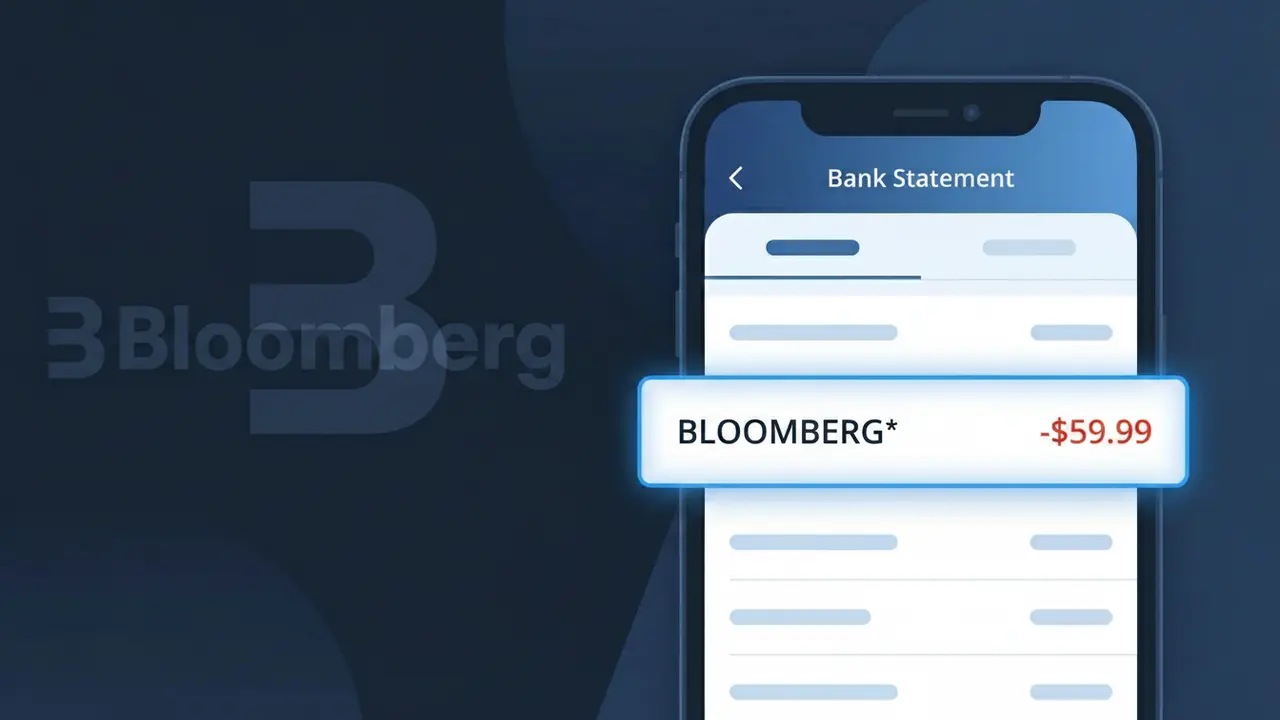
BLOOMBERG* Charge (What It Is + Is It Legit?)
✓ LegitimateThe "BLOOMBERG*" charge is from Bloomberg. Bloomberg news subscription.
Bloomberg
Bloomberg news subscription.
Category
News
Avg. Charge
$34.99
Country
US
Billing Cycle
Monthly
Cancel At
bloomberg.com/account
Support
See website
Why does this charge appear?
Bloomberg uses the truncated descriptor "BLOOMBERG*" on bank statements because their subscription billing system appends an asterisk to the company name, a formatting convention commonly used by major digital subscription services to signal that the charge is tied to a recurring online account rather than a one-time retail purchase. The asterisk acts as a separator that payment processors like Stripe or Braintree use to distinguish the merchant name from any additional descriptor information, such as a subscription tier or account identifier, that may follow it on some card networks. If you're seeing this charge for around $34.99 each month, it is almost certainly your Bloomberg News subscription renewing automatically.
Your next steps
Identify your Bloomberg subscription
The BLOOMBERG* charge on your statement is linked to a Bloomberg news subscription. Visit bloomberg.com and log in to your account to confirm which subscription plan you are currently enrolled in and verify the billing amount matches what you signed up for.
Review your Bloomberg billing history
Once logged in at bloomberg.com, navigate to your account settings and check your billing history to ensure the BLOOMBERG* charge matches the expected renewal date and subscription cost. This will help you confirm the charge is not a duplicate or an unexpected price increase.
Manage or cancel your Bloomberg subscription
If you no longer wish to be charged for Bloomberg, visit bloomberg.com/account to manage your subscription settings. From there you can update your plan, pause your subscription, or cancel it entirely to prevent future BLOOMBERG* charges from appearing on your statement.
Contact Bloomberg support if needed
If the BLOOMBERG* charge amount looks incorrect or you have questions about your subscription after reviewing your account at bloomberg.com, reach out to Bloomberg customer support directly through their website to resolve any billing discrepancies before considering a dispute with your bank.
How to cancel Bloomberg
Bloomberg bills you Monthly. To stop future charges, cancel from your account directly.
Cancel at BloombergLegitimate or scam?
No, this is a legitimate charge from Bloomberg. However, if you did not authorize this charge or cancelled your subscription, you may be eligible for a refund.
ℹ️ Note
In most cases, seeing "BLOOMBERG*" on your statement is completely normal. Before assuming fraud, check your recent purchases — most mystery charges have a simple explanation.
Is the BLOOMBERG* Charge Legitimate or Fraud?
If you see a BLOOMBERG* charge on your bank or credit card statement, it is most likely a legitimate charge from Bloomberg, the global financial data, news, and media company. Bloomberg offers several paid subscription products — including Bloomberg Law, Bloomberg Intelligence, Bloomberg Terminal access, and Bloomberg News digital subscriptions — all of which may appear as BLOOMBERG* on your statement.
- Bloomberg Terminal subscriptions, which are common among finance professionals, bill monthly or annually and appear as BLOOMBERG*
- Bloomberg Law subscriptions for legal professionals may generate recurring BLOOMBERG* charges
- Bloomberg News digital access plans billed to individual consumers show up as BLOOMBERG*
- Corporate or enterprise accounts may have Bloomberg* charges appear on employee or company cards
If you do not recognize the charge, it is worth checking whether a family member, colleague, or employer enrolled in a Bloomberg service before assuming it is fraudulent.
How to Verify the BLOOMBERG* Charge
- 1
Log into your Bloomberg account
Visit bloomberg.com and sign in to check your active subscriptions and recent billing history. Any active plan will be listed under your account settings.
- 2
Search your email for Bloomberg receipts
Search your inbox for emails from Bloomberg or bloomberg.com. Bloomberg sends confirmation emails when a subscription is started or renewed, which will match the BLOOMBERG* charge date.
- 3
Check with household members or colleagues
Ask family members or coworkers if they signed up for a Bloomberg service using a shared card. Bloomberg Terminal and Bloomberg Law are common in professional environments.
- 4
Review your subscription management tools
Check your bank or credit card's subscription tracker, or use a tool like Privacy.com or Rocket Money to see if a Bloomberg subscription was set up automatically.
- 5
Contact Bloomberg customer support
Reach Bloomberg support at bloomberg.com/customer-support. Provide the charge date and amount, and they can confirm whether it is tied to a Bloomberg account under your name or email.
How to Dispute a BLOOMBERG* Charge
- 1
Act within 60 days of the charge
Most banks require disputes to be filed within 60 days of the statement date. Identify the BLOOMBERG* charge date and act promptly to preserve your right to dispute.
- 2
Contact Bloomberg directly first
Before filing a chargeback, contact Bloomberg support at bloomberg.com/customer-support. Bloomberg may issue a refund directly, especially for accidental renewals or duplicate charges.
- 3
File a chargeback with your bank or card issuer
If Bloomberg does not resolve the issue, call the number on the back of your card and report the BLOOMBERG* charge as unauthorized. Provide any communication you had with Bloomberg as evidence.
- 4
Request a new card number
If the BLOOMBERG* charge appears fraudulent and you did not authorize any Bloomberg service, ask your bank to issue a replacement card to prevent further unauthorized charges.
Tips for Managing BLOOMBERG Charges
Set a billing alert for BLOOMBERG* so you are notified each time a Bloomberg charge posts to your account.
Log into bloomberg.com regularly to review your active Bloomberg subscriptions and upcoming renewal dates.
Keep your Bloomberg account credentials secure and review authorized users to avoid unexpected BLOOMBERG* charges.
Note Bloomberg's billing cycle — annual Bloomberg plans often renew quietly; calendar a reminder before renewal.
Use a virtual card number for Bloomberg subscriptions so you can easily block future charges if needed.
Use WhatIsThisCharge.net to identify related charges that may appear alongside BLOOMBERG* on your statement.
Quick answers
Was this page helpful?
Community Reports (0)
0 votesNo votes yet — be the first to report on this charge!
Have you seen this charge? Help others by voting:
Community Comments (0)
No comments yet. Be the first to share your experience!
Share your experience
Your email is only used to verify your comment and will never be shown publicly.
Search Another Charge
Popular Charges

Amazon Marketplace
AMZN MKTP US
Netflix
NETFLIX *SUBSCRIPTION
Netflix
NETFLIX.COM *
Apple
APPLE *SUBSCRIPTION
Apple
APPLE.COM/BILL
Related Charges
Need to dispute this charge?
Generate a professional dispute letter in seconds with our AI tool.
Open Charge AssistantCommunity Verified
Real user reports
Free to Use
Always free to check
Secure & Private
Your data is safe
Help Millions
48K+ charges identified